







Question: C++ Maze Lab Exploring a 3D maze Purpose This lab will help you gain experience with recursion so that you are more comfortable using this
C++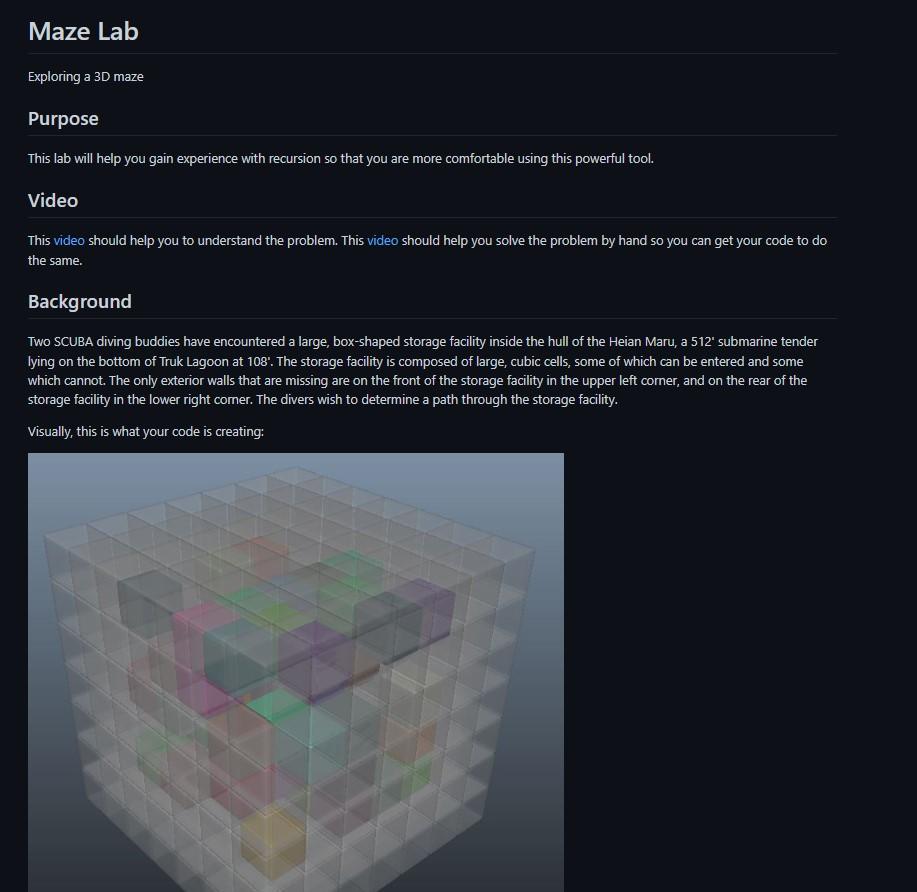
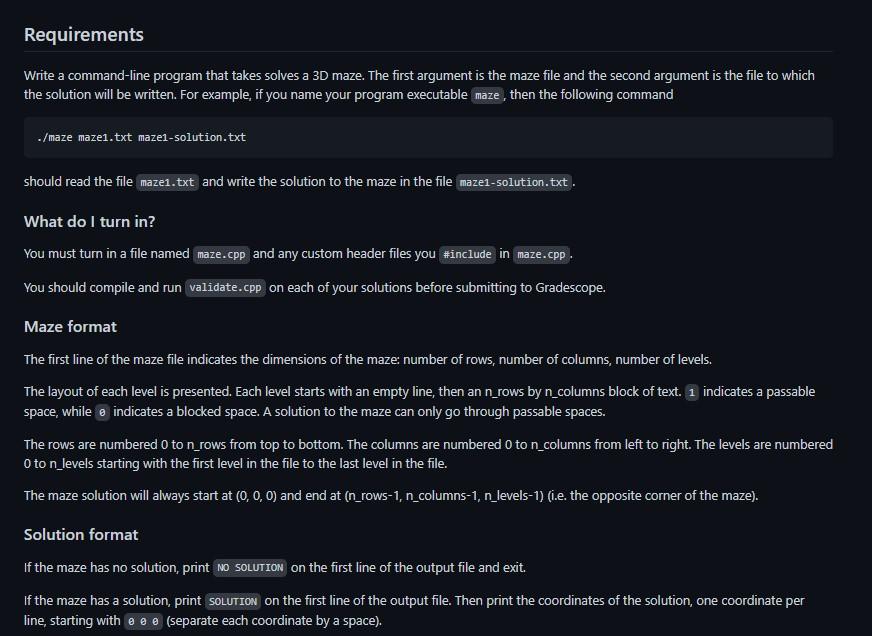

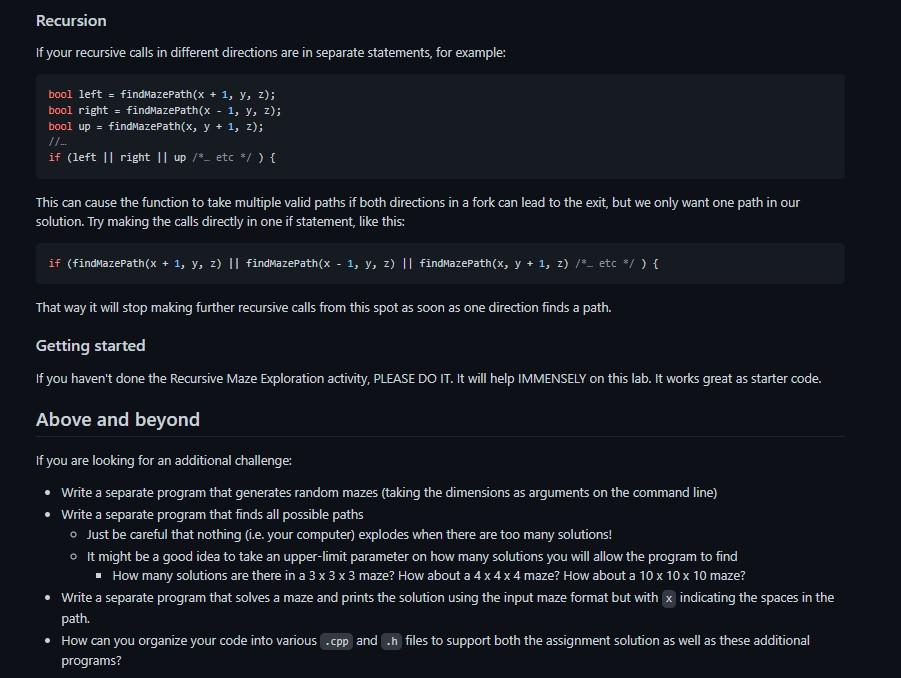
Maze Lab Exploring a 3D maze Purpose This lab will help you gain experience with recursion so that you are more comfortable using this powerful tool. Video This video should help you to understand the problem. This video should help you solve the problem by hand so you can get your code to do the same. Background Two SCUBA diving buddies have encountered a large, box-shaped storage facility inside the hull of the Heian Maru, a 512 submarine tender lying on the bottom of Truk Lagoon at 108: The storage facility is composed of large, cubic cells, some of which can be entered and some which cannot. The only exterior walls that are missing are on the front of the storage facility in the upper left corner, and on the rear of the storage facility in the lower right comer. The divers wish to determine a path through the storage facility. Visually, this is what your code is creating: Requirements Write a command-line program that takes solves a 3D maze. The first argument is the maze file and the second argument is the file to which the solution will be written. For example, if you name your program executable maze, then the following command ./ maze maze1.txt maze1-solution.txt should read the file maze1.txt and write the solution to the maze in the file maze1-solution.txt. What do I turn in? You must turn in a file named and any custom header files you \#include in maze.cpp You should compile and run validate.cpp on each of your solutions before submitting to Gradescope. Maze format The first line of the maze file indicates the dimensions of the maze: number of rows, number of columns, number of levels. The layout of each level is presented. Each level starts with an empty line, then an n _rows by n _columns block of text. 1 indicates a passable space, while indicates a blocked space. A solution to the maze can only go through passable spaces. The rows are numbered 0 to n _rows from top to bottom. The columns are numbered 0 to n columns from left to right. The levels are numbered 0 to _levels starting with the first level in the file to the last level in the file. The maze solution will always start at (0,0,0) and end at (n_rows-1, n_columns-1, n_levels-1) (i.e. the opposite corner of the maze). Solution format If the maze has no solution, print on the first line of the output file and exit. If the maze has a solution, print solution on the first line of the output file. Then print the coordinates of the solution, one coordinate per line, starting with (separate each coordinate by a space). Example Maze 343 1160 0100 0110 6000 0000 0010 0000 6000 0011 Solution SOLUTION Q10 110 210 220 221 222 232 Testing your program You are provided with the mazes that you will be graded on in the mazes folder. You can compile validate. cpp and run it to test whether a given solution is valid. ./validate maze1.txt maze1-solution.txt You will need the files in this github repository to complete your lab. Tips You may find the following tips helpful. Recursion If your recursive calls in different directions are in separate statements, for example: bool left = findmazepath (x+1,y,z); bool right = findMazePath (x1,y,z); bool up = findmazepath (x,y+1,z); //. if (left II right II up / * etc x/ ) f This can cause the function to take multiple valid paths if both directions in a fork can lead to the exit, but we only want one path in our solution. Try making the calls directly in one if statement, like this: if(findmazePath(x+1,y,z)findmazePath(x1,y,z)findmazePath(x,y+1,z)/-etc/) That way it will stop making further recursive calls from this spot as soon as one direction finds a path. Getting started If you haven't done the Recursive Maze Exploration activity, PLEASE DO IT. It will help IMMENSELY on this lab. It works great as starter code. Above and beyond If you are looking for an additional challenge: - Write a separate program that generates random mazes (taking the dimensions as arguments on the command line) - Write a separate program that finds all possible paths - Just be careful that nothing (i.e. your computer) explodes when there are too many solutions! - It might be a good idea to take an upper-limit parameter on how many solutions you will allow the program to find - How many solutions are there in a 333 maze? How about a 444 maze? How about a 101010 maze? - Write a separate program that solves a maze and prints the solution using the input maze format but with x indicating the spaces in the path. - How can you organize your code into various . cpp and. h files to support both the assignment solution as well as these additional programs
Step by Step Solution
There are 3 Steps involved in it

Get step-by-step solutions from verified subject matter experts
 Study Help