







Question: C# Part 1: Array Practice Step 1 - Declare a new array called gradesArray and assign it the following values: _{84,35,93,43,72} This array represents the
C#
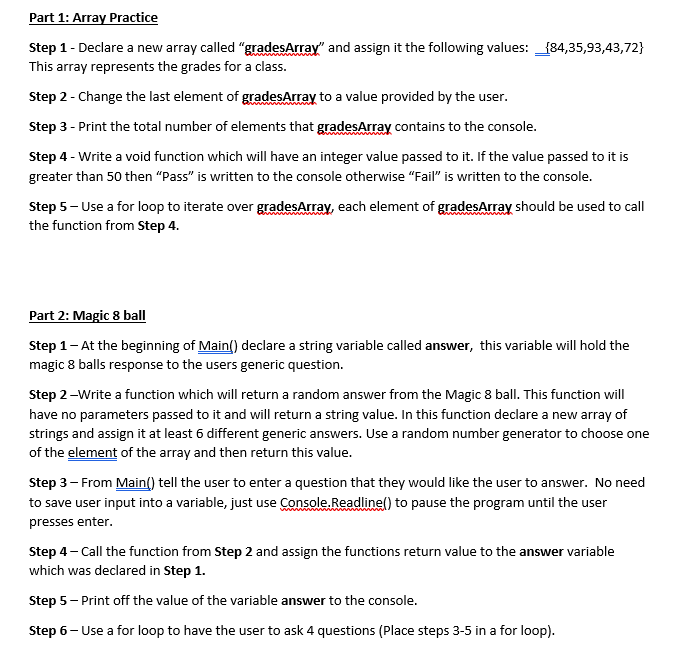
Part 1: Array Practice Step 1 - Declare a new array called "gradesArray" and assign it the following values: _{84,35,93,43,72} This array represents the grades for a class. Step 2 - Change the last element of gradesArray to a value provided by the user. Step 3 - Print the total number of elements that gradesArray contains to the console. Step 4 - Write a void function which will have an integer value passed to it. If the value passed to it is greater than 50 then "Pass" is written to the console otherwise "Fail is written to the console. Step 5 - Use a for loop to iterate over gradesArray, each element of gradesArray should be used to call the function from Step 4. Part 2: Magic 8 ball Step 1 - At the beginning of Main() declare a string variable called answer, this variable will hold the magic 8 balls response to the users generic question. Step 2 -Write a function which will return a random answer from the Magic 8 ball. This function will have no parameters passed to it and will return a string value. In this function declare a new array of strings and assign it at least 6 different generic answers. Use a random number generator to choose one of the element of the array and then return this value. Step 3 - From Main() tell the user to enter a question that they would like the user to answer. No need to save user input into a variable, just use Console.Readlinel) to pause the program until the user presses enter. Step 4 - Call the function from Step 2 and assign the functions return value to the answer variable which was declared in Step 1. Step 5 - Print off the value of the variable answer to the console. Step 6- Use a for loop to have the user to ask 4 questions (Place steps 3-5 in a for loop)
Step by Step Solution
There are 3 Steps involved in it

Get step-by-step solutions from verified subject matter experts
 Study Help