Question: C++ Part B: The Game Board (25% = 20% test program + 2% output + 3% code] In Part B, you will create functions related
 C++
C++
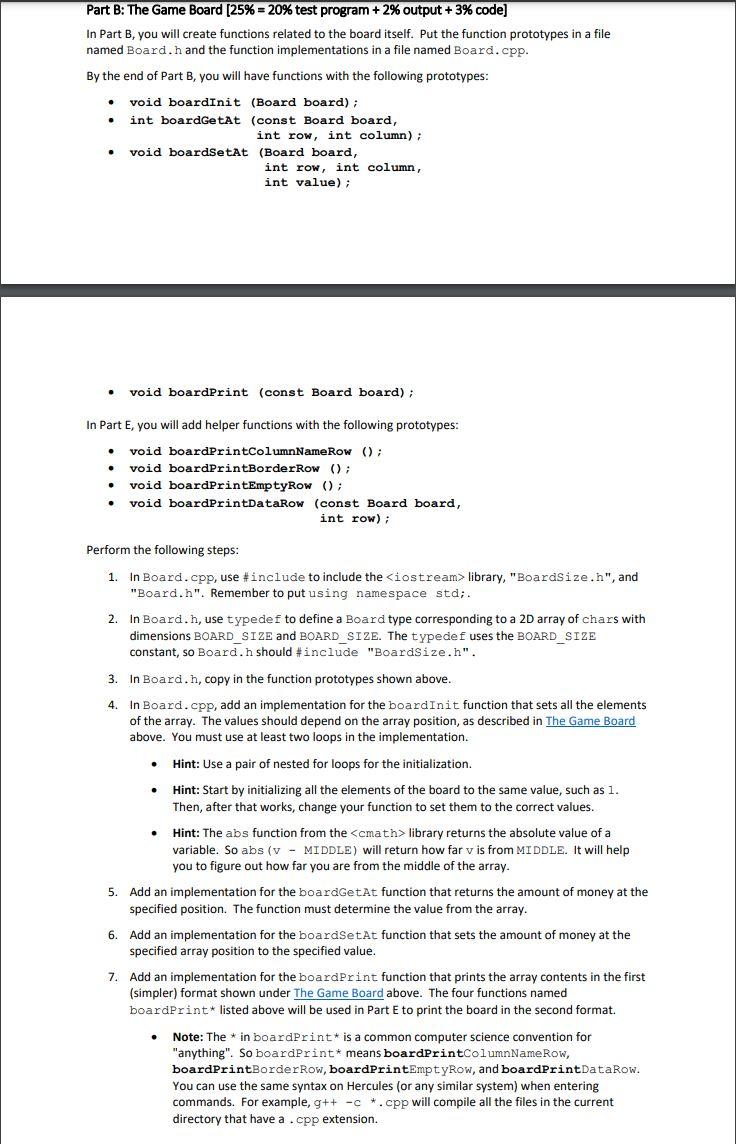
Part B: The Game Board (25% = 20% test program + 2% output + 3% code] In Part B, you will create functions related to the board itself. Put the function prototypes in a file named Board.h and the function implementations in a file named Board.cpp. By the end of Part B, you will have functions with the following prototypes: . . void boardinit (Board board); int boardGetAt (const Board board, int row, int column); void boardSetAt (Board board, int row, int column, int value); . . void boardprint (const Board board); In Part E, you will add helper functions with the following prototypes: . void boardprintColumnNameRow (); void boardPrintBorderRow (); void boardPrintEmptyRow(); void boardPrintDataRow (const Board board, int row); . Perform the following steps: 1. In Board.cpp, use #include to include the library, "BoardSize.h", and "Board.h". Remember to put using namespace std;. 2. In Board.h, use typedef to define a Board type corresponding to a 2D array of chars with dimensions BOARD_SIZE and BOARD_SIZE. The typedef uses the BOARD_SIZE constant, so Board.h should #include "Boardsize.h". 3. In Board.h, copy in the function prototypes shown above. 4. In Board.cpp, add an implementation for the boardInit function that sets all the elements of the array. The values should depend on the array position, as described in The Game Board above. You must use at least two loops in the implementation. . Hint: Use a pair of nested for loops for the initialization. Hint: Start by initializing all the elements of the board to the same value, such as 1. Then, after that works, change your function to set them to the correct values. Hint: The abs function from the









 Study Help