







Question: C++ Please! Most applications that use strings will at some point sort the string data into alphabetical order, either to make their output easier to
 C++ Please!
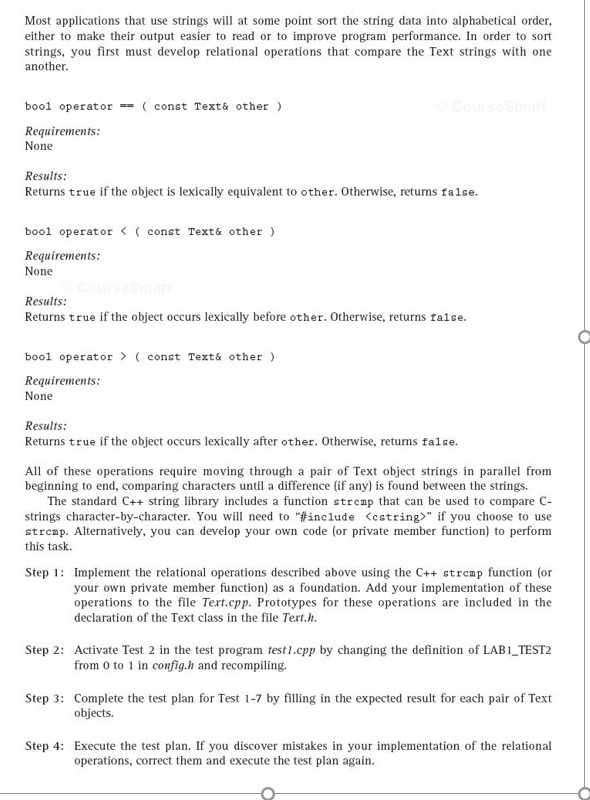
Most applications that use strings will at some point sort the string data into alphabetical order, either to make their output easier to read or to improve program performance. In order to sort strings, you first must develop relational operations that compare the Text strings with one another. bool operator == (const Text& other) Requirements: None Results: Returns true if the object is lexically equivalent to other. Otherwise, returns false. bool operator (const Text& other) Requirements: None Results: Returns true if the object occurs lexically after other. Otherwise, returns false. All of these operations require moving through a pair of Text object strings in parallel from beginning to end, comparing characters until a difference (if any) is found between the strings. The standard C++ string library includes a function strcmp that can be used to compare C- strings character-by-character. You will need to #include " if you choose to use strcmp. Alternatively, you can develop your own code (or private member function) to perform this task. Step 1: Implement the relational operations described above using the C++ strcmp function (or your own private member function) as a foundation. Add your implementation of these operations to the file Text.cpp. Prototypes for these operations are included in the declaration of the Text class in the file Text.h. Step 2: Activate Test 2 in the test program test1.cpp by changing the definition of LAB_1_TEST_2 from 0 to 1 in config.h and recompiling. Step 3: Complete the test plan for Test 1-7 by filling in the expected result for each pair of Text objects. Step 4: Execute the test plan. If you discover mistakes in your implementation of the relational operations, correct them and execute the test plan again
Step by Step Solution
There are 3 Steps involved in it

Get step-by-step solutions from verified subject matter experts
 Study Help