







Question: c++ Practice 1. Write a simple program that initialize new windows for drawing (using BGI library). Code: #include graphics. void main() inted, detect graph(gdan); Initgraph(&gd,&p,
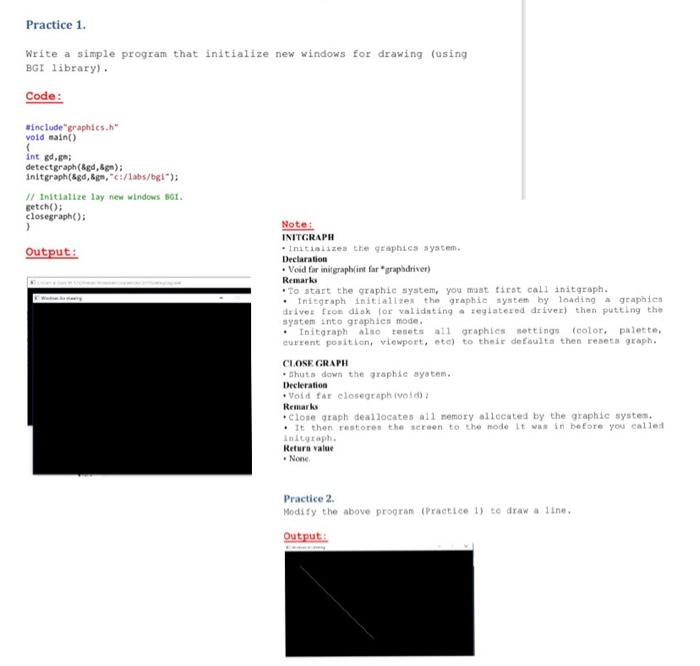
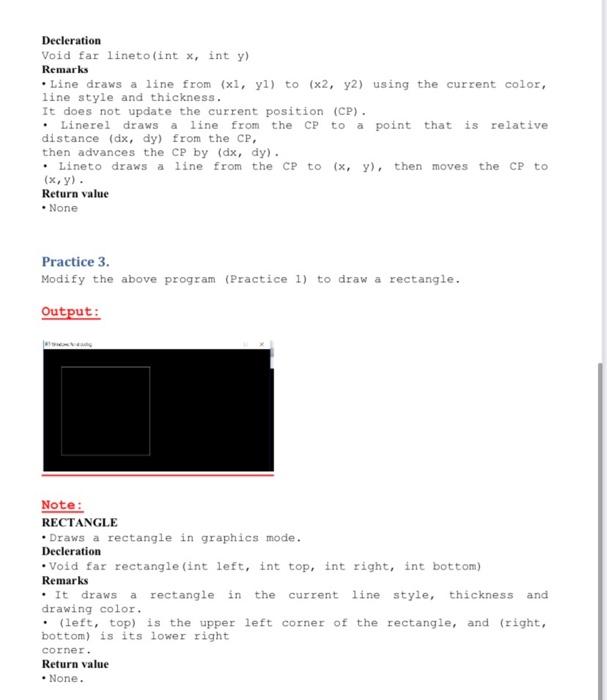
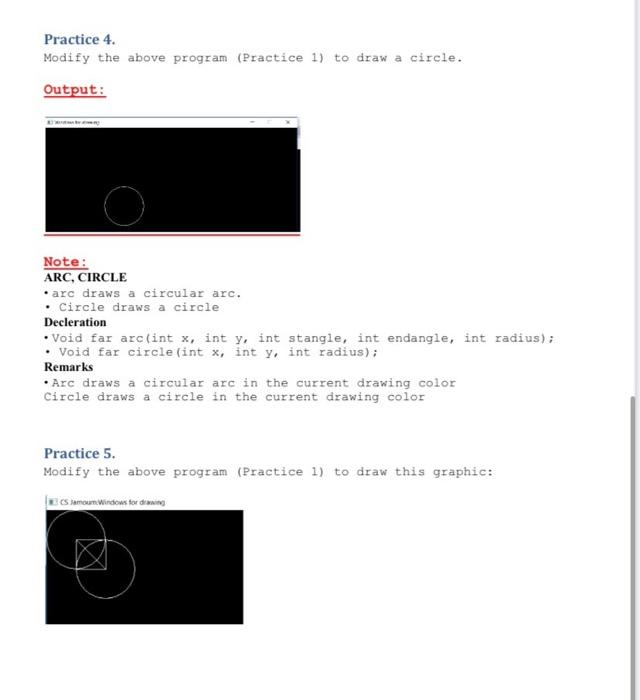
Practice 1. Write a simple program that initialize new windows for drawing (using BGI library). Code: #include graphics." void main() inted, detect graph(gdan); Initgraph(&gd,&p, c/1abs/bg1"); Initialize lay new windows 81. getch(); closegraph(); 2 Output: Note: INITGRAPH Initializes the graphics system. Declaration Void for initgraphint far praphdriver) Remarks . To start the graphic system, you must tarat call initgraph. Initgraph initialiter the graphie system by loading graphics drives from disk for validating a registered driver) then putting the system into graphics mode Initgraph alorsets 11 graphics settings color palette, current position, viewport, etc) to their defaulta then reneta graph. CLOSE GRAPH thuts down the graphic system, Decleration Void far closegraph (10) Remarks Close graph deallocates all nemory allocated by the graphic system. . It then restore the screen to the node It was in before you called Inity aph. Return value None Practice 2. Modity the above program (Practice 1) to draw a line Output: Decleration void far lineto(int x, int y) Remarks Line draws a line from (x1, yl) to (x2, y2) using the current color, line style and thickness. It does not update the current position (CP). Linerel draws a line from the CP point that is relative distance (dx, dy) from the CP, then advances the CP by (dx, dy). Lineto draws a line from the CP to (x, y), then moves the CP to (x,y). Return value None to Practice 3. Modify the above program (Practice 1) to draw a rectangle. Output: Note: RECTANGLE Draws a rectangle in graphics mode. Decleration void far rectangle (int left, int top, int right, int bottom) Remarks . It draws a rectangle in the current line style, thickness and drawing color. : (left, top) is the upper left corner of the rectangle, and (right, bottom) is its lower right corner. Return value None. Practice 4. Modify the above program (Practice 1) to draw a circle. Output: Note: ARC, CIRCLE .arc draws a circular arc. Circle draws a circle Decleration Void far arc(int x, int y, int stangle, int endangle, int radius); Void far circle(int x, int y, int radius); Remarks Arc draws a circular arc in the current drawing color Circle draws a circle in the current drawing color Practice 5. Modify the above program (Practice 1) to draw this graphic: ECS amoun.Windows for din
Step by Step Solution
There are 3 Steps involved in it

Get step-by-step solutions from verified subject matter experts
 Study Help