







Question: C PROGRAM HELP Read words from the standard input until the word END is found. Count all words read (except the sentinel END) Store the
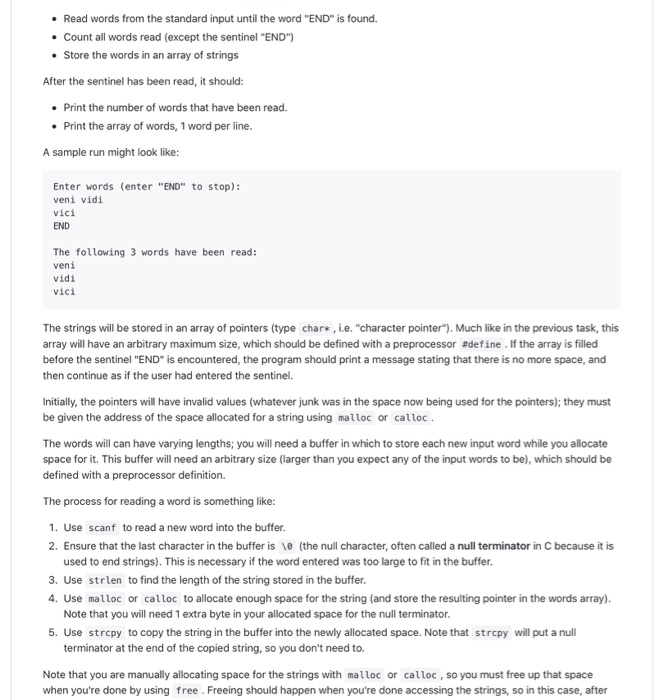
Read words from the standard input until the word "END" is found. Count all words read (except the sentinel "END") Store the words in an array of strings After the sentinel has been read, it should: Print the number of words that have been read. Print the array of words, 1 word per line A sample run might look like: Enter words (enter "END" to stop): veni vidi vici END The following 3 words have been read: veni vidi vici The strings will be stored in an array of pointers (type char*, i.e. "character pointer). Much like in the previous task, this array will have an arbitrary maximum size, which should be defined with a preprocessor #define. If the array is filled before the sentinel "END" is encountered, the program should print a message stating that there is no more space, and then continue as if the user had entered the sentinel. Initially, the pointers will have invalid values (whatever junk was in the space now being used for the pointers); they must be given the address of the space allocated for a string using malloc or calloc. The words will can have varying lengths; you will need a buffer in which to store each new input word while you allocate space for it. This buffer will need an arbitrary size (larger than you expect any of the input words to be), which should be defined with a preprocessor definition. The process for reading a word is something like: 1. Use scanf to read a new word into the buffer. 2. Ensure that the last character in the buffer is 10 (the null character, often called a null terminator in C because it is used to end strings). This is necessary if the word entered was too large to fit in the buffer. 3. Use strlen to find the length of the string stored in the buffer. 4. Use malloc or calloc to allocate enough space for the string (and store the resulting pointer in the words array). Note that you will need 1 extra byte in your allocated space for the null terminator. 5. Use strcpy to copy the string in the buffer into the newly allocated space. Note that strcpy will put a null terminator at the end of the copied string, so you don't need to. Note that you are manually allocating space for the strings with malloc or calloc, so you must free up that space when you're done by using free . Freeing should happen when you're done accessing the strings, so in this case, after
Step by Step Solution
There are 3 Steps involved in it

Get step-by-step solutions from verified subject matter experts
 Study Help