







Question: C++ program on visual studio. 4. Working with strings Read a sentence from the console into a string, then parse it into separate words, using
C++ program on visual studio.
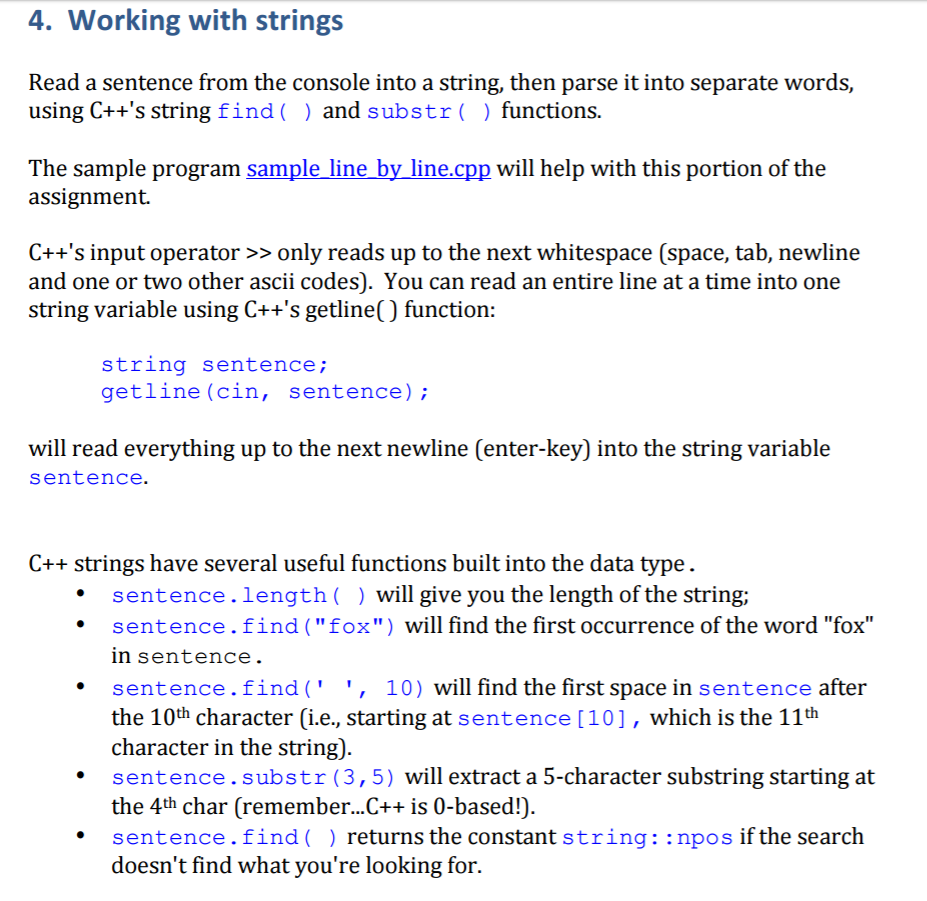
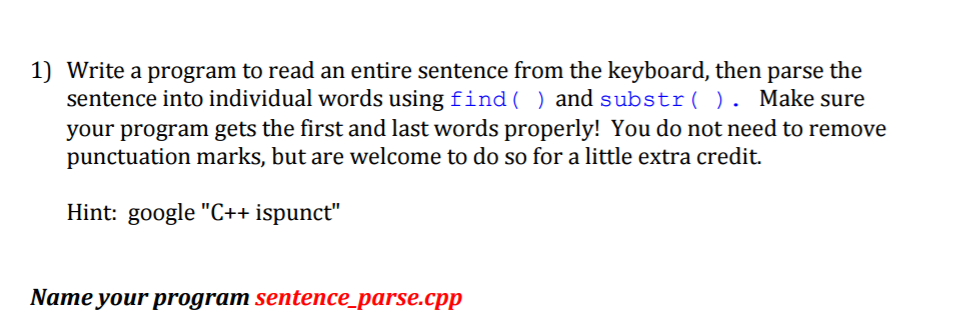
4. Working with strings Read a sentence from the console into a string, then parse it into separate words, using C++'s string find and substr functions The sample program sample line by line.c will help with this portion of the assignment. C++'s input operator only reads up to the next whitespace (space, tab, newline and one or two other ascii codes). You can read an entire line at a time into one string variable using C++'s getline() function: string sentence getline (cin sentence) will read everything up to the next newline Center-key into the string variable sentence C++ strings have several useful functions built into the data type. sentence length will give you the length of the string; sentence. find "fox") will find the first occurrence of the word "fox" un Sentence sentence. find 10) will find the first space in sentence after the 10th character (i.e., starting at sentence 10], which is the 11th character in the string) sentence substr (3,5) will extract a 5-character substring starting at the 4th char (remember...C++ is 0-based! sentence. find returns the constant string npos if the search doesn't find what you're looking for
Step by Step Solution
There are 3 Steps involved in it

Get step-by-step solutions from verified subject matter experts
 Study Help