







Question: C programing im confused about #14 15.a b ror Number Scavenger Hunt. Complete this activity in an Ubuntu 18.04 LTS (x86-0-) environment (such as the
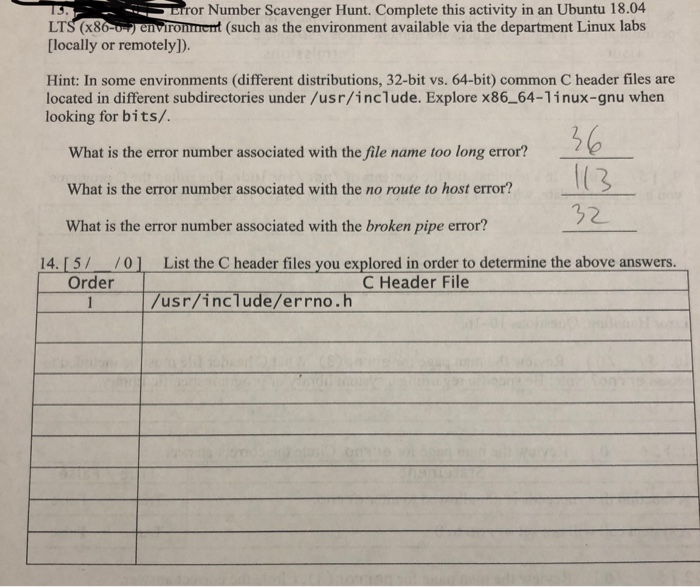
15.a b ror Number Scavenger Hunt. Complete this activity in an Ubuntu 18.04 LTS (x86-0-) environment (such as the environment available via the department Linux labs [locally or remotely]). Hint: In some environments (different distributions, 32-bit vs. 64-bit) common C header files are located in different subdirectories under /usr/include. Explore x86_64-linux-gnu when looking for bits/. What is the error number associated with the file name too long error? What is the error number associated with the no route to host error? 32 What is the error number associated with the broken pipe error? 14.57 701 List the header files you explored in order to determine the above answers. Order C Header File /usr/include/errno.h
Step by Step Solution
There are 3 Steps involved in it

Get step-by-step solutions from verified subject matter experts
 Study Help