







Question: C. Read the csv data set grades.csv in the Lab 9 folder, which is the same as stu_grades.txt file. It is stored as comma separated
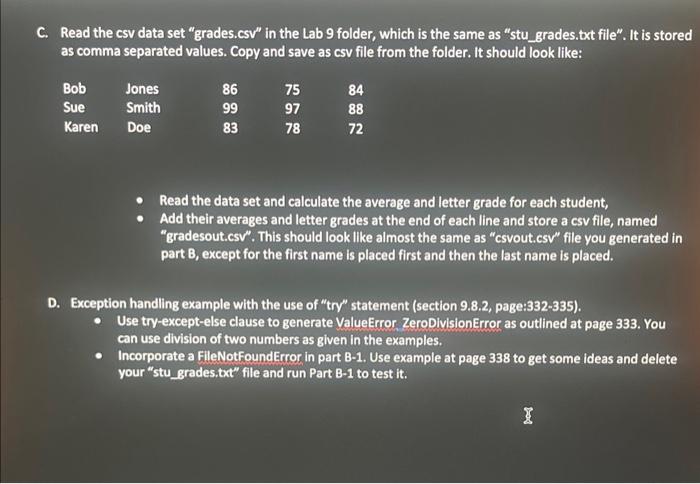
C. Read the csv data set "grades.csv" in the Lab 9 folder, which is the same as "stu_grades.txt file". It is stored as comma separated values. Copy and save as csv file from the folder. It should look like: - Read the data set and calculate the average and letter grade for each student, - Add their averages and letter grades at the end of each line and store a csv file, named "gradesout.csv". This should look like almost the same as "csvout.csv" file you generated in part B, except for the first name is placed first and then the last name is placed. D. Exception handling example with the use of "try" statement (section 9.8.2, page:332-335). - Use try-except-else clause to generate ValueError ZeroDivisionError as outlined at page 333. You can use division of two numbers as given in the examples. - Incorporate a FileNotFoundError in part B-1. Use example at page 338 to get some ideas and delete your "stu_grades.txt" file and run Part B-1 to test it
Step by Step Solution
There are 3 Steps involved in it

Get step-by-step solutions from verified subject matter experts
 Study Help