







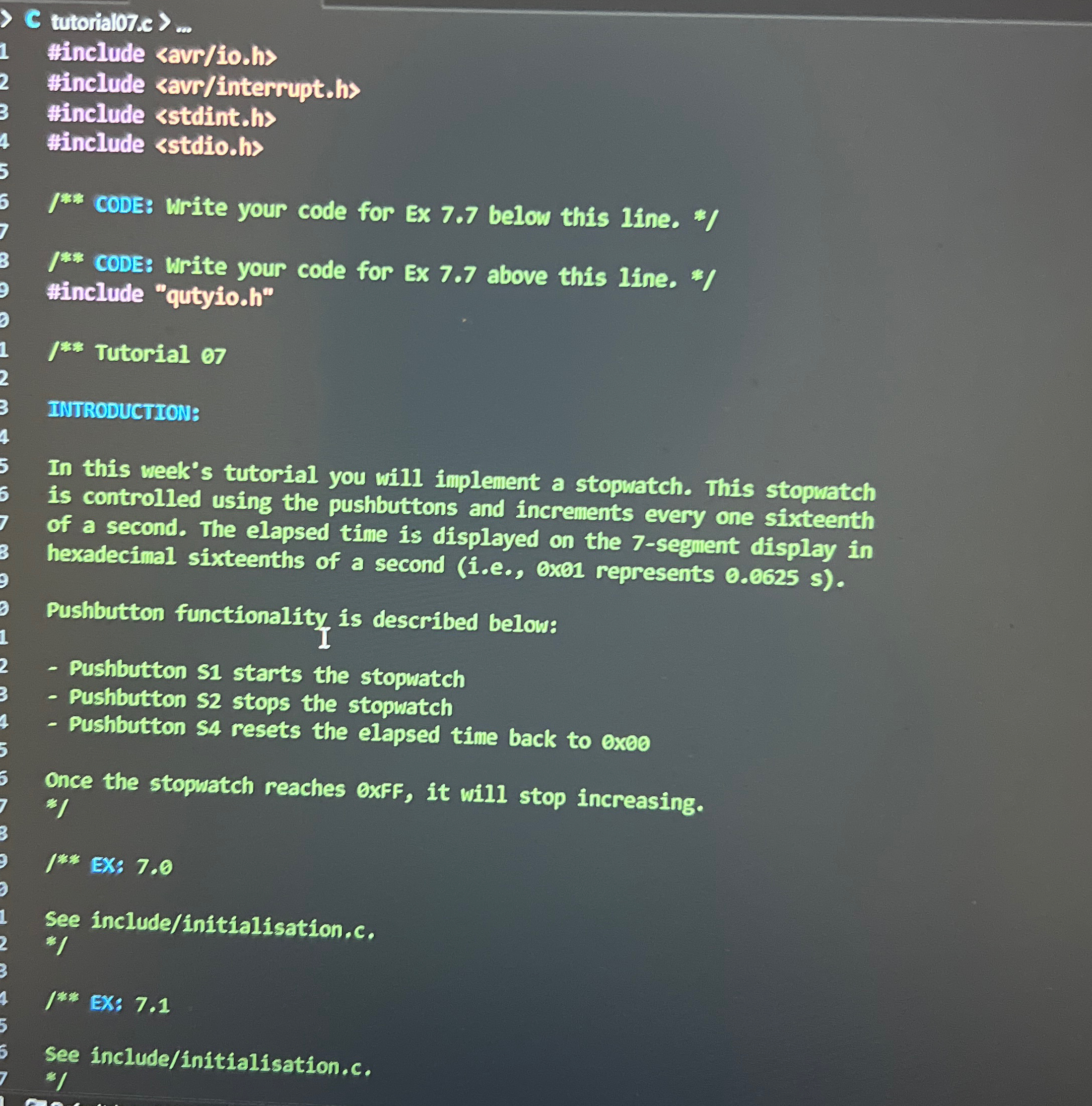
Question: C tutorialo 7 . c > dots #include savr / iods #include savr / interrupt . hs #include 0 . 0 6 2 5 s
C tutorialoc dots
#include savriods
#include savrinterrupths
#include $$
INTRODUCTIONS
this week's tutorial you will implement a stopwatch. This stopwatch controlled using the pushbuttons and increments every one sixteenth a second. The elapsed time displayed the segment display hexadecimal sixteenths a second exel represents
Pushbutton functionality described below:
Pushbutton $ starts the stopwatch
Pushbutton $ stops the stopwatch
Pushbutton resets the elapsed time back exeo
Once the stopuatch reaches exFF, will stop increasing.
:
See includnitialisation.
:
See includnnit
#include
INTRODUCTIONS
this week's tutorial you will implement a stopwatch. This stopwatch controlled using the pushbuttons and increments every one sixteenth a second. The elapsed time displayed the segment display hexadecimal sixteenths a second exel represents
Pushbutton functionality described below:
Pushbutton $ starts the stopwatch
Pushbutton $ stops the stopwatch
Pushbutton resets the elapsed time back exeo
Once the stopuatch reaches exFF, will stop increasing.
:
See includnitialisation.
:
See includnnit
Step by Step Solution
There are 3 Steps involved in it
1 Expert Approved Answer
Step: 1 Unlock

Question Has Been Solved by an Expert!
Get step-by-step solutions from verified subject matter experts
Step: 2 Unlock
Step: 3 Unlock
 Study Help