







Question: C++ Use Notepad to create a new file named exam1_1.cpp with the following two lines: /* Student: YourFullName Course: CSC1133 */ Next to the above
C++
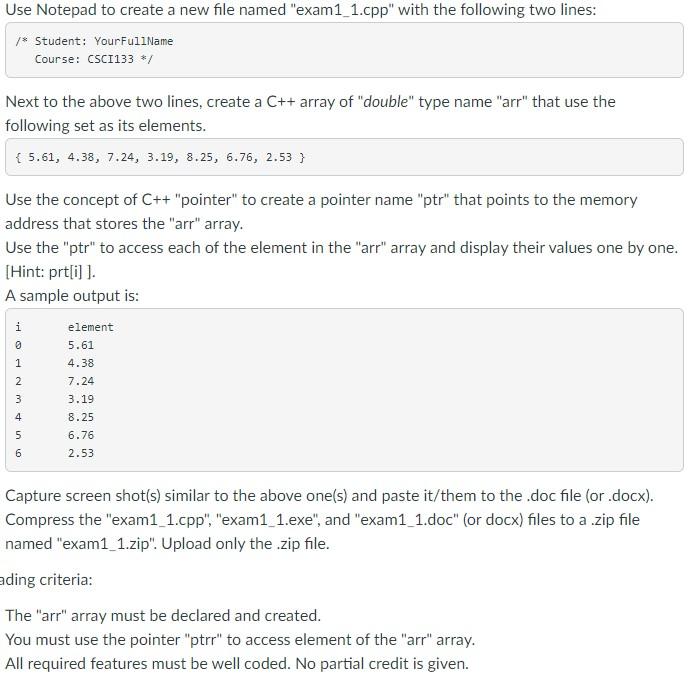
Use Notepad to create a new file named "exam1_1.cpp" with the following two lines: /* Student: YourFullName Course: CSC1133 */ Next to the above two lines, create a C++ array of "double" type name "arr" that use the following set as its elements. { 5.61, 4.38, 7.24, 3.19, 8.25, 6.76, 2.53 } Use the concept of C++ "pointer" to create a pointer name "ptr" that points to the memory address that stores the "arr" array. Use the "ptr" to access each of the element in the "arr" array and display their values one by one. [Hint: prt[i] ]. A sample output is: i element 5.61 9 1 2 4.38 7.24 3.19 8.25 4 5 6.76 2.53 6 Capture screen shot(s) similar to the above one(s) and paste it/them to the .doc file (or.docx). Compress the "exam1_1.cpp", "exam1_1.exe", and "exam1_1.doc" (or docx) files to a .zip file named "exam1_1.zip". Upload only the .zip file. ading criteria: The "arr" array must be declared and created. You must use the pointer "ptrr" to access element of the "arr" array. All required features must be well coded. No partial credit is given
Step by Step Solution
There are 3 Steps involved in it

Get step-by-step solutions from verified subject matter experts
 Study Help