







Question: Calculate Payment: PMT Function - Use the PMT Function to calculate the payment. Remember that the Yearly Periodic Rate is the Rate divided by the
Calculate Payment:
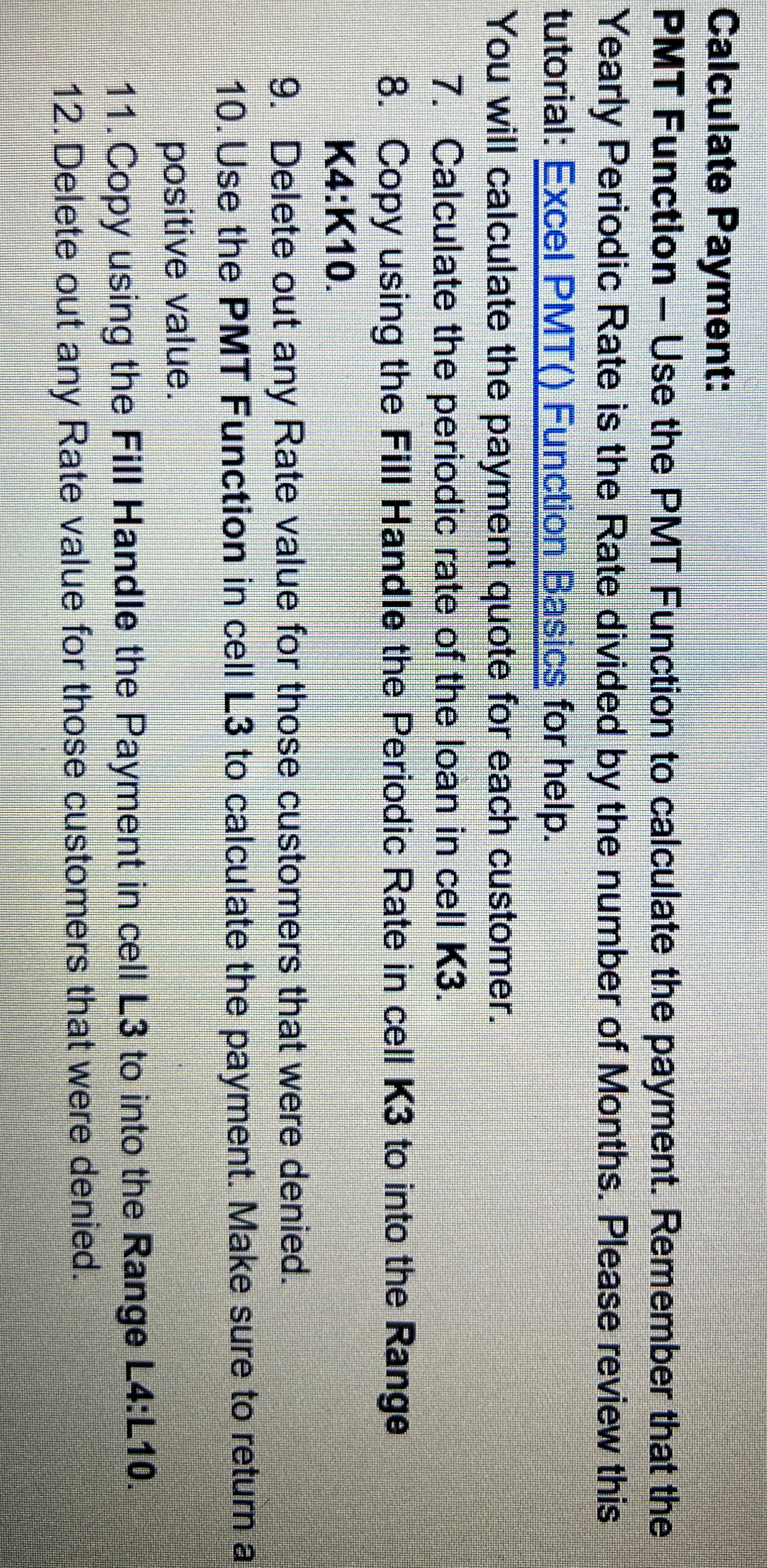
PMT Function Use the PMT Function to calculate the payment. Remember that the Yearly Periodic Rate is the Rate divided by the number of Months. Please review this tutorial: Excel PMT Function Basics for help.
You will calculate the payment quote for each customer.
Calculate the periodic rate of the loan in cell K
Copy using the Fill Handle the Periodic Rate in cell K to into the Range K:K
Delete out any Rate value for those customers that were denied.
Use the PMT Function in cell L to calculate the payment. Make sure to return a positive value.
Copy using the Fill Handle the Payment in cell L to into the Range L:L
Delete out any Rate value for those customers that were denied.
Step by Step Solution
There are 3 Steps involved in it
1 Expert Approved Answer
Step: 1 Unlock

Question Has Been Solved by an Expert!
Get step-by-step solutions from verified subject matter experts
Step: 2 Unlock
Step: 3 Unlock
 Study Help