







Question: Can anyone help solve this Project Instructions Projects are your own work. It is academic dishonesty to work with or submit a file prepared by
Can anyone help solve this
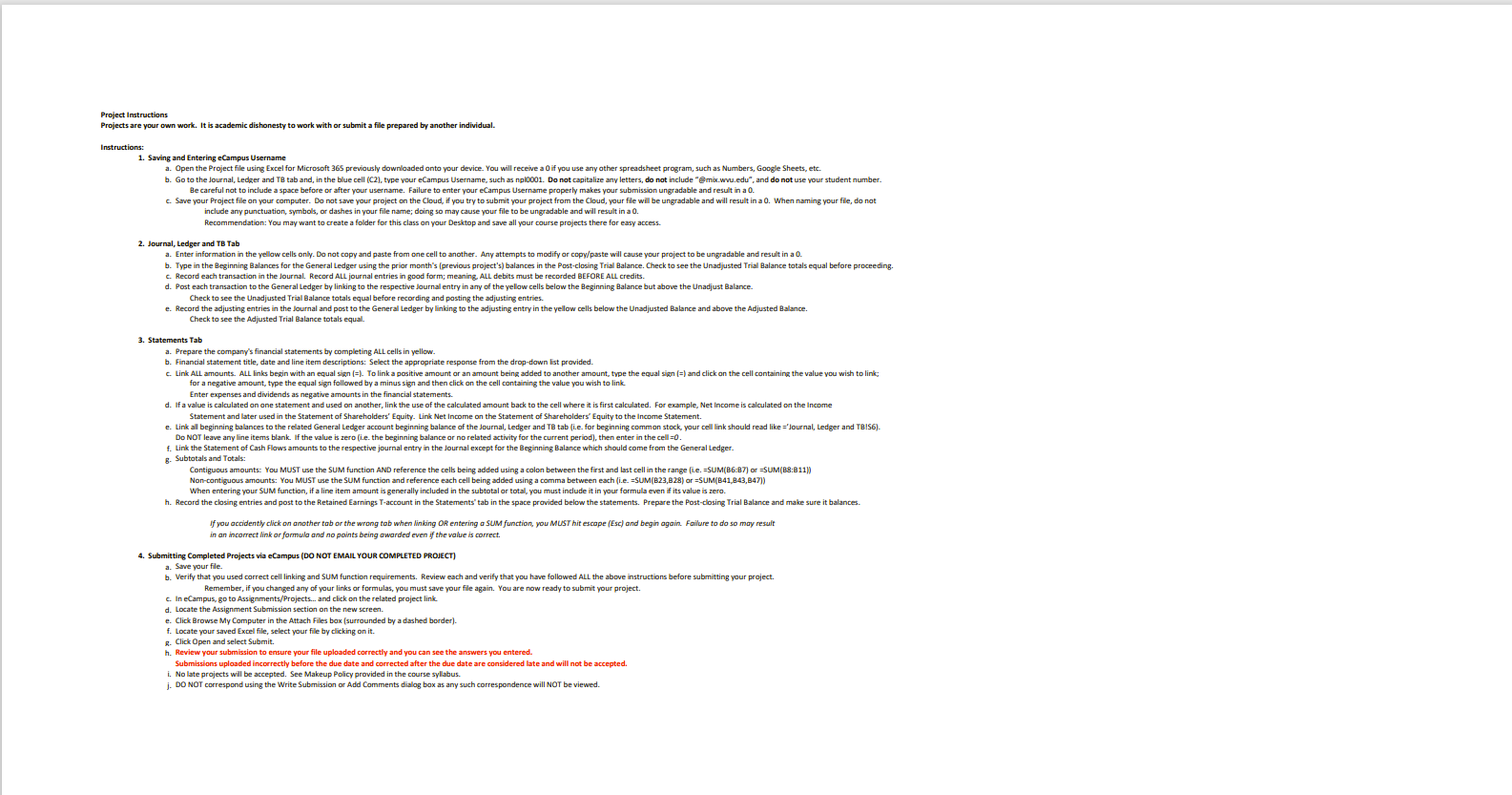
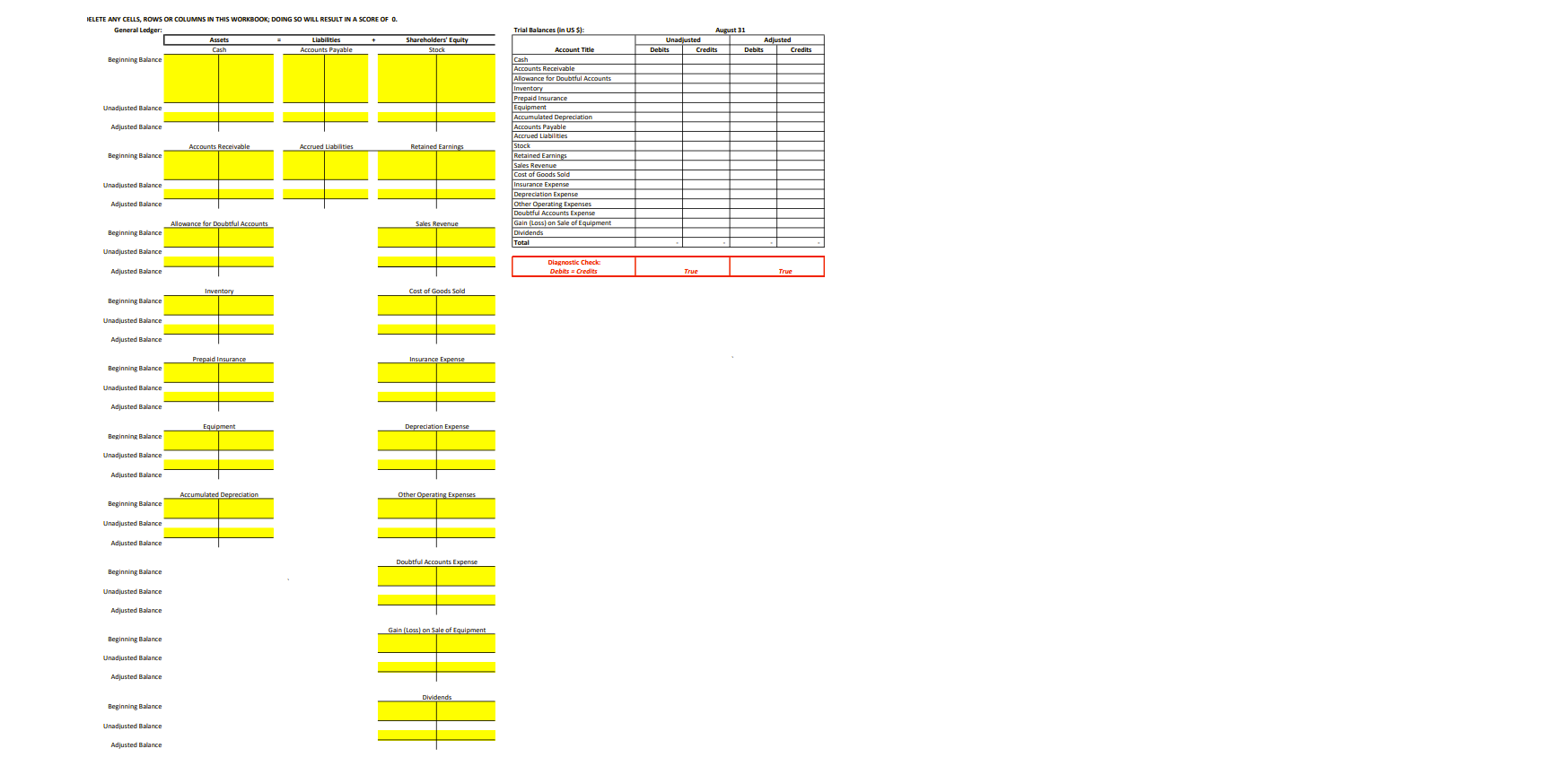
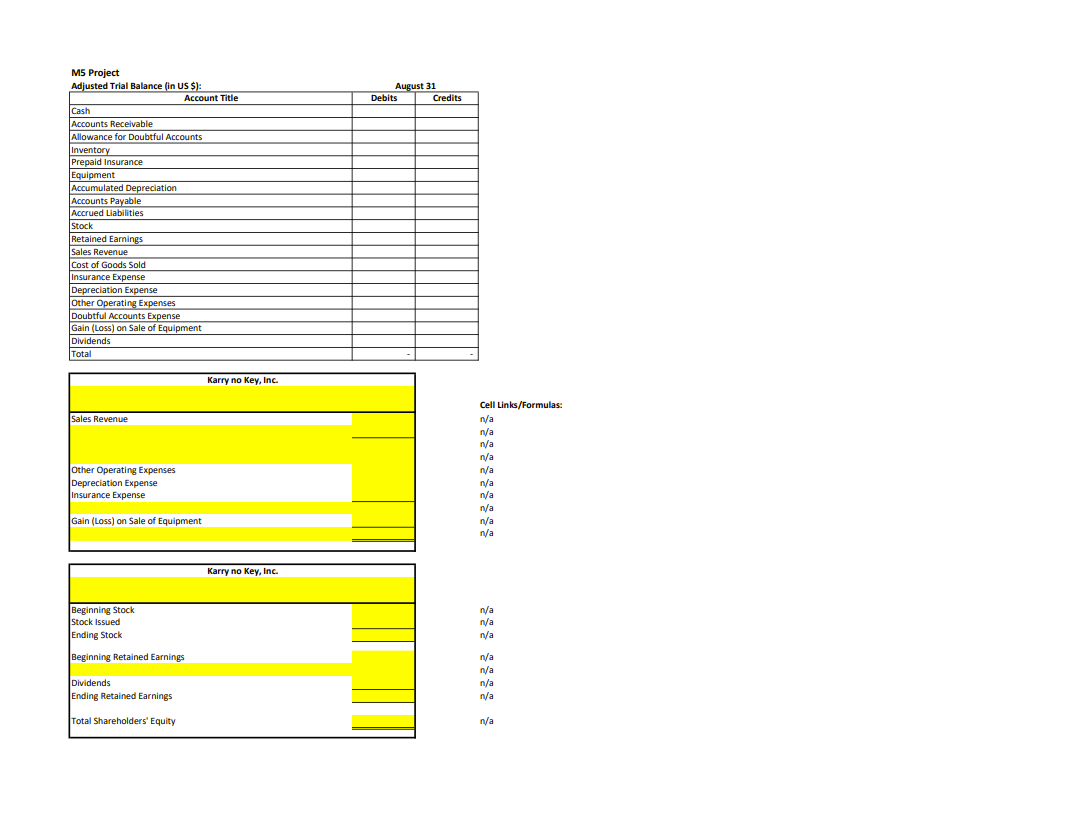
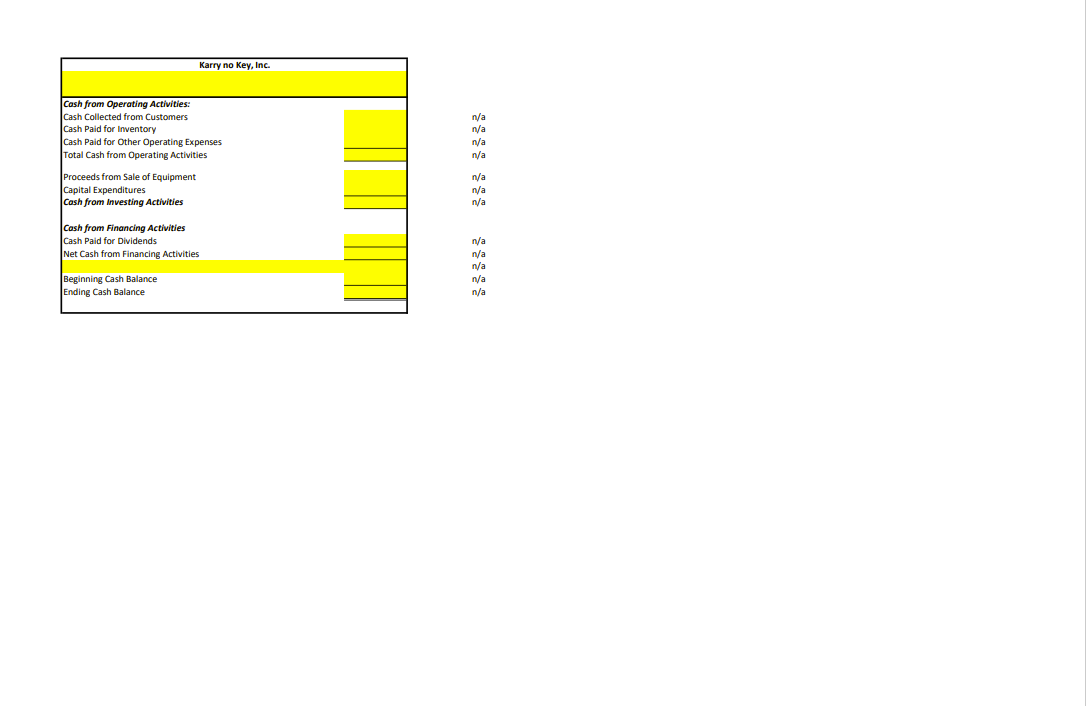
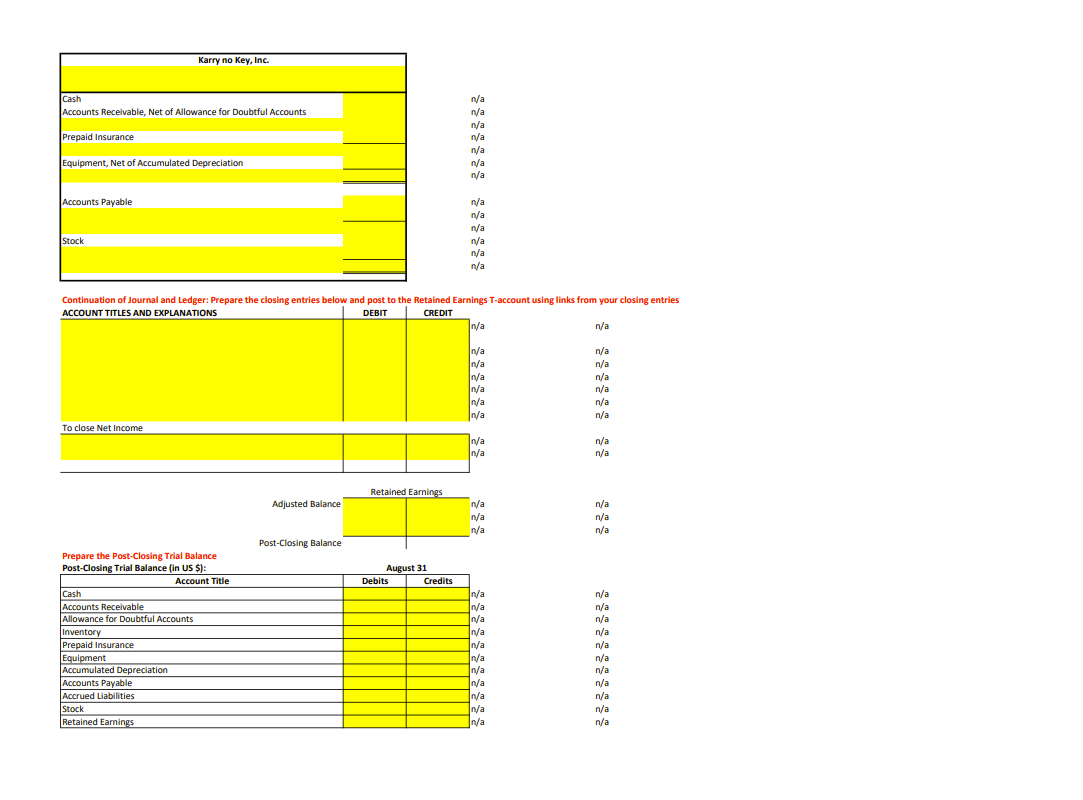
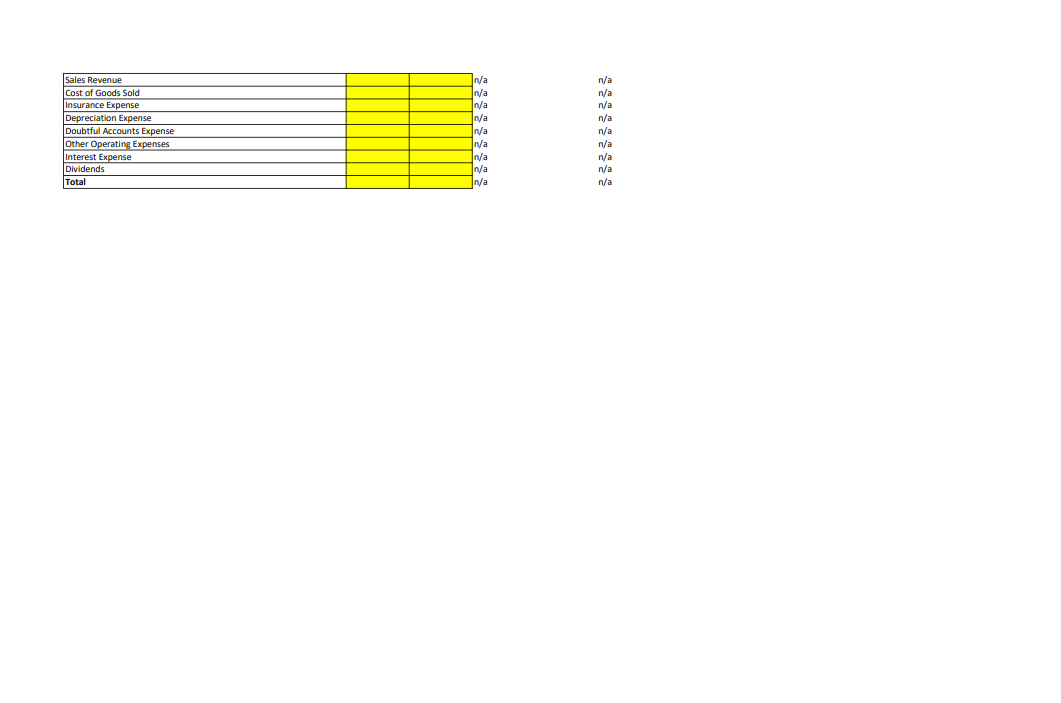
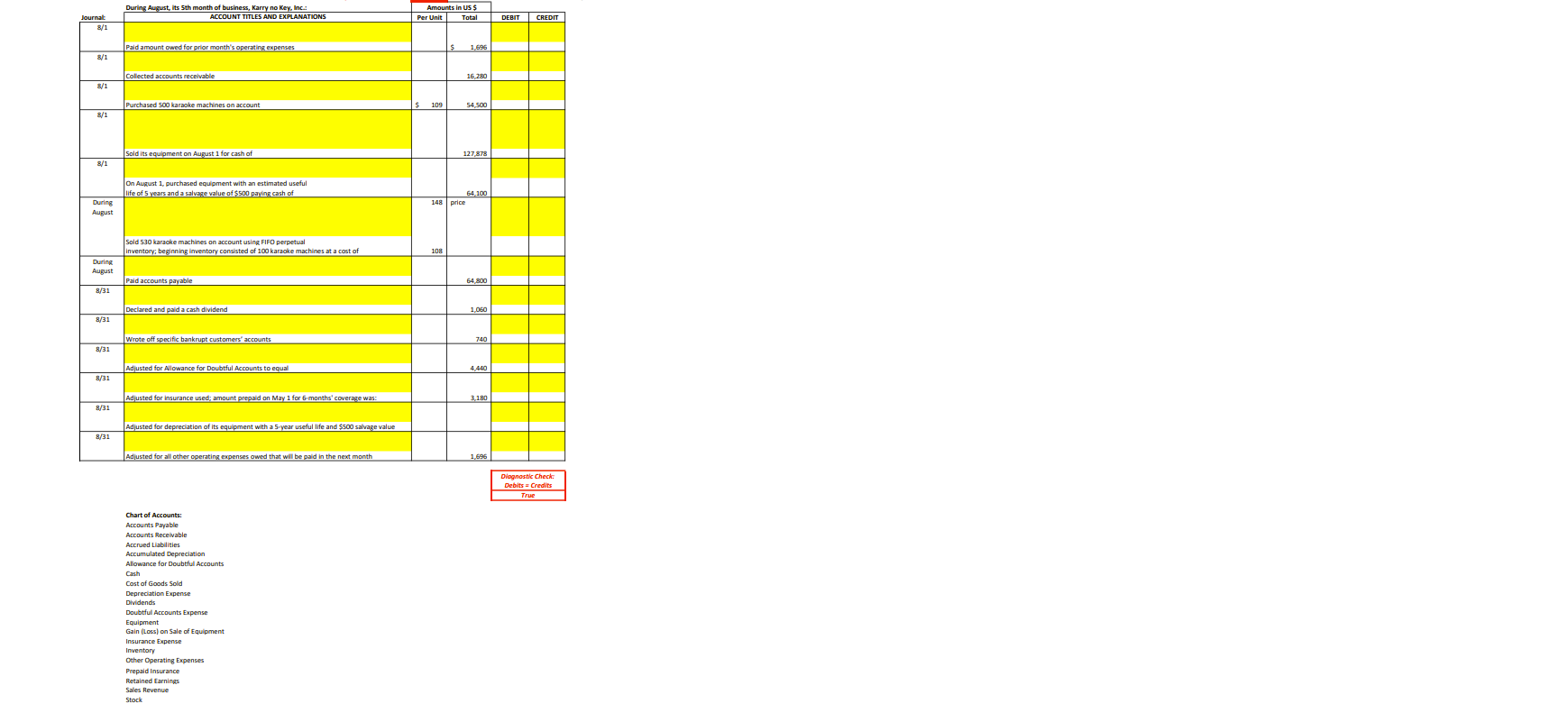
Project Instructions Projects are your own work. It is academic dishonesty to work with or submit a file prepared by another individual. Instructions: 1. Saving and Entering eCampus Username a. Open the Project file using Excel for Microsoft 365 previously downloaded onto your device. You will receive a 0 if you use any other spreadsheet program, such as Numbers, Google Sheets, etc. b. Go to the Journal, Ledger and TB tab and, in the blue cell (C2), type your eCampus Username, such as npl0001. Do not capitalize any letters, do not include "@mix.wwu.edu", and do not use your student number. Be careful not to include a space before or after your username. Failure to enter your eCampus User same properly makes your submission ungradable and result in a 0. c. Save your Project file on your computer. Do not save your project on the Cloud, if you try to submit your project from the Cloud, your file will be ungradable and will result in a 0. When naming your file, do not include any punctuation, symbols, or dashes in your file name; doing so may cause your file to be ungradable and will result in a 0. Recommendation: You may want to create a folder for this class on your Desktop and save all your course projects there for easy access. 2. Journal, Ledger and TB Tab a. Enter information in the yellow cells only. Do not copy and paste from another. Any attempts to modify or copy/paste will cause your project to be ungradable and result in a 0. b. Type in the Beginning Balances for the General Ledger using month's (previous project's) balances in the Post-closing Trial Balance. Check to see the Unadjusted Trial Balance totals equal before proceeding. t. Record each transacti st be recorded BEFORE ALL credits. d. Post each transaction to the General Ledger by linking to the respe entry in any of the yellow cells below the Beginning Balance but above the Unadjust Balance. Check to see the Unadjusted Trial Balance totals equ and pasti e. Record the adjusting entries in the Journal and post to the General Ledger by linking to the adjusting entry in the yellow cells below the Unadjusted Balance and above the Adjusted Balance. Check to see the Adjusted Trial Balance totals equal. 3. Statements Tab a. Prepare the company's financial atements by completing ALL cells in yellow. . Financial statement title, date and line item descriptions: Select the appropriate response from the drop-down list provided. c. Link ALL amounts. ALL links begin with an equal sign (=). To link a positive amount or an amount being added to another amount, type the equal sign (=) and click on the cell containing the value you wish to link; for a negative amount, type nd then click on the cell containing the value you wish to link. Enter expenses and dividends as negative amo d. if a value is calculated on one s calculated amount back to the cell where it is first calculated. For example, Net Income is calculated on the Income Statement and later used in the Statement of Shareholders' Equity. Link Net Income on the Statement of Shareholders' Equity to the Income Statement. . Link all beginning balances to the related General Ledger account beginning balance of the Journal, Ledger and TB tab (i.e. for beginning common stock, your cell link should read like ='Journal, Ledger and TBIS6). Do NOT leave any line items blank. If th tivity for the curre n enter in the cell =0. f. Link the Statement of Cash Flows amounts to the respective journal entry in the Journal except for the Beginning Balance which should come from the General Ledger. g. Subtotals and Totals: Contiguous amounts: You MUST use the SUM function AND reference the cells being added using a colon between the first and last cell in the range [Le. =SUM(86:87] or =SUM(88:811)) Non-contiguous amounts: You MUST use the SUM functic hand reference each cell being added using a comma between each (i.e. =SUM(823,828) or =SUM(B41,843,847]) When entering your SUM function, if a line item amount cluded in the subtotal or total, you must it in your formula even if its value is zero. h. Record the closing entries and post to the Retained Earnings T-account in the Statements' tab in the space provided below the statements. Prepare the Post-closing Trial Balance and make sure it balances. If you accidently click on another tob or the wrong tab when linking OR entering a SUM function, you MUST hit escape (Esc) and begin again. Failure to do so may result in an incorrect link or formula and awarded even if the value is correct. 4. Submitting Completed Projects via eCampus (DO NOT EMAIL YOUR COMPLETED PROJECT] . Save your file. b. Verify that you used correct cell linking and SUM function requirements. Review each and verify that you have followed ALL the above instructions before submitting your project. Remember, if you changed any of your links or formulas, you must save your file again. You are now ready to submit your project. c. In eCampus, go to Assignments/Projects... and click on the related project link. d. Locate the Assignment Submission section on the new screen. e. Click Browse My Computer in the Attach Files box (surrounded by a dashed border]. f. Locate your saved Excel file, select your file by clicking on it. . Click Open and select Submit. 1. Review your submission to ensure your file uploaded correctly and you can see the answers you entered Submissions uploaded incorrectly before the due date and corrected after the due date are considered late and will not be accepted. No late projects will be accepted. See Makeup Policy provided in the course syllabus. DO NOT correspond using the Write Submission or Add Comments dialog box as any such correspondence will NOT be viewed.DELETE ANY CELLS, ROWS OR COLUMNS IN THIS WORKBOOK; DOING SO WILL RESULT IN A SCORE OF O. General Ledger: Trial Balances (in US $]: August 31 Assets Shareholders' Equity Unadjusted Adjusted Cash Accounts Payable Stock Account Title Debits Credits Credits Beginning Balance Accounts Receivable Allowance for Doubtful Accounts niventory Prepaid Insurance Unadjusted Balance Equipment Accumulated Depreciation Adjusted Balance Accounts Payable Accrued Liabilities Accounts Receivable Accrued Liabilities Retained Earnings Stock Beginning Balance Retained Earnings Sales Revenue Cost of Goods Sold Unadjusted Balance Insurance Expense Depreciation Expense Adjusted Balance Other Operating Expenses Doubtful Accounts Expense or Doubtful Ac Gain (Loss) on Sale of Equipment Beginning Balance Dividends Total Unadjusted Balance Diagnostic Check: Adjusted Balance Debits = Credits True True Inventory Beginning Balance Unadjusted Balance Adjusted Balance Beginning Balance Unadjusted Balance Adjusted Balance Equipment Depreciation Expense Beginning Balance Unadjusted Balance Adjusted Balance Beginning Balance Unadjusted Balance Adjusted Balance Beginning Balance Unadjusted Balance Adjusted Balance Gain (Loss) on Sale of Equipment Beginning Balance Unadjusted Balance Adjusted Balance Beginning Balance Unadjusted Balance Adjusted BalanceM5 Project Adjusted Trial Balance (in US $): August 31 Account Title Debits Credits Cash Accounts Receivable Allowance for Doubtful Accounts Inventory Prepaid Insurance Equipment Accumulated Depreciation Accounts Payable Accrued Liabilities Stock Retained Earnings Sales Revenue Cost of Goods Sold Insurance Expense Depreciation Expense Other Operating Expenses Doubtful Accounts Expense Gain (Loss) on Sale of Equipment Dividends Total Karry no Key, Inc. Cell Links/Formulas: Sales Revenue na n/a n/a n/a Other Operating Expenses n/a Depreciation Expense n/a Insurance Expense n/a n/a |Gain (Loss) on Sale of Equipment n/a n/a Karry no Key, Inc. Beginning Stock n/a Stock Issued n/a Ending Stock n/a Beginning Retained Earnings n/a n/a Dividends n/a Ending Retained Earnings n/a Total Shareholders' Equity n/aKarry no Key, Inc. Cash from Operating Activities: Cash Collected from Customers n/a Cash Paid for Inventory n/a Cash Paid for Other Operating Expenses n/a Total Cash from Operating Activities n/a Proceeds from Sale of Equipment n/a Capital Expenditures n/a Cash from Investing Activities n/a Cash from Financing Activities Cash Paid for Dividends n/a Net Cash from Financing Activities n/a /a Beginning Cash Balance nya Ending Cash Balance n/aKarry no Key, Inc. Cash na Accounts Receivable, Net of Allowance for Doubtful Accounts n/a n/a Prepaid Insurance n/a n/a Equipment, Net of Accumulated Depreciation n/a n/ Accounts Payable n/a n/a na Stock n/a ma Continuation of Journal and Ledger: Prepare the closing entries below and post to the Retained Earnings T-account using links from your closing entries ACCOUNT TITLES AND EXPLANATIONS DEBIT CREDIT n/ n/a In/ n/a In/a n/a In/a n/a In/a n/a In/a n/a In/a n/a To close Net Income In/a na n/a n/a Retained Earnings Adjusted Balance Ina n/a n/a n/a In/a n/a Post-Closing Balance Prepare the Post-Closing Trial Balance Post-Closing Trial Balance (in US $) August 31 Account Title Debits Credits Cash n/a Accounts Receivable In/a n/a Allowance for Doubtful Accounts In/a n/a Inventory n/a n/a Prepaid Insurance In/a n/a Equipment In/a n/a Accumulated Depreciation In/a n/a Accounts Payable In/a n/a Accrued Liabilities In/a n/a Stock In/a n/a Retained Earnings In/a n/aSales Revenue In/a n/a Cost of Goods Sold n/a n/a Insurance Expense In/a n/a Depreciation Expense In/a n/a |Doubtful Accounts Expense n/a n/a Other Operating Expenses n/a n/a Interest Expense n/a n/a Dividends n/a n/a Total n/a n/aDuring August, Its 5th month of business, Karry no Key, Inc.: Amounts in US $ urnal ACCOUNT TITLES AND EXPLANATIONS Per Unit Total DEBIT CREDIT 8/ Paid amount owed for prior month's operating expenses 1.695 8/1 Collected accounts receivable 16,280 8/1 Purchased 500 karaoke machines on account 109 54,500 8/1 Sold its equipment on August 1 for cash of 127 878 8/1 On August 1, purchased equipment with an estimated useful life of 5 years and a salvage value of $500 paying cash of 64,100 During 148 price UBus Sold 530 karaoke machines on account using FIFO perpetual Inventory; beginning Inventory consisted of I onsisted of 100 karaoke machines at a cost of 108 August Paid accounts payable $4 800 8/31 Declared and paid a cash dividend 1,060 8/31 Wrote off specific bankrupt customers' accounts 740 8/31 Adjusted for Allowance for Doubtful Accounts to equal 4.440 8/31 Adjusted for insurance used; amount prepaid on May 1 for 6-months' coverage was: 3.180 8/31 Adjusted for depreciation of its equipment with a 5-year useful life and $500 salvage value 8/31 Adjusted for all other operating expenses owed that will be paid in the next month 1 696 Diagnostic Check: Debits = Credits True Chart of Accounts: Accounts Payable Accounts Receivable Accrued Liabilities Accumulated Depreciation Allowance for Doubtful Accounts Cost of Goods Sold Depreciation Expense Dividends Doubtful Accounts Expense Equipment Gain (Loss) on Sale of Equipment Insurance Expense Inventory Other Operating Expenses Prepaid Insurance Retained Earnings Sales Revenue Stock
Step by Step Solution
There are 3 Steps involved in it

Get step-by-step solutions from verified subject matter experts
 Study Help