







Question: Can I get help with this: JavaScript: The Web Warriors Sixth Edition 1. In the file manager for your operating system, copy the completed contents
Can I get help with this:
JavaScript: The Web Warriors Sixth Edition
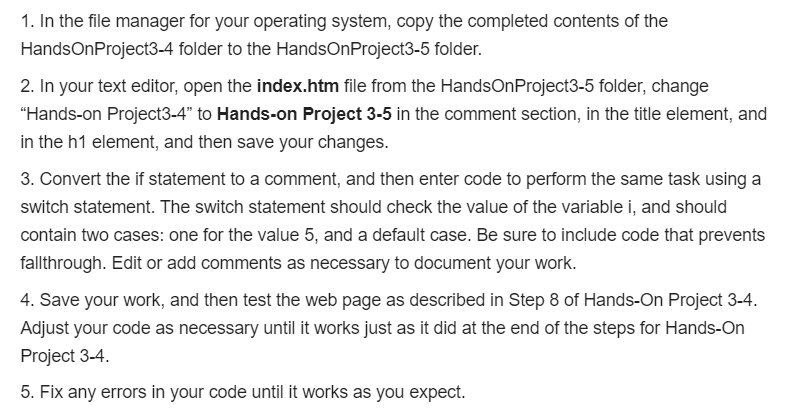
1. In the file manager for your operating system, copy the completed contents of the HandsOnProject3-4 folder to the HandsOnProject3-5 folder. 2. In your text editor, open the index.htm file from the HandsOnProject3-5 folder, change "Hands-on Project3-4 to Hands-on Project 3-5 in the comment section, in the title element, and in the h1 element, and then save your changes. 3. Convert the if statement to a comment, and then enter code to perform the same task using a switch statement. The switch statement should check the value of the variable i, and should contain two cases: one for the value 5, and a default case. Be sure to include code that prevents fallthrough. Edit or add comments as necessary to document your work. 4. Save your work, and then test the web page as described in Step 8 of Hands-On Project 3-4. Adjust your code as necessary until it works just as it did at the end of the steps for Hands-On Project 3-4. 5. Fix any errors in your code until it works as you expect
Step by Step Solution
There are 3 Steps involved in it
To help you with the task Ill walk you through each step Step 1 Copy the Folder Objective Copy all c... View full answer

Get step-by-step solutions from verified subject matter experts
 Study Help