







Question: can someone please help in this. its for using sage 50 accounting 2019, Helena's academy CHAPTER 8 Create shortcuts for Create General Journal (Company), Create
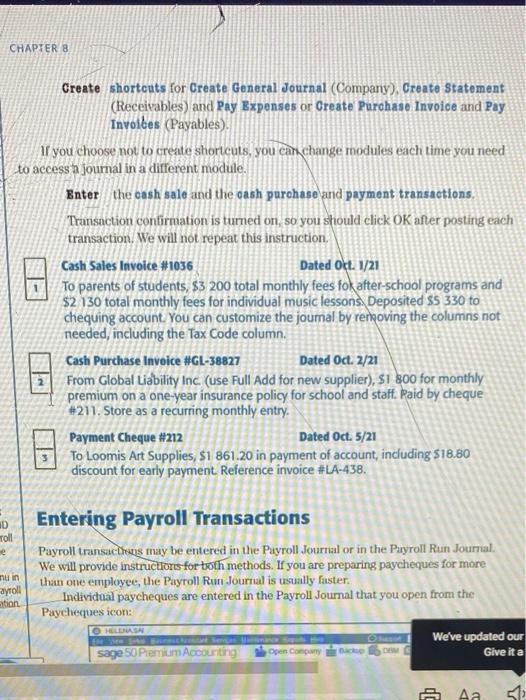
CHAPTER 8 Create shortcuts for Create General Journal (Company), Create Statement (Receivables) and Pay Expenses or Create Purchase Invoice and Pay Invoices (Payables). If you choose not to create shortcuts, you can change modules each time you need to access in journal in a different module. Enter the cash sale and the cash purchase and payment transactions, Transaction confirmation is turned on, so you should click OK after posting each transaction. We will not repeat thus instruction, Cash Sales Invoice #1036 Dated Oct. 1/21 To parents of students, $3 200 total monthly fees fok after-school programs and $2 130 total monthly fees for individual music lessons. Deposited $5 330 to chequing account. You can customize the joumal by removing the columns not needed, including the Tax Code column. Cash Purchase Invoice #GL-38827 Dated Oct. 2/21 From Global Liability Inc. (use Full Add for new supplier), SI 800 for monthly premium on a one-year insurance policy for school and staff. Raid by cheque #211. Store as a recurring monthly entry. Payment Cheque #212 Dated Oct. 5/21 To Loomis Art Supplies, S1 861.20 in payment of account, including $18.80 discount for early payment Reference invoice #LA-438. HD Toll e nu in ayroll eation Entering Payroll Transactions Payroll transactions may be entered in the Payroll Journal or in the Payroll Run Journal We will provide instructions for toth methods. If you are preparing paycheques for more than one employee, the Payroll Run Journal is usually faster Individual paycheques are entered in the Payroll Journal that you open from the Paycheques icon: We've updated our sage 50 Premium Accourting OHLASH Open Company Bach Give it a A Aa 513
Step by Step Solution
There are 3 Steps involved in it

Get step-by-step solutions from verified subject matter experts
 Study Help