







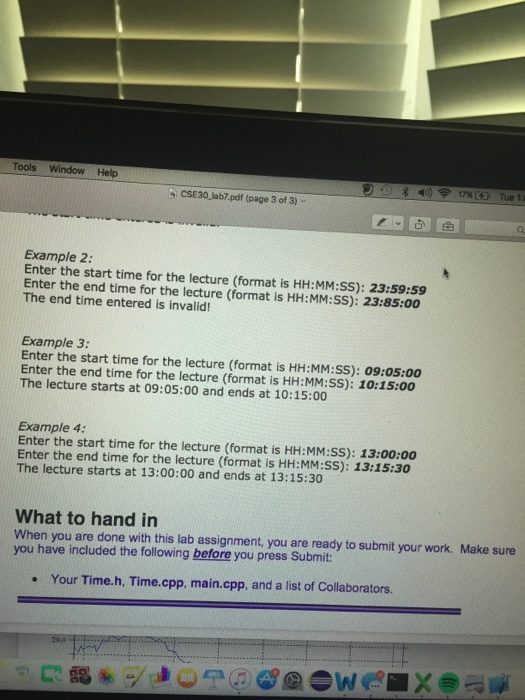
Question: can someone please help me with exercise 1 please look at the sample output thanks, please let me know if there are any questions Go
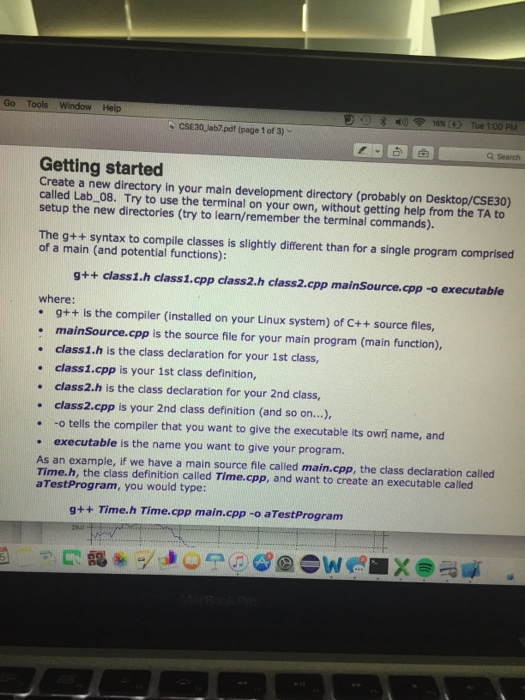
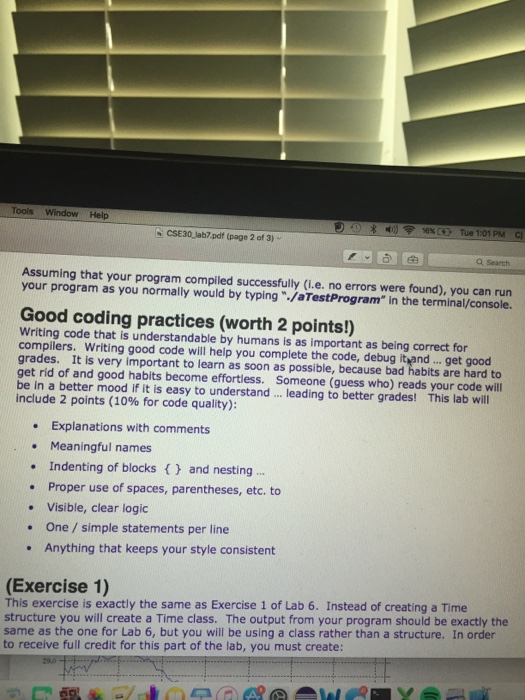
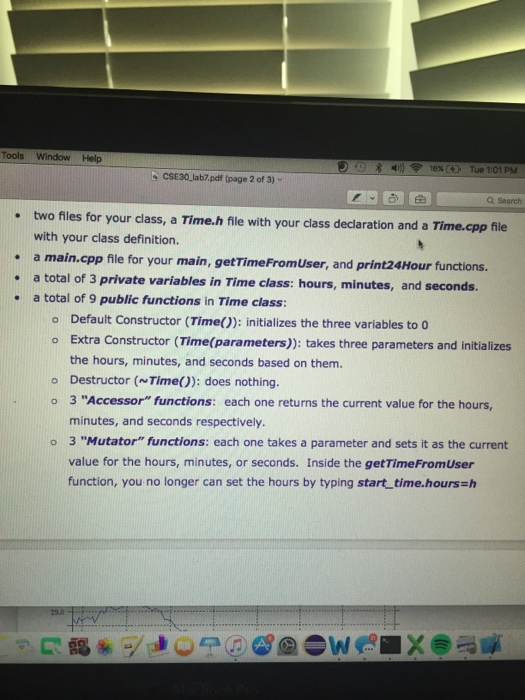
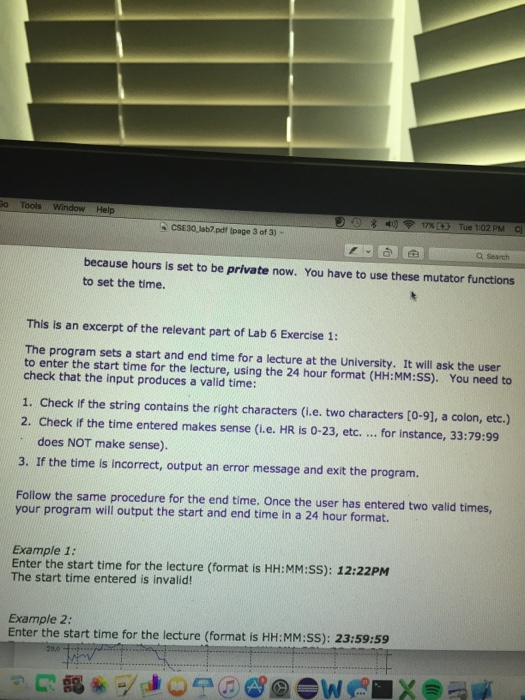
Go Tools Window Help CSE30leb.pdf (page 1 of 3)- Q Search Getting started Create a new directory in your main development directory (probably on Desktop/CSE30) called Lab08. Try to use the terminal on your own, without getting help from the TA to setup the new directories (try to learn/remember the terminal commands). The g++ syntax to compile classes is slightly different than for a single program comprised of a main (and potential functions): g++ class1.h class1.cpp class2.h class2.cpp mainSource.cpp -o executable where: . g++ is the compiler (installed on your Linux system) of C++ source files, . mainSource.cpp is the source file for your main program (main function), class1.h is the class declaration for your 1st class, class1.cpp is your 1st class definition, class2h is the class declaration for your 2nd class, class2.cpp is your 2nd class definition (and so on..), -o tells the compiler that you want to give the executable its owri name, and executable is the name you want to give your program. As an example, if we have a main source file called main.cpp, the class declaration called Time.h, the class definition called Time.cpp, and want to create an executable called aTestProgram, you would type g++ Time.h Time.cpp main.cpp -o aTestProgram
Step by Step Solution
There are 3 Steps involved in it

Get step-by-step solutions from verified subject matter experts
 Study Help