







Question: Can someone please run this code and show me the image of it ( The Diagram ) The power just turned off to myhouse and
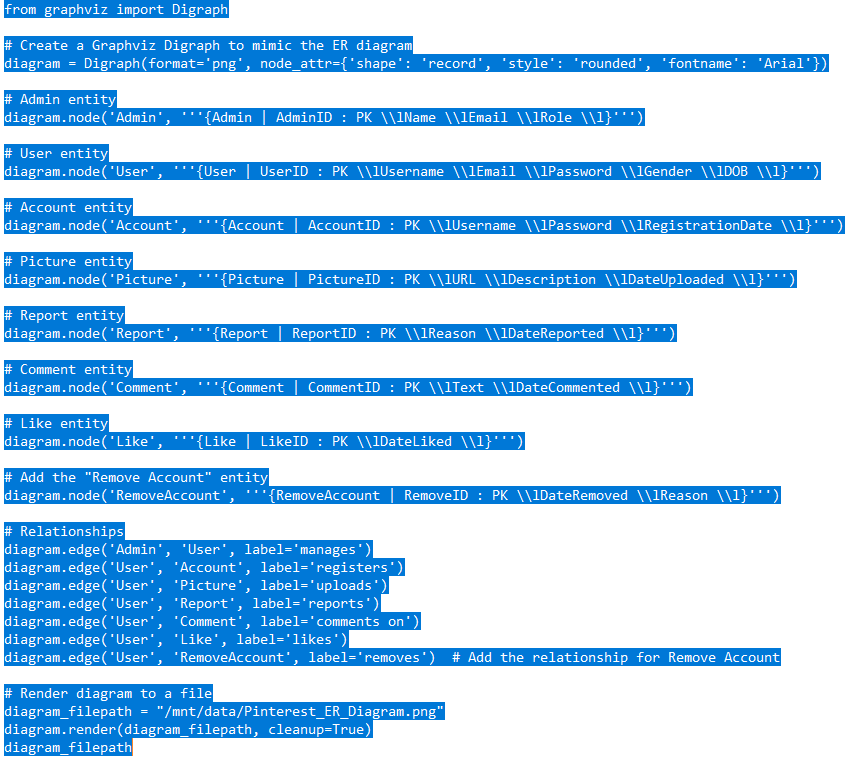
Can someone please run this code and show me the image of it The Diagram
The power just turned off to myhouse and need to atlleast submit theDiagram graph
from graphviz import Digraph
# Create a Graphviz Digraph to mimic the ER diagram
diagram Digraphformatpng nodeattrshape: 'record', 'style': 'rounded', 'fontname': 'Arial'
# Admin entity
diagram.nodeAdminAdmin AdminID : PK lName lEmail lRole l
# User entity
diagram.nodeUserUser UserID : PK lUsername lEmail lPassword lGender lDOB l
# Account entity
diagram.nodeAccountAccount AccountID : PK lUsername lPassword lRegistrationDate l
# Picture entity
diagram.nodePicturePicture PictureID : PK lURL lDescription lDateUploaded l
# Report entity
diagram.nodeReportReport ReportID : PK lReason lDateReported l
# Comment entity
diagram.nodeCommentComment CommentID : PK lText lDateCommented l
# Like entity
diagram.nodeLikeLike LikeID : PK lDateLiked l
# Add the "Remove Account" entity
diagram.nodeRemoveAccountRemoveAccount RemoveID : PK lDateRemoved lReason l
# Relationships
diagram.edgeAdmin 'User', label'manages'
diagram.edgeUser 'Account', label'registers'
diagram.edgeUser 'Picture', label'uploads'
diagram.edgeUser 'Report', label'reports'
diagram.edgeUser 'Comment', label'comments on
diagram.edgeUser 'Like', label'likes'
diagram.edgeUser 'RemoveAccount', label'removes' # Add the relationship for Remove Account
# Render diagram to a file
diagramfilepath mntdataPinterestERDiagram.png
diagram.renderdiagramfilepath, cleanupTrue
diagramfilepath
Step by Step Solution
There are 3 Steps involved in it
1 Expert Approved Answer
Step: 1 Unlock

Question Has Been Solved by an Expert!
Get step-by-step solutions from verified subject matter experts
Step: 2 Unlock
Step: 3 Unlock
 Study Help