



Question: Can someone please show me how to do this on Excel? I }'.In cel| E13. enter an IF function that tests whether the value in
Can someone please show me how to do this on Excel?
I
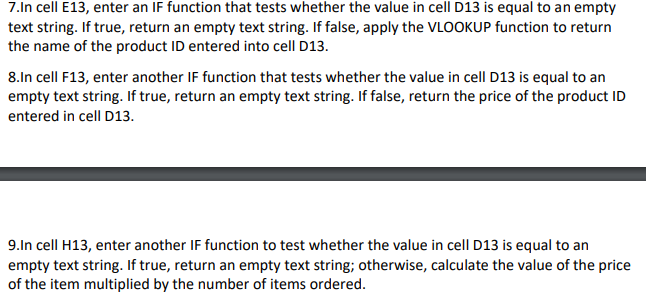
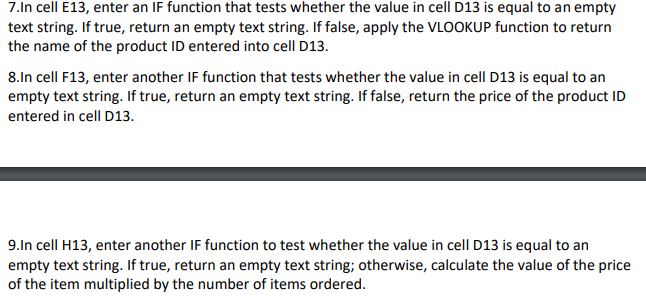
}'.In cel| E13. enter an IF function that tests whether the value in cell [:13 is equal to an empty:r text string. If true, return an emptv text string. If false, applv the 'v'L UKUP function to return the name of the product In entered into cell 013. 3.In cell F13, enter another IF function that tests whether the value in cell [2-13 is equal to an em ptv text string. If true, return an emptv text string. If false, return the price of the product ID entered in cell [313. 9.In cell H13, enter another IF function to test whether the value in cell 013 is equal to an em ptv text string. If true, return an emptv text string; otherwise, calculate the value of the price of the item multiplied by the number of items ordered
Step by Step Solution
There are 3 Steps involved in it

Get step-by-step solutions from verified subject matter experts