







Question: Can you please help me solve this java question Create an Eclipse Project called JavaProgram . Create a class called SoundPlayerGUI that will play a
Can you please help me solve this java question 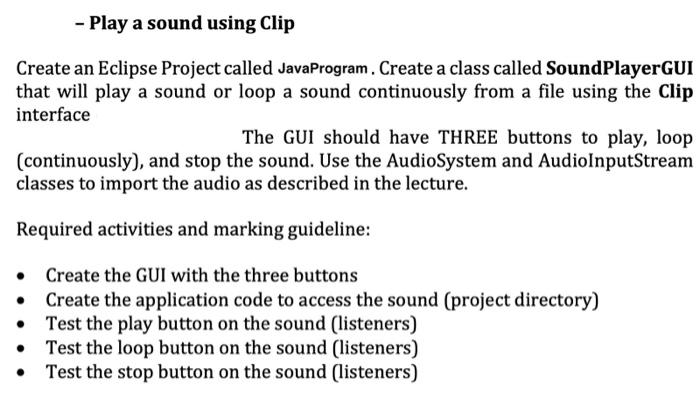
Create an Eclipse Project called JavaProgram . Create a class called SoundPlayerGUI that will play a sound or loop a sound continuously from a file using the Clip interface The GUI should have THREE buttons to play, loop (continuously), and stop the sound. Use the AudioSystem and AudioInputStream classes to import the audio as described in the lecture. Required activities and marking guideline: - Create the GUI with the three buttons - Create the application code to access the sound (project directory) - Test the play button on the sound (listeners) - Test the loop button on the sound (listeners) - Test the stop button on the sound (listeners)
Step by Step Solution
There are 3 Steps involved in it
1 Expert Approved Answer
Step: 1 Unlock

Question Has Been Solved by an Expert!
Get step-by-step solutions from verified subject matter experts
Step: 2 Unlock
Step: 3 Unlock
 Study Help