







Question: Capture a memory dump from the provided Windows machine and demonstrate the step - by - step process through screenshots and explanations. However, do not
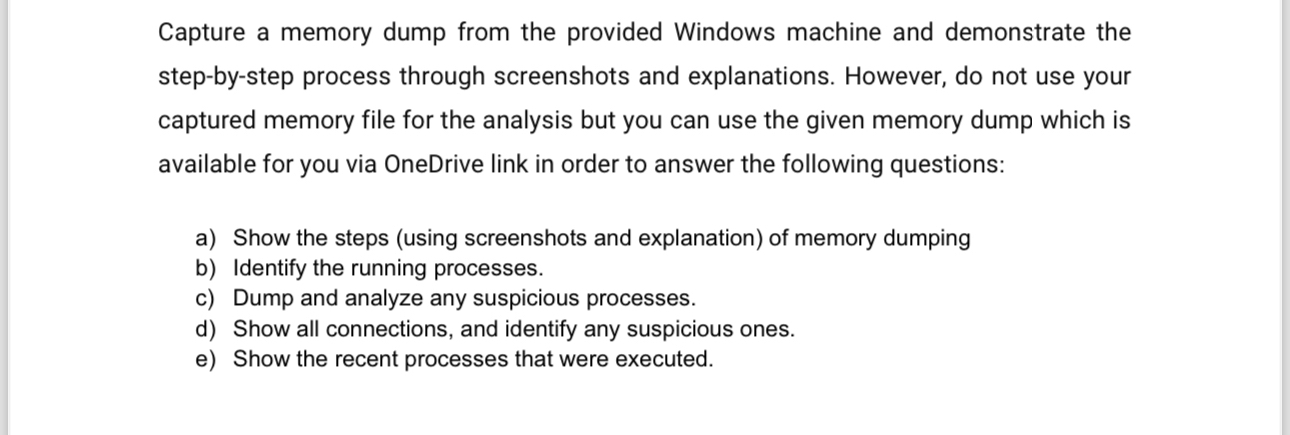
Capture a memory dump from the provided Windows machine and demonstrate the stepbystep process through screenshots and explanations. However, do not use your captured memory file for the analysis but you can use the given memory dump which is available for you via OneDrive link in order to answer the following questions:
a Show the steps using screenshots and explanation of memory dumping
b Identify the running processes.
c Dump and analyze any suspicious processes.
d Show all connections, and identify any suspicious ones.
e Show the recent processes that were executed.
Step by Step Solution
There are 3 Steps involved in it
1 Expert Approved Answer
Step: 1 Unlock

Question Has Been Solved by an Expert!
Get step-by-step solutions from verified subject matter experts
Step: 2 Unlock
Step: 3 Unlock
 Study Help