







Question: Capturing Program Output When you submit your computer lab assignments, it will be neces a file that contains the output generated by your program. ev
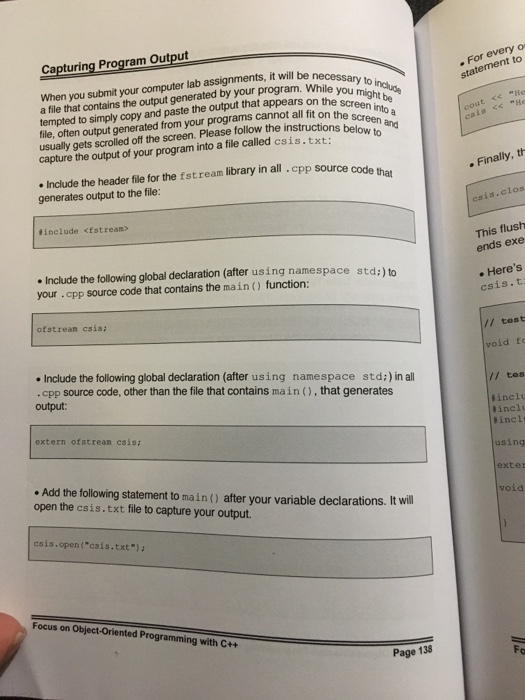
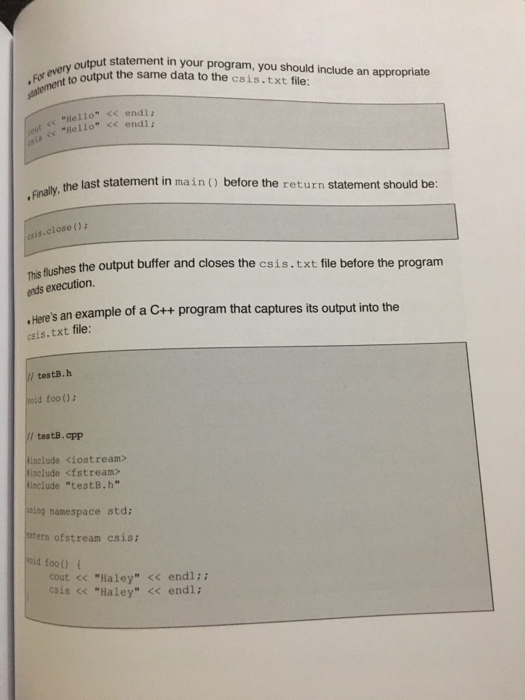
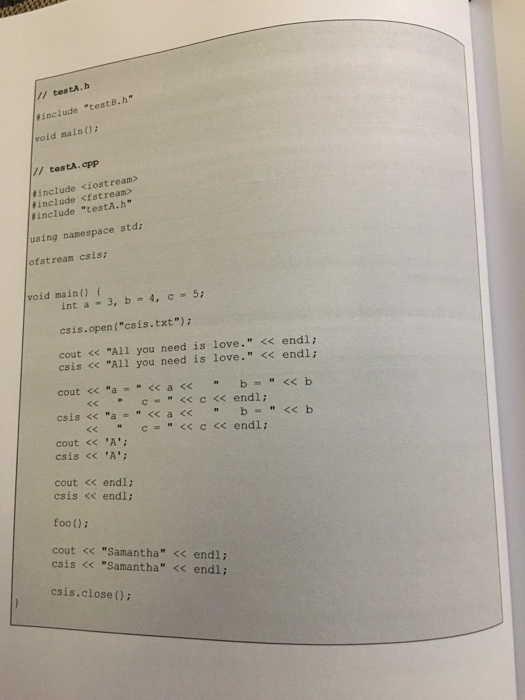
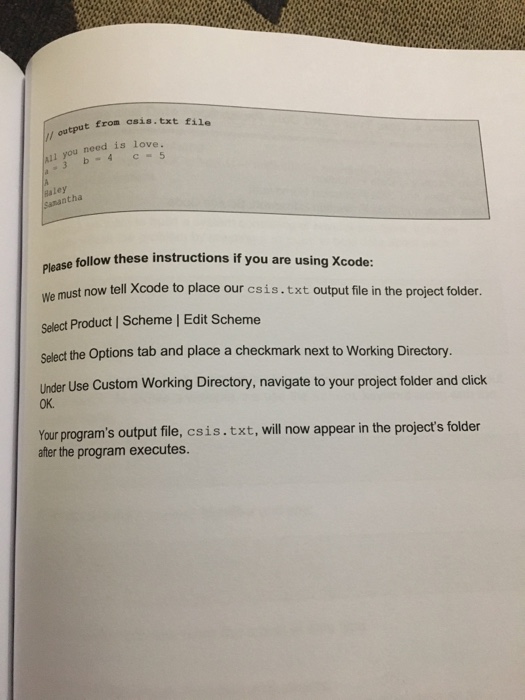
Capturing Program Output When you submit your computer lab assignments, it will be neces a file that contains the output generated by your program. ev to tempted to simply copy and paste the output that appears on the sc file, often output generated from your programs cannot all fit on thn into usually gets scrolled off the screen. Please follow the instructioan . For every o statement to statement be lns below to screen and ns below to cout This flush ends exe Include the following global declaration (after using namespace std:)to your cpp source code that contains the main) function: mespace std:) to . Here's csis.t ofstrean csis: // test id fc Include the following global declaration (after using namespace std;) in all .cpp source code, other than the file that contains main(),that generates output: // tes inclu # inclu #incl! extern ofstrean csisi using . Add the following statement to main() after your variable declarations. It open the csis.txt file to capture your output. exter void will csis.open("cais.txt): Focus on Object-Oriented Programming with C++ Page 138
Step by Step Solution
There are 3 Steps involved in it

Get step-by-step solutions from verified subject matter experts
 Study Help