







Question: Case Assignment - User Interface Design Before You Begin - Assignment Specific Going forward with in-house development, Carlie Davis is now requesting that you design
Case Assignment - User Interface Design Before You Begin - Assignment Specific Going forward with in-house development, Carlie Davis is now requesting that you design SIMs User- Interface (UI). The way an application looks and its ease of use is critical to its acceptance and success. Consider how to get these items approved by the users. During this stage, you will be designing system pages and reports. It is important to determine which hardware SAM will run on. If the software is going to run on mobile devices, the programmers need to plan the user interface accordingly. In this simulation environment, you will review the emails which contain instructions for this case assignment. Complete the following: 1. Create a hierarchical drawing of user screens ensuring that there is main menu at the top of the drawing with navigation buttons leading to the following sub-screens: a. Customer screen -Customer information -Request for service b. Invoicing -Prepare invoices with customer ID, part ID, labor costs and status of payment. c. Appliances -Add/remove appliance -Add/remove parts d. Technicians -Add/remove technicians -Manage technicians schedule 2. Using Lucid Charts create two example screens from the list above: -One user input screen showing company logo -Menu can be main menu, menu of reports, etc. and -informational screen either results of a search (ie. Parts availability or schedule availability) or a static screen.
Please show how the hierarchical drawing and example screens would look like
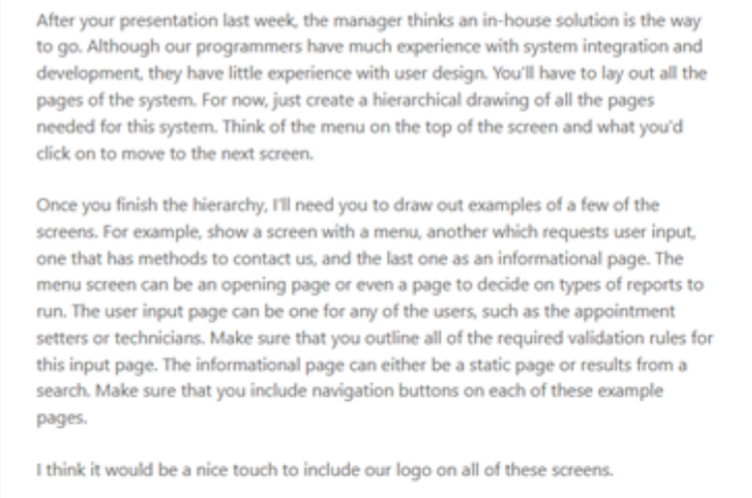
After your presentation last week, the manager thinks an in-house solution is the way to go. Although our programmers have much experience with system integration and development, they have little experience with user design. You'll have to lay out all the pages of the system. For now, just create a hierarchical drawing of all the pages needed for this system. Think of the menu on the top of the screen and what you'd click on to move to the next screen. Once you finish the hierarchy, rill need you to draw out examples of a few of the screens. For example, show a screen with a menu, another which requests user input, one that has methods to contact us, and the last one as an informational page. The menu screen can be an opening page or even a page to decide on types of reports to run. The user input page can be one for ary of the users, such as the appointment setters or technicians. Make sure that you outline all of the required validation rules for this input page. The informational page can either be a static page or results from a search. Make sure that you include navigation buttons on each of these example pages. I think it would be a nice touch to include our logo on all of these screens
Step by Step Solution
There are 3 Steps involved in it

Get step-by-step solutions from verified subject matter experts
 Study Help