







Question: Case Background: A user contacts the IT support desk reporting that their desktop computer is failing to boot up properly. The user explains that when
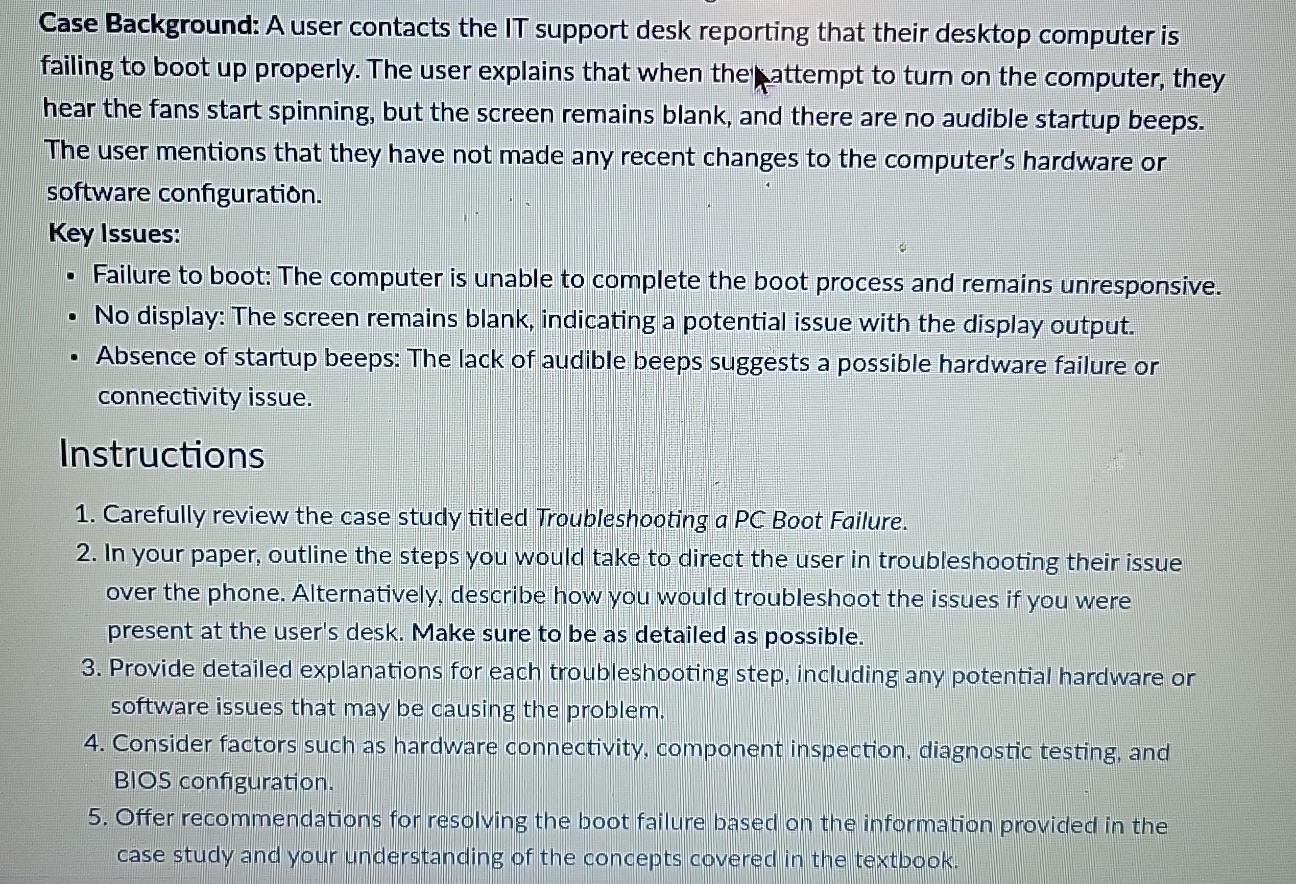
Case Background: A user contacts the IT support desk reporting that their desktop computer is failing to boot up properly. The user explains that when the attempt to turn on the computer, they hear the fans start spinning, but the screen remains blank, and there are no audible startup beeps. The user mentions that they have not made any recent changes to the computer's hardware or software configuration.
Key Issues:
Failure to boot: The computer is unable to complete the boot process and remains unresponsive.
No display: The screen remains blank, indicating a potential issue with the display output.
Absence of startup beeps: The lack of audible beeps suggests a possible hardware failure or connectivity issue.
Instructions
Carefully review the case study titled Troubleshooting a PC Boot Failure.
In your paper, outline the steps you would take to direct the user in troubleshooting their issue over the phone. Alternatively, describe how you would troubleshoot the issues if you were present at the user's desk. Make sure to be as detailed as possible.
Provide detailed explanations for each troubleshooting step, including any potential hardware or software issues that may be causing the problem.
Consider factors such as hardware connectivity, component inspection, diagnostic testing, and BIOS configuration.
Offer recommendations for resolving the boot failure based on the information provided in the case study and your understanding of the concepts covered in the textbook.
Step by Step Solution
There are 3 Steps involved in it
1 Expert Approved Answer
Step: 1 Unlock

Question Has Been Solved by an Expert!
Get step-by-step solutions from verified subject matter experts
Step: 2 Unlock
Step: 3 Unlock
 Study Help