







Question: Cashman Excel 365/2021 | Module 3: SAM Critical Thinking Project 1c 8. Lindsey wants to determine how each month's sales contributed to the total sales.
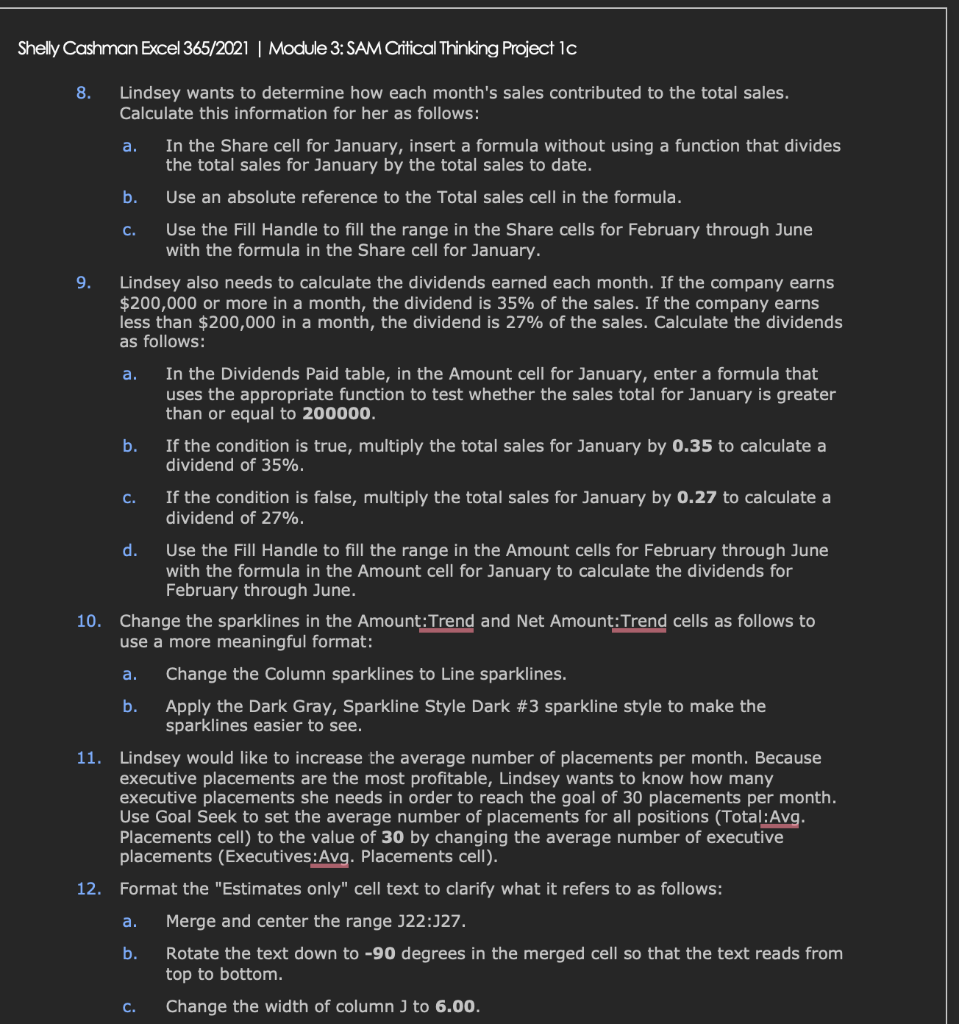
Cashman Excel 365/2021 | Module 3: SAM Critical Thinking Project 1c 8. Lindsey wants to determine how each month's sales contributed to the total sales. Calculate this information for her as follows: a. In the Share cell for January, insert a formula without using a function that divides the total sales for January by the total sales to date. b. Use an absolute reference to the Total sales cell in the formula. c. Use the Fill Handle to fill the range in the Share cells for February through June with the formula in the Share cell for January. 9. Lindsey also needs to calculate the dividends earned each month. If the company earns $200,000 or more in a month, the dividend is 35% of the sales. If the company earns less than $200,000 in a month, the dividend is 27% of the sales. Calculate the dividends as follows: a. In the Dividends Paid table, in the Amount cell for January, enter a formula that uses the appropriate function to test whether the sales total for January is greater than or equal to 200000. b. If the condition is true, multiply the total sales for January by 0.35 to calculate a dividend of 35%. c. If the condition is false, multiply the total sales for January by 0.27 to calculate a dividend of 27%. d. Use the Fill Handle to fill the range in the Amount cells for February through June with the formula in the Amount cell for January to calculate the dividends for February through June. 10. Change the sparklines in the Amount:Trend and Net Amount:Trend cells as follows to use a more meaningful format: a. Change the Column sparklines to Line sparklines. b. Apply the Dark Gray, Sparkline Style Dark \#3 sparkline style to make the sparklines easier to see. 11. Lindsey would like to increase the average number of placements per month. Because executive placements are the most profitable, Lindsey wants to know how many executive placements she needs in order to reach the goal of 30 placements per month. Use Goal Seek to set the average number of placements for all positions (Total:Avg. Placements cell) to the value of 30 by changing the average number of executive placements (Executives:Avg. Placements cell). 12. Format the "Estimates only" cell text to clarify what it refers to as follows: a. Merge and center the range J22:J27. b. Rotate the text down to 90 degrees in the merged cell so that the text reads from top to bottom. c. Change the width of column J to 6.00
Step by Step Solution
There are 3 Steps involved in it

Get step-by-step solutions from verified subject matter experts
 Study Help