



Question: CCS 1. Right click on the project and select Properties, or use a shortcut key combination of Alt + Enter (on Windows). 2. Go to
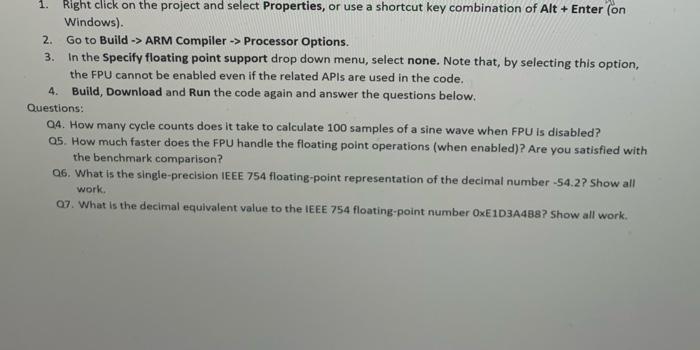
1. Right click on the project and select Properties, or use a shortcut key combination of Alt + Enter (on Windows). 2. Go to Build -> ARM Compiler -> Processor Options. 3. In the Specify floating point support drop down menu, select none. Note that, by selecting this option, the FPU cannot be enabled even if the related APIs are used in the code. 4. Build, Download and Run the code again and answer the questions below. Questions: 04. How many cycle counts does it take to calculate 100 samples of a sine wave when FPU is disabled? 05. How much faster does the FPU handle the floating point operations (when enabled)? Are you satisfied with the benchmark comparison? Q6. What is the single-precision IEEE 754 floating-point representation of the decimal number -54.2? Show all work. 07. What is the decimal equivalent value to the IEEE 754 floating-point number OxE1D3A488? Show all work
Step by Step Solution
There are 3 Steps involved in it

Get step-by-step solutions from verified subject matter experts