







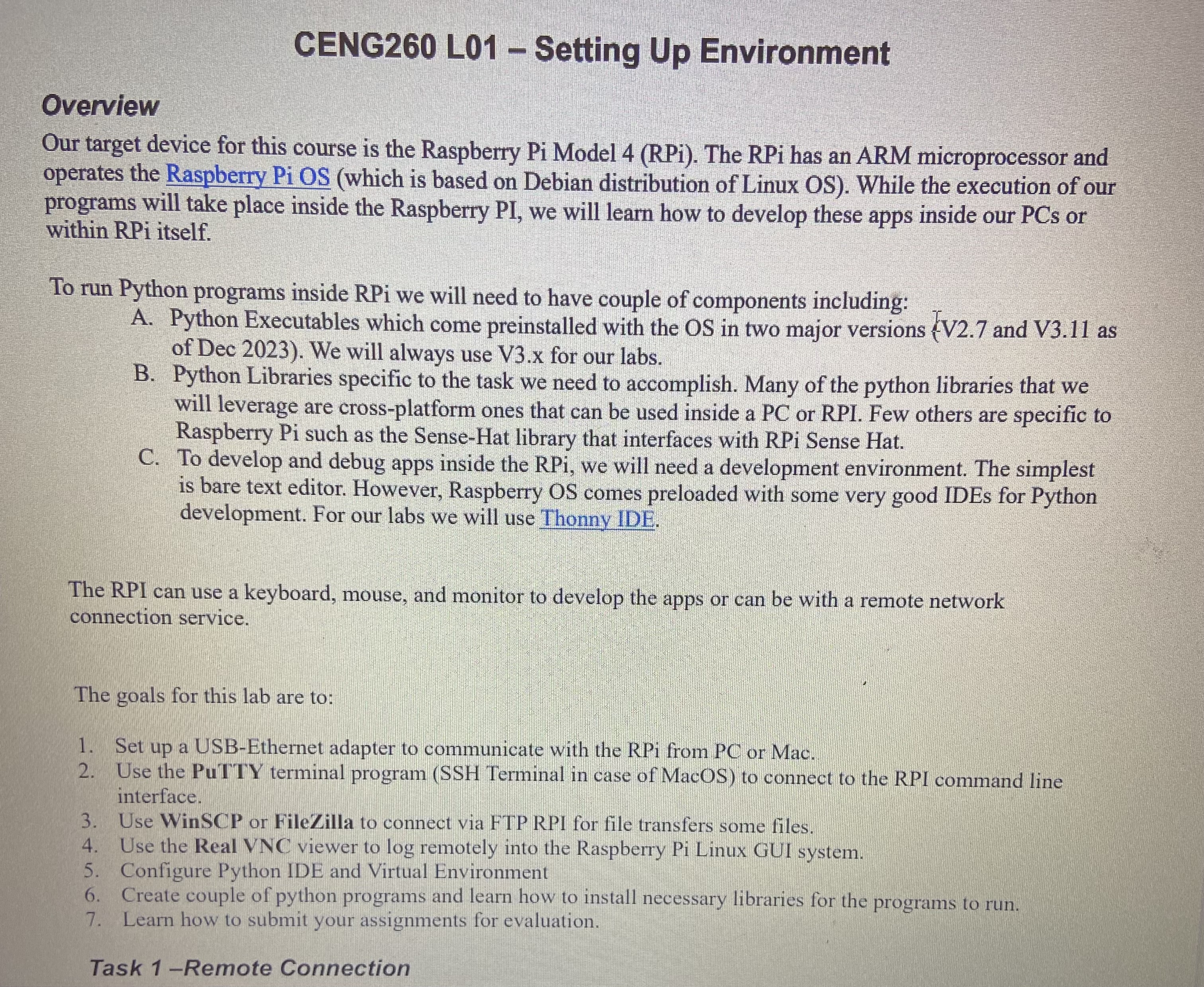
Question: CENG 2 6 0 L 0 1 - Setting Up Environment Overview Our target device for this course is the Raspberry Pi Model 4 (
CENG L Setting Up Environment
Overview
Our target device for this course is the Raspberry Pi Model RPi The RPi has an ARM microprocessor and operates the Raspberry Pi OS which is based on Debian distribution of Linux OS While the execution of our programs will take place inside the Raspberry PI we will learn how to develop these apps inside our PCs or within RPi itself.
To run Python programs inside RPi we will need to have couple of components including:
A Python Executables which come preinstalled with the OS in two major versions V and V as of Dec We will always use Vx for our labs.
B Python Libraries specific to the task we need to accomplish. Many of the python libraries that we will leverage are crossplatform ones that can be used inside a PC or RPI. Few others are specific to Raspberry Pi such as the SenseHat library that interfaces with RPi Sense Hat.
C To develop and debug apps inside the RPi, we will need a development environment. The simplest is bare text editor. However, Raspberry OS comes preloaded with some very good IDEs for Python development. For our labs we will use Thonny IDE.
The RPI can use a keyboard, mouse, and monitor to develop the apps or can be with a remote network connection service.
The goals for this lab are to:
Set up a USBEthernet adapter to communicate with the RPi from PC or Mac.
Use the PuTTY terminal program SSH Terminal in case of MacOS to connect to the RPI command line interface.
Use WinSCP or FileZilla to connect via FTP RPI for file transfers some files.
Use the Real VNC viewer to log remotely into the Raspberry Pi Linux GUI system.
Configure Python IDE and Virtual Environment
Create couple of python programs and learn how to install necessary libraries for the programs to run.
Learn how to submit your assignments for evaluation.
Step by Step Solution
There are 3 Steps involved in it
1 Expert Approved Answer
Step: 1 Unlock

Question Has Been Solved by an Expert!
Get step-by-step solutions from verified subject matter experts
Step: 2 Unlock
Step: 3 Unlock
 Study Help