







Question: CentOS Linux Command Line question. Need a step by step guide/solution to this problem: Write a single command that stores (in a file called out.txt)
CentOS Linux Command Line question. Need a step by step guide/solution to this problem:
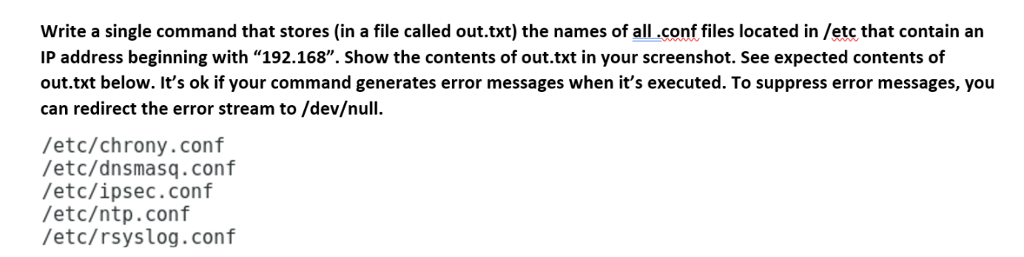
Write a single command that stores (in a file called out.txt) the names of all.conf files located in /etc that contain an IP address beginning with "192.168". Show the contents of out.txt in your screenshot. See expected contents of out.txt below. It's ok if your command generates error messages when it's executed. To suppress error messages, you can redirect the error stream to /devull. /etc/chrony.conf /etc/dnsmasq.conf /etc/ipsec.conf /etctp.conf /etc/rsyslog.conf
Step by Step Solution
There are 3 Steps involved in it
1 Expert Approved Answer
Step: 1 Unlock

Question Has Been Solved by an Expert!
Get step-by-step solutions from verified subject matter experts
Step: 2 Unlock
Step: 3 Unlock
 Study Help