







Question: CFPlayer.java: CFGame.java Test.java In this homework assignment, you'll implement the the game Connect Four https://en.wikipedia.org/wiki/Connect_Four The board size is 7 columns by 6 rows. Use
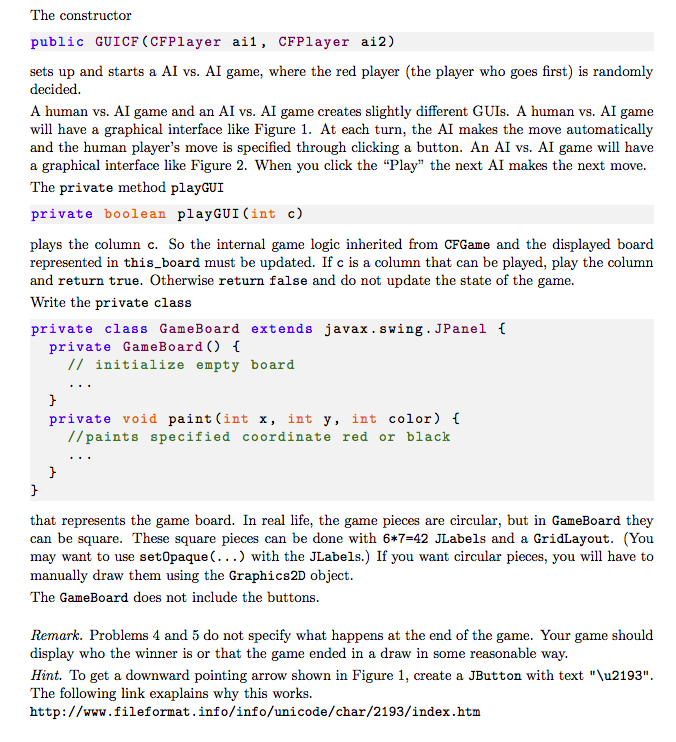
CFPlayer.java:
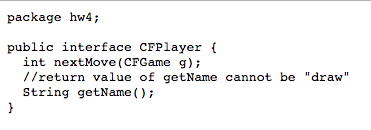
CFGame.java
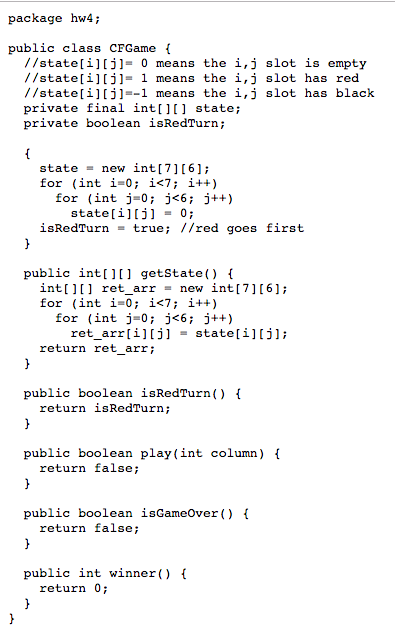
Test.java
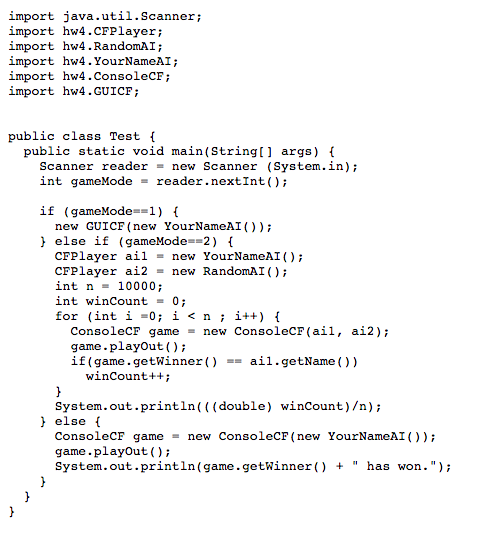
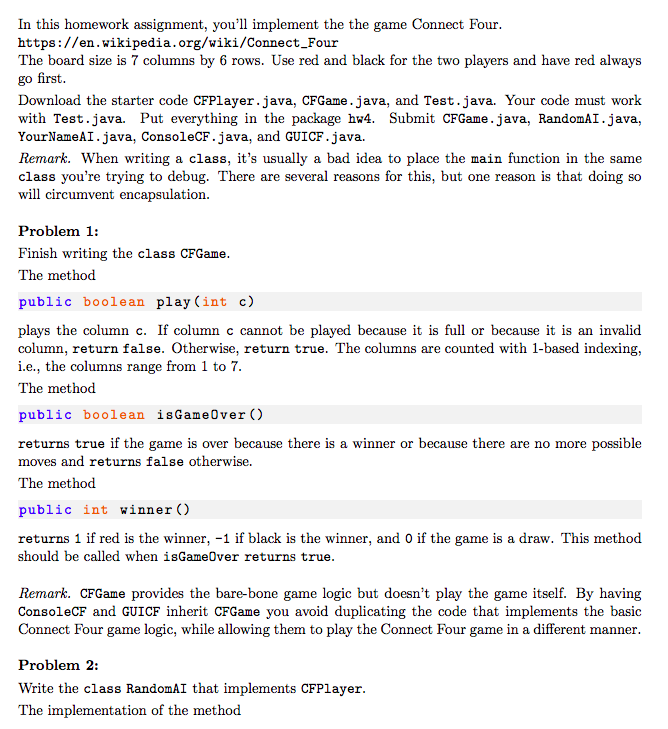
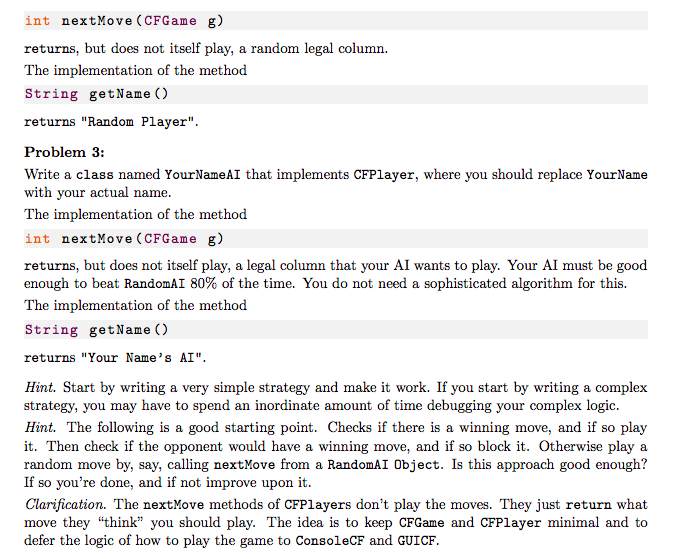
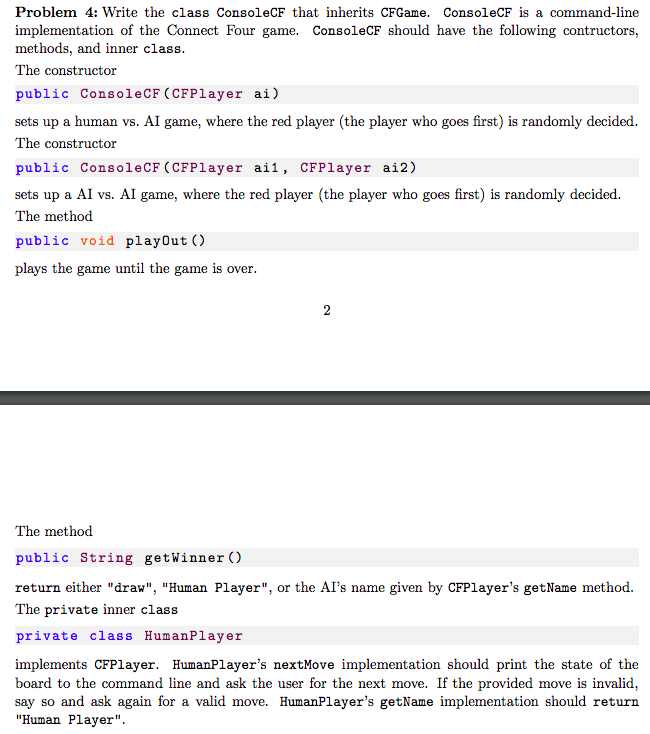
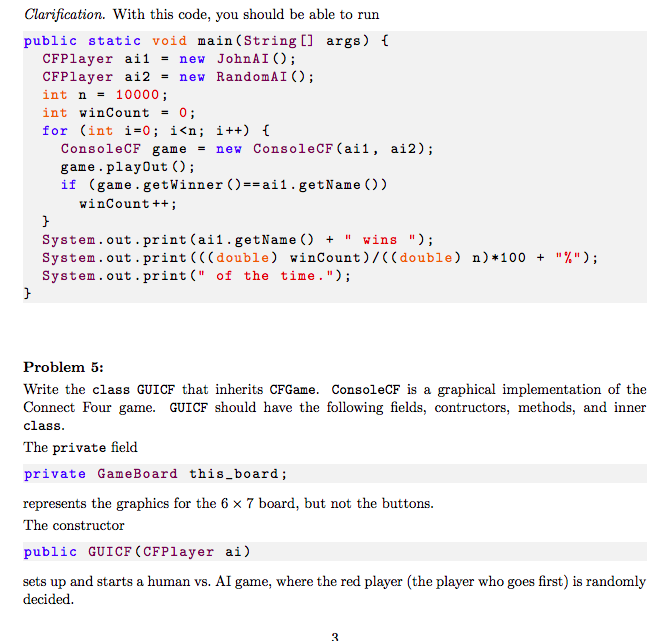
In this homework assignment, you'll implement the the game Connect Four https://en.wikipedia.org/wiki/Connect_Four The board size is 7 columns by 6 rows. Use red and black for the two players and have red always go first Download the starter code CFPlayer.java, CFGame.java, and Test.java. Your code must work with Test.java. Put everything in the package hw4. Submit CFGame.java, RandomAI.java, YourNameAI.java, ConsoleCF.java, and GUICF.java. Remark. When writing a class, it's usually a bad idea to place the main function in the same class you're trying to debug. There are several reasons for this, but one reason is that doing so will circumvent encapsulation. Problem 1: Finish writing the class CFGame The method public boolean play(int c) plays the column c. If column c cannot be played because it is full or because it is an invalid column, return false. Otherwise, return true. The columns are counted with 1-based indexing i.e., the columns range from 1 to 7 The method public boolean isGameOver () returns true if the game is over because there is a winner or because there are no more possible moves and returns false otherwise. The method public int winner () returns 1 if red is the winner, -1 if black is the winner, and 0 if the game is a draw. This method should be called when isGameOver returns true Remark. CFGame provides the bare-bone game logic but doesn't play the game itself. By having ConsoleCF and GUICF inherit CFGame you avoid duplicating the code that implements the basic Connect Four game logic, while allowing them to play the Connect Four game in a different manner Problem 2: Write the class RandomAI that implements CFPlayer The implementation of the method In this homework assignment, you'll implement the the game Connect Four https://en.wikipedia.org/wiki/Connect_Four The board size is 7 columns by 6 rows. Use red and black for the two players and have red always go first Download the starter code CFPlayer.java, CFGame.java, and Test.java. Your code must work with Test.java. Put everything in the package hw4. Submit CFGame.java, RandomAI.java, YourNameAI.java, ConsoleCF.java, and GUICF.java. Remark. When writing a class, it's usually a bad idea to place the main function in the same class you're trying to debug. There are several reasons for this, but one reason is that doing so will circumvent encapsulation. Problem 1: Finish writing the class CFGame The method public boolean play(int c) plays the column c. If column c cannot be played because it is full or because it is an invalid column, return false. Otherwise, return true. The columns are counted with 1-based indexing i.e., the columns range from 1 to 7 The method public boolean isGameOver () returns true if the game is over because there is a winner or because there are no more possible moves and returns false otherwise. The method public int winner () returns 1 if red is the winner, -1 if black is the winner, and 0 if the game is a draw. This method should be called when isGameOver returns true Remark. CFGame provides the bare-bone game logic but doesn't play the game itself. By having ConsoleCF and GUICF inherit CFGame you avoid duplicating the code that implements the basic Connect Four game logic, while allowing them to play the Connect Four game in a different manner Problem 2: Write the class RandomAI that implements CFPlayer The implementation of the method
Step by Step Solution
There are 3 Steps involved in it

Get step-by-step solutions from verified subject matter experts
 Study Help