







Question: CH 0 2 APPLY - Concepts into Practice ( i ) Saved Help Save & Exit Submit ( This question will be sent to your
CH APPLY Concepts into Practice i
Saved
Help
Save & Exit
Submit
This question will be sent to your instructor for grading.
Part of
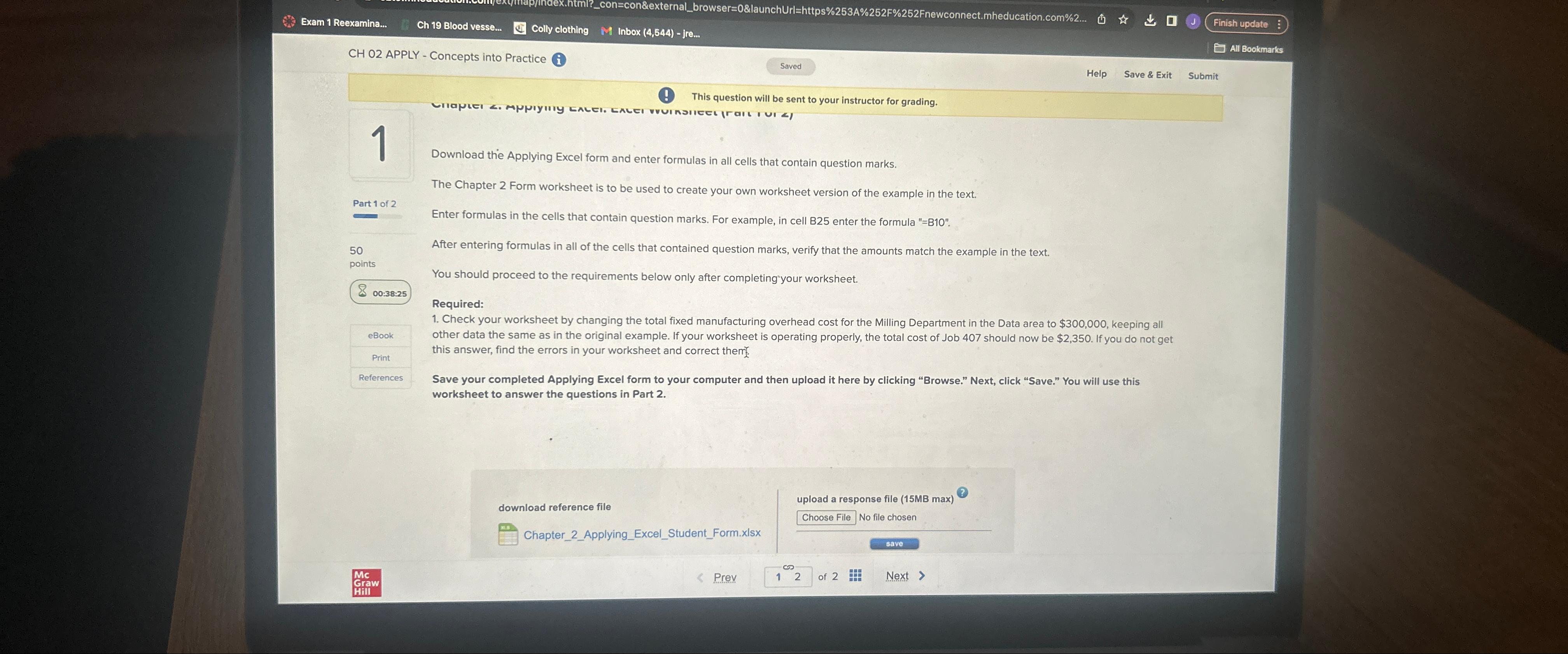
Download the Applying Excel form and enter formulas in all cells that contain question marks.
The Chapter Form worksheet is to be used to create your own worksheet version of the example in the text.
Enter formulas in the cells that contain question marks. For example, in cell B enter the formula B
After entering formulas in all of the cells that contained question marks, verify that the amounts match the example in the text.
You should proceed to the requirements below only after completing your worksheet.
Required:
Check your worksheet by changing the total fixed manufacturing overhead cost for the Milling Department in the Data area to $kee all other data the same as in the original example. If your worksheet is operating properly, the total cost of Job should now be $ If you do not get this answer, find the errors in your worksheet and correct them
Save your completed Applying Excel form to your computer and then upload it here by clicking "Browse." Next, click "Save." You will use this worksheet to answer the questions in Part
download reference file
ChapterApplyingExcelStudentForm.xlsx
upload a response file MB max
Choose File No file chosen
of Next
Step by Step Solution
There are 3 Steps involved in it
1 Expert Approved Answer
Step: 1 Unlock

Question Has Been Solved by an Expert!
Get step-by-step solutions from verified subject matter experts
Step: 2 Unlock
Step: 3 Unlock
 Study Help