







Question: Challenge 1 : Network Scanning The first step is always reconnaissance. We need to identify all of the relevant targets in our network and find
Challenge : Network Scanning
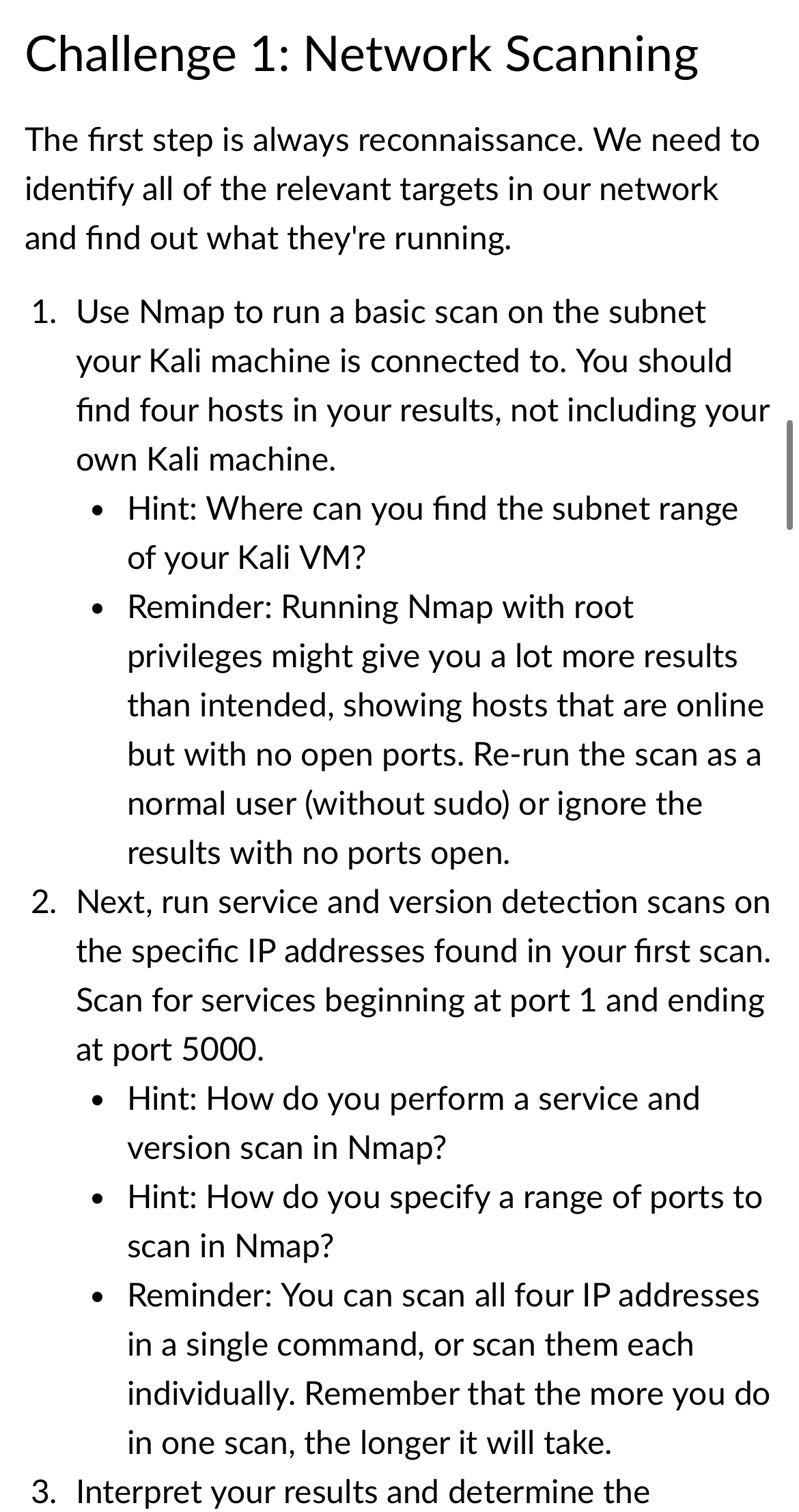
The first step is always reconnaissance. We need to identify all of the relevant targets in our network and find out what they're running.
Use Nmap to run a basic scan on the subnet your Kali machine is connected to You should find four hosts in your results, not including your own Kali machine.
Hint: Where can you find the subnet range of your Kali VM
Reminder: Running Nmap with root privileges might give you a lot more results than intended, showing hosts that are online but with no open ports. Rerun the scan as a normal user without sudo or ignore the results with no ports open.
Next, run service and version detection scans on the specific IP addresses found in your first scan. Scan for services beginning at port and ending at port
Hint: How do you perform a service and version scan in Nmap?
Hint: How do you specify a range of ports to scan in Nmap?
Reminder: You can scan all four IP addresses in a single command, or scan them each individually. Remember that the more you do in one scan, the longer it will take.
Interpret your results and determine the
Step by Step Solution
There are 3 Steps involved in it
1 Expert Approved Answer
Step: 1 Unlock

Question Has Been Solved by an Expert!
Get step-by-step solutions from verified subject matter experts
Step: 2 Unlock
Step: 3 Unlock
 Study Help