







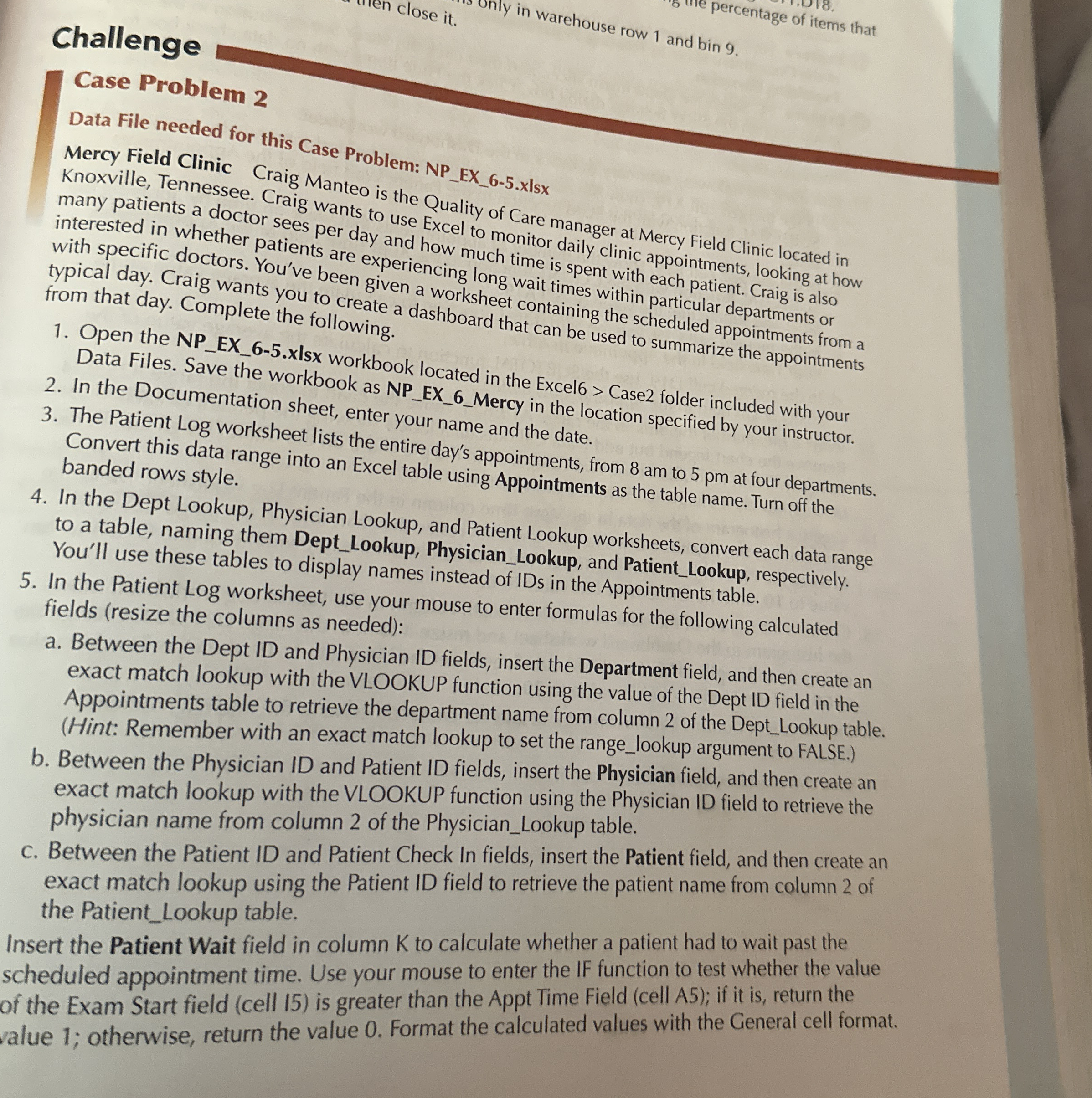
Question: Challenge Case Problem 2 Data File needed for this Case Problem: NP _ EX _ 6 - 5 . xlsx Mercy Field Clinic Craig Manteo
Challenge
Case Problem
Data File needed for this Case Problem: NPEXxlsx
Mercy Field Clinic Craig Manteo is the Quality of Care manager at Mercy Field Clinic located in Knoxville, Tennessee. Craig wants to use Excel to monitor daily clinic appointments, looking at how many patients a doctor sees per day and how much time is spent with each patient. Craig is also interested in whether patients are experiencing long wait times within particular departments or with specific doctors. You've been given a works et containing the scheduled appointments from a typical day. Craig wants you to create a dashboard from that day. Complete the following.
Open the NPEXxIsx workbook located in the Excel Case folder included with your Data Files. Save the workbook as NPEXMercy in the location specified by your instructor.
In the Documentation sheet, enter your name and the date.
The Patient Log worksheet lists the entire day's appointments, from am to pm at four departments. Convert this data range into an Excel table using Appointments as the table name. Turn off the banded rows style.
In the Dept Lookup, Physician Lookup, and Patient Lookup worksheets, convert each data range to a table, naming them DeptLookup, PhysicianLookup, and PatientLookup, respectively. You'll use these tables to display names instead of IDs in the Appointments table.
In the Patient Log worksheet, use your mouse to enter formulas for the following calculated fields resize the columns as needed:
a Between the Dept ID and Physician ID fields, insert the Department field, and then create an exact match lookup with the VLOOKUP function using the value of the Dept ID field in the Appointments table to retrieve the department name from column of the DeptLookup table. Hint: Remember with an exact match lookup to set the rangelookup argument to FALSE.
b Between the Physician ID and Patient ID fields, insert the Physician field, and then create an exact match lookup with the VLOOKUP function using the Physician ID field to retrieve the physician name from column of the PhysicianLookup table.
c Between the Patient ID and Patient Check In fields, insert the Patient field, and then create an exact match lookup using the Patient ID field to retrieve the patient name from column of the PatientLookup table.
Insert the Patient Wait field in column K to calculate whether a patient had to wait past the scheduled appointment time. Use your mouse to enter the IF function to test whether the value of the Exam Start field cell is greater than the Appt Time Field cell A; if it is return the value ; otherwise, return the value Format the calculated values with the General cell format.
Step by Step Solution
There are 3 Steps involved in it
1 Expert Approved Answer
Step: 1 Unlock

Question Has Been Solved by an Expert!
Get step-by-step solutions from verified subject matter experts
Step: 2 Unlock
Step: 3 Unlock
 Study Help