







Question: Changes in Non Current Assets on the Balance Sheet appear in the Cash Flow Statement under: Task 14. (CREDIT Submission) Create a HTML file named
Changes in Non Current Assets on the Balance Sheet appear in the Cash Flow Statement under:
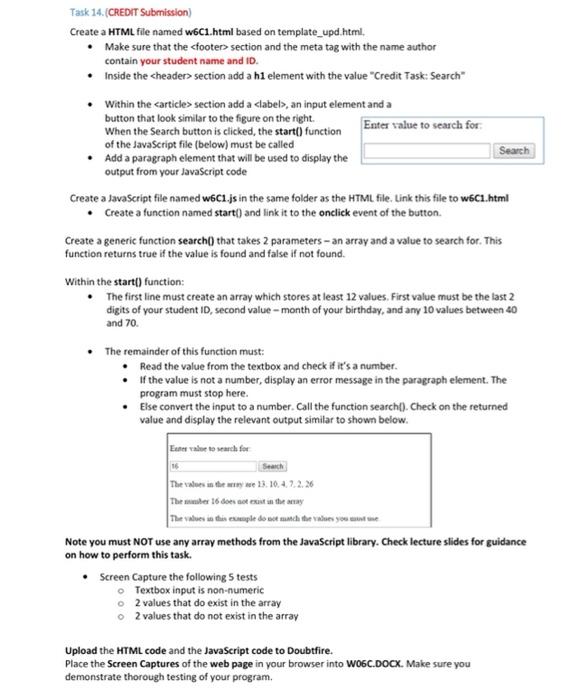
Task 14. (CREDIT Submission) Create a HTML file named W6C1.html based on template_upd.html, Make sure that the
Step by Step Solution
There are 3 Steps involved in it
1 Expert Approved Answer
Step: 1 Unlock

Question Has Been Solved by an Expert!
Get step-by-step solutions from verified subject matter experts
Step: 2 Unlock
Step: 3 Unlock
 Study Help