







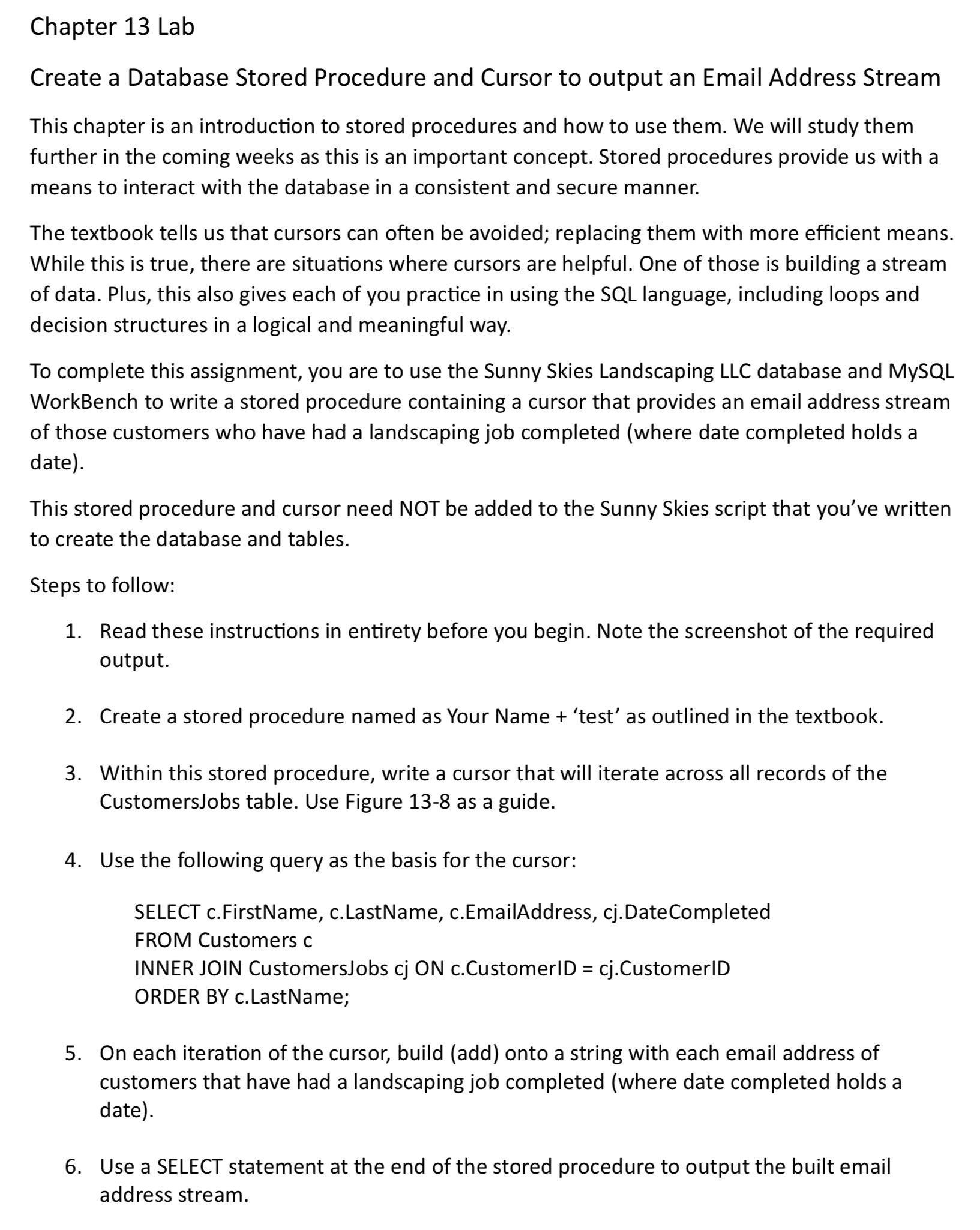
Question: Chapter 1 3 Lab Create a Database Stored Procedure and Cursor to output an Email Address Stream This chapter is an introduction to stored procedures
Chapter Lab
Create a Database Stored Procedure and Cursor to output an Email Address Stream
This chapter is an introduction to stored procedures and how to use them. We will study them further in the coming weeks as this is an important concept. Stored procedures provide us with a means to interact with the database in a consistent and secure manner.
The textbook tells us that cursors can often be avoided; replacing them with more efficient means. While this is true, there are situations where cursors are helpful. One of those is building a stream of data. Plus, this also gives each of you practice in using the SQL language, including loops and decision structures in a logical and meaningful way.
To complete this assignment, you are to use the Sunny Skies Landscaping LLC database and MySQL WorkBench to write a stored procedure containing a cursor that provides an email address stream of those customers who have had a landscaping job completed where date completed holds a date
This stored procedure and cursor need NOT be added to the Sunny Skies script that you've written to create the database and tables.
Steps to follow:
Read these instructions in entirety before you begin. Note the screenshot of the required output.
Create a stored procedure named as Your Name 'test' as outlined in the textbook.
Within this stored procedure, write a cursor that will iterate across all records of the CustomersJobs table. Use Figure as a guide.
Use the following query as the basis for the cursor:
SELECT cFirstName, cLastName, cEmailAddress, cjDateCompleted
FROM Customers c
INNER JOIN CustomersJobs cj ON cCustomerID cjCustomerID
ORDER BY cLastName;
On each iteration of the cursor, build add onto a string with each email address of customers that have had a landscaping job completed where date completed holds a date
Use a SELECT statement at the end of the stored procedure to output the built email address stream.
TIP: Review step below. Use this same concept to alter the stored procedure after it has been created Right click 'Alter Stored Procedure'.
The output from the cursor will be:
a A list of customer email addresses separated by a semicolon and then a space ; This could then be used to send an email to these customers via an email client.
b Your output should be:
emailaddressstream
Kelvin.Leong @SomeDomain.com; Susan.Nelson @SomeDomain.com;
Remember the importance of comments, indentations, whitespace, variable naming conventions in coding. The SQL language is much like any other programming language. These same concepts apply.
When you are finished, refresh the MySQL WorkBench Schemas area. Find the stored procedure that you just wrote, rightclick on it select 'Send to SQL editor' then select 'Create Statement'. This will load the stored procedure within a query tab. Save this file and
Step by Step Solution
There are 3 Steps involved in it
1 Expert Approved Answer
Step: 1 Unlock

Question Has Been Solved by an Expert!
Get step-by-step solutions from verified subject matter experts
Step: 2 Unlock
Step: 3 Unlock
 Study Help