







Question: Chapter 1 3 Lab - Encrypting and Decrypting Files ( C + + ) Prog 1 . File Encryption: File encryption is the science of
Chapter Lab Encrypting and Decrypting FilesC
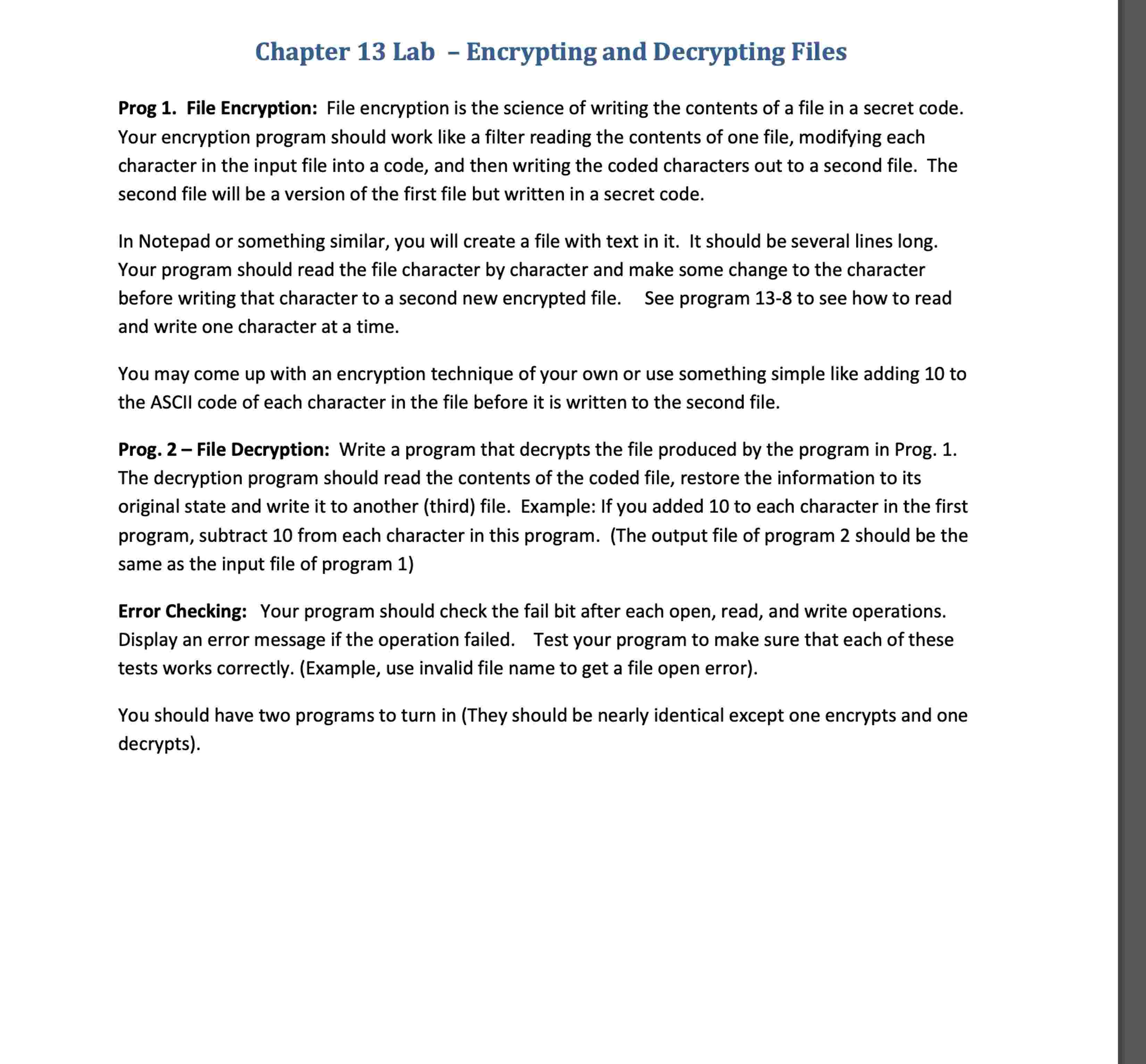
Prog File Encryption: File encryption is the science of writing the contents of a file in a secret code.
Your encryption program should work like a filter reading the contents of one file, modifying each
character in the input file into a code, and then writing the coded characters out to a second file. The
second file will be a version of the first file but written in a secret code.
In Notepad or something similar, you will create a file with text in it It should be several lines long.
Your program should read the file character by character and make some change to the character
before writing that character to a second new encrypted file. See program to see how to read
and write one character at a time.
You may come up with an encryption technique of your own or use something simple like adding to
the ASCII code of each character in the file before it is written to the second file.
Prog. File Decryption: Write a program that decrypts the file produced by the program in Prog.
The decryption program should read the contents of the coded file, restore the information to its
original state and write it to another third file. Example: If you added to each character in the first
program, subtract from each character in this program. The output file of program should be the
same as the input file of program
Error Checking: Your program should check the fail bit after each open, read, and write operations.
Display an error message if the operation failed. Test your program to make sure that each of these
tests works correctly. Example use invalid file name to get a file open error
You should have two programs to turn in They should be nearly identical except one encrypts and one
decrypts
Step by Step Solution
There are 3 Steps involved in it
1 Expert Approved Answer
Step: 1 Unlock

Question Has Been Solved by an Expert!
Get step-by-step solutions from verified subject matter experts
Step: 2 Unlock
Step: 3 Unlock
 Study Help