







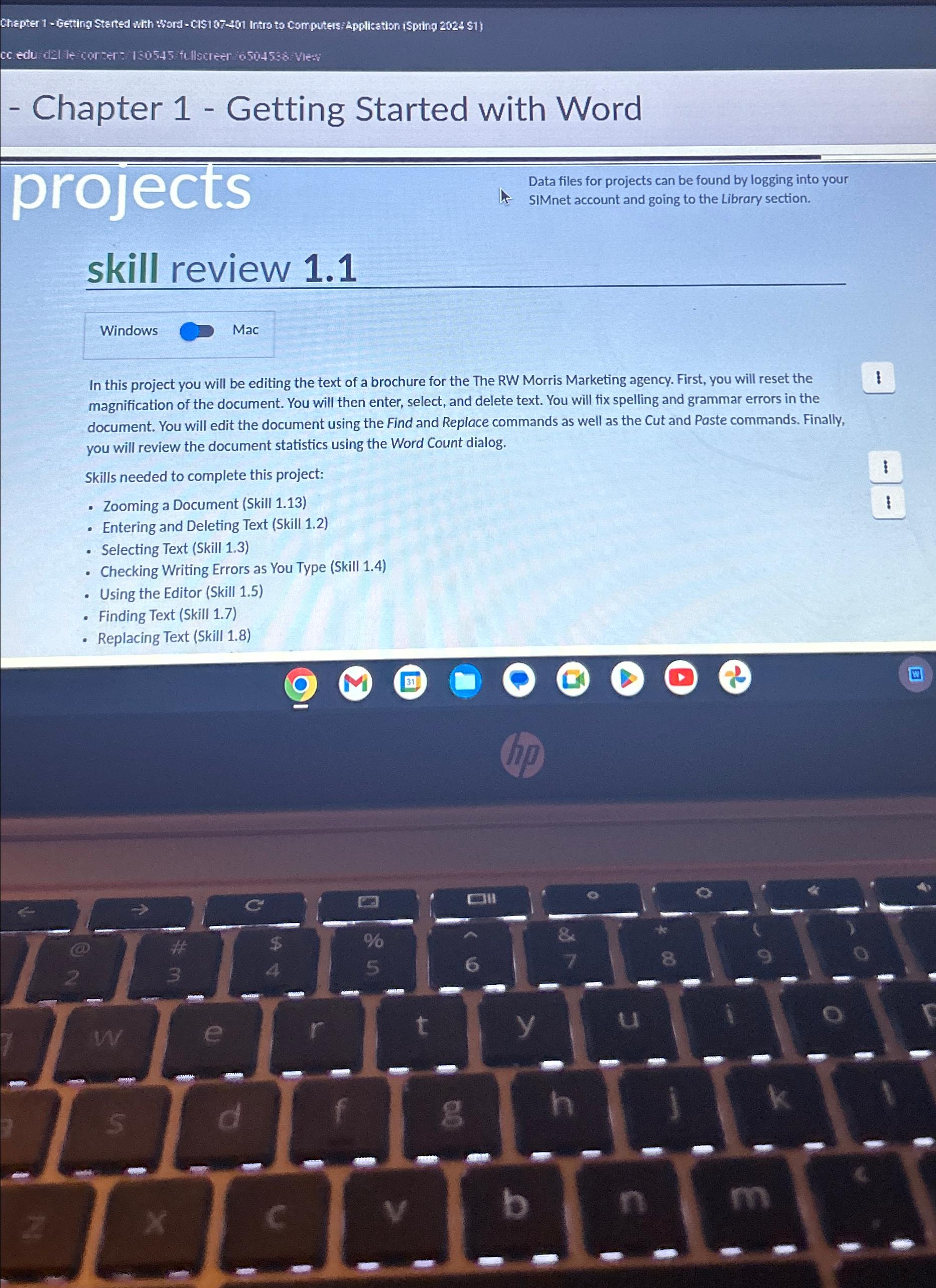
Question: Chapter 1 - Getting Started with Word projects Data files for projects can be found by logging into your SIMnet account and going to the
Chapter Getting Started with Word
projects
Data files for projects can be found by logging into your
SIMnet account and going to the Library section.
skill review
Windows
Mac
In this project you will be editing the text of a brochure for the The RW Morris Marketing agency. First, you will reset the magnification of the document. You will then enter, select, and delete text. You will fix spelling and grammar errors in the document. You will edit the document using the Find and Replace commands as well as the Cut and Paste commands. Finally, you will review the document statistics using the Word Count dialog.
Skills needed to complete this project:
Zooming a Document Skill
Entering and Deleting Text Skill
Selecting Text Skill
Checking Writing Errors as You Type Skill
Using the Editor Skill
Finding Text Skill
Replacing Text Skill
Step by Step Solution
There are 3 Steps involved in it
1 Expert Approved Answer
Step: 1 Unlock

Question Has Been Solved by an Expert!
Get step-by-step solutions from verified subject matter experts
Step: 2 Unlock
Step: 3 Unlock
 Study Help