







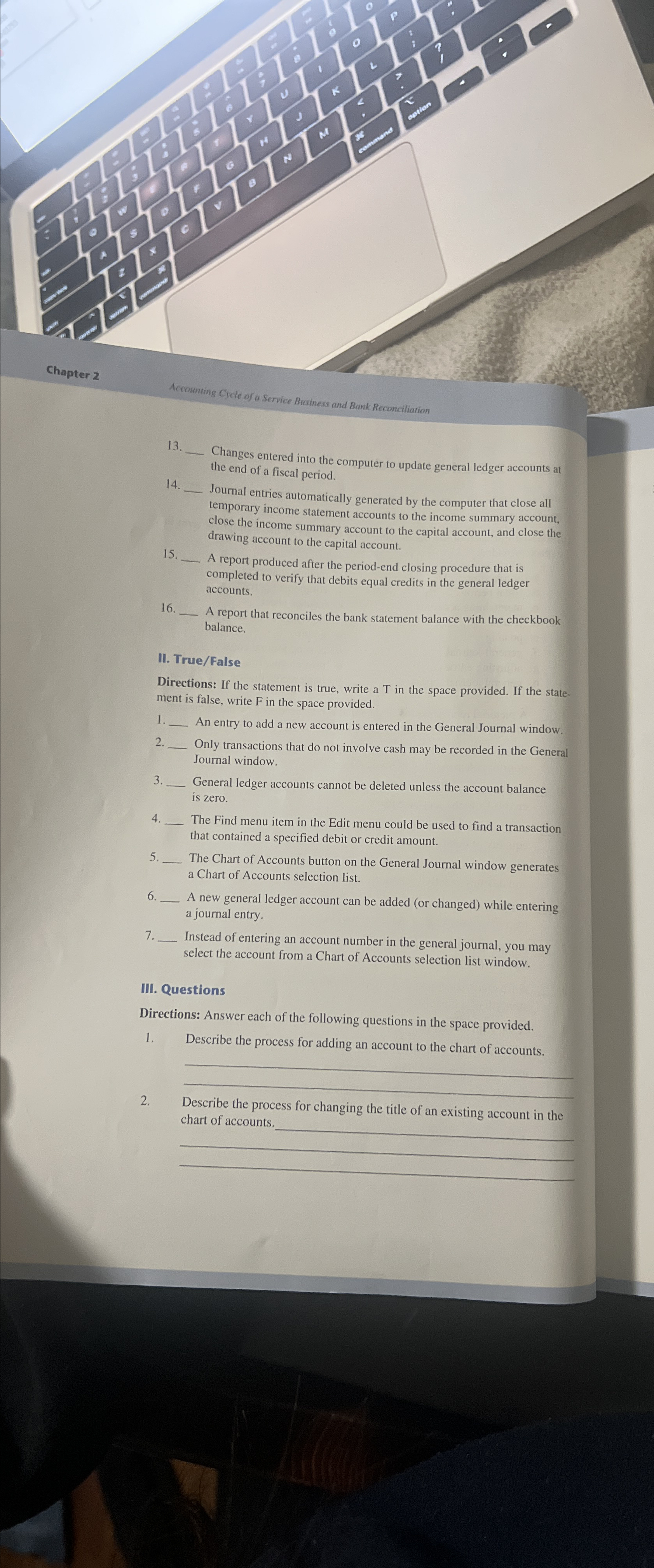
Question: Chapter 2 1 3 . Changes entered into the computer to update general ledger accounts at the end of a fiscal period. 1 4 .
Chapter
Changes entered into the computer to update general ledger accounts at the end of a fiscal period.
Accouming Cyde of a Service Business and Bank Reconciliation
Journal entries automatically generated by the computer that close all temporary income statement accounts to the income summary account, close the income summary account to the capital account, and close the drawing account to the capital account.
A report produced after the periodend closing procedure that is completed to verify that debits equal credits in the general ledger accounts.
A report that reconciles the bank statement balance with the checkbook balance,
II TrueFalse
Directions: If the statement is true, write a in the space provided. If the statement is false, write in the space provided.
An entry to add a new account is entered in the General Journal window.
Only transactions that do not involve cash may be recorded in the Genex. Journal window.
General ledger accounts cannot be deleted unless the account balance is zero.
The Find menu item in the Edit menu could be used to find a transaction that contained a specified debit or credit amount.
The Chart of Accounts button on the General Journal window generates a Chart of Accounts selection list.
A new general ledger account can be added or changed while entering a journal entry.
Instead of entering an account number in the general journal, you may select the account from a Chart of Accounts selection list window.
III. Questions
Directions: Answer each of the following questions in the space provided,
Describe the process for adding an account to the chart of accounts.
Describe the process for changing the title of an existing account in the chart of accounts.
Step by Step Solution
There are 3 Steps involved in it
1 Expert Approved Answer
Step: 1 Unlock

Question Has Been Solved by an Expert!
Get step-by-step solutions from verified subject matter experts
Step: 2 Unlock
Step: 3 Unlock
 Study Help