







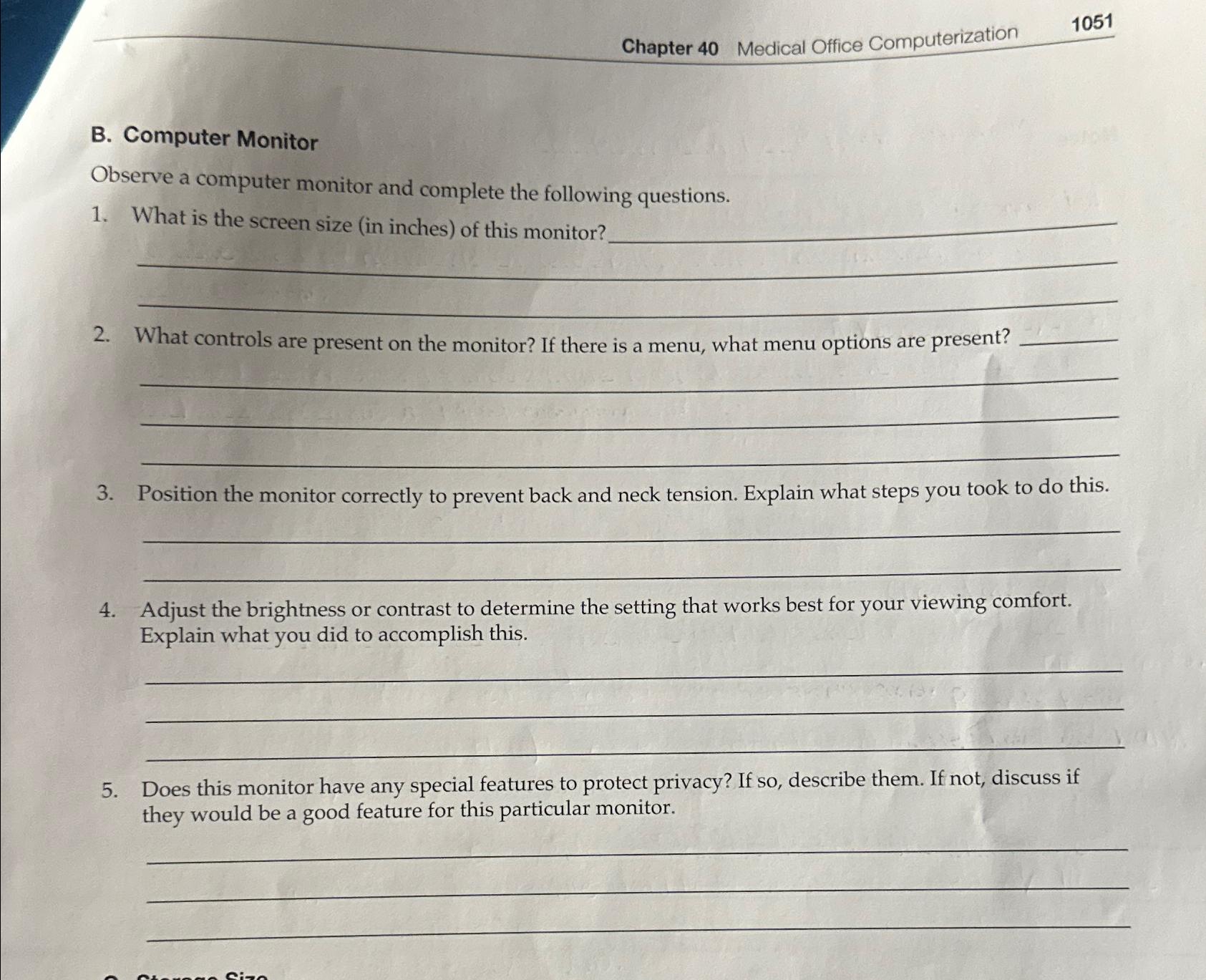
Question: Chapter 4 0 Medical Office Computerization 1 0 5 1 B . Computer Monitor Observe a computer monitor and complete the following questions. What is
Chapter
Medical Office Computerization
B Computer Monitor
Observe a computer monitor and complete the following questions.
What is the screen size in inches of this monitor?
What controls are present on the monitor? If there is a menu, what menu options are present?
Position the monitor correctly to prevent back and neck tension. Explain what steps you took to do this.
Adjust the brightness or contrast to determine the setting that works best for your viewing comfort. Explain what you did to accomplish this.
Does this monitor have any special features to protect privacy? If so describe them. If not, discuss if they would be a good feature for this particular monitor.
Step by Step Solution
There are 3 Steps involved in it
1 Expert Approved Answer
Step: 1 Unlock

Question Has Been Solved by an Expert!
Get step-by-step solutions from verified subject matter experts
Step: 2 Unlock
Step: 3 Unlock
 Study Help