







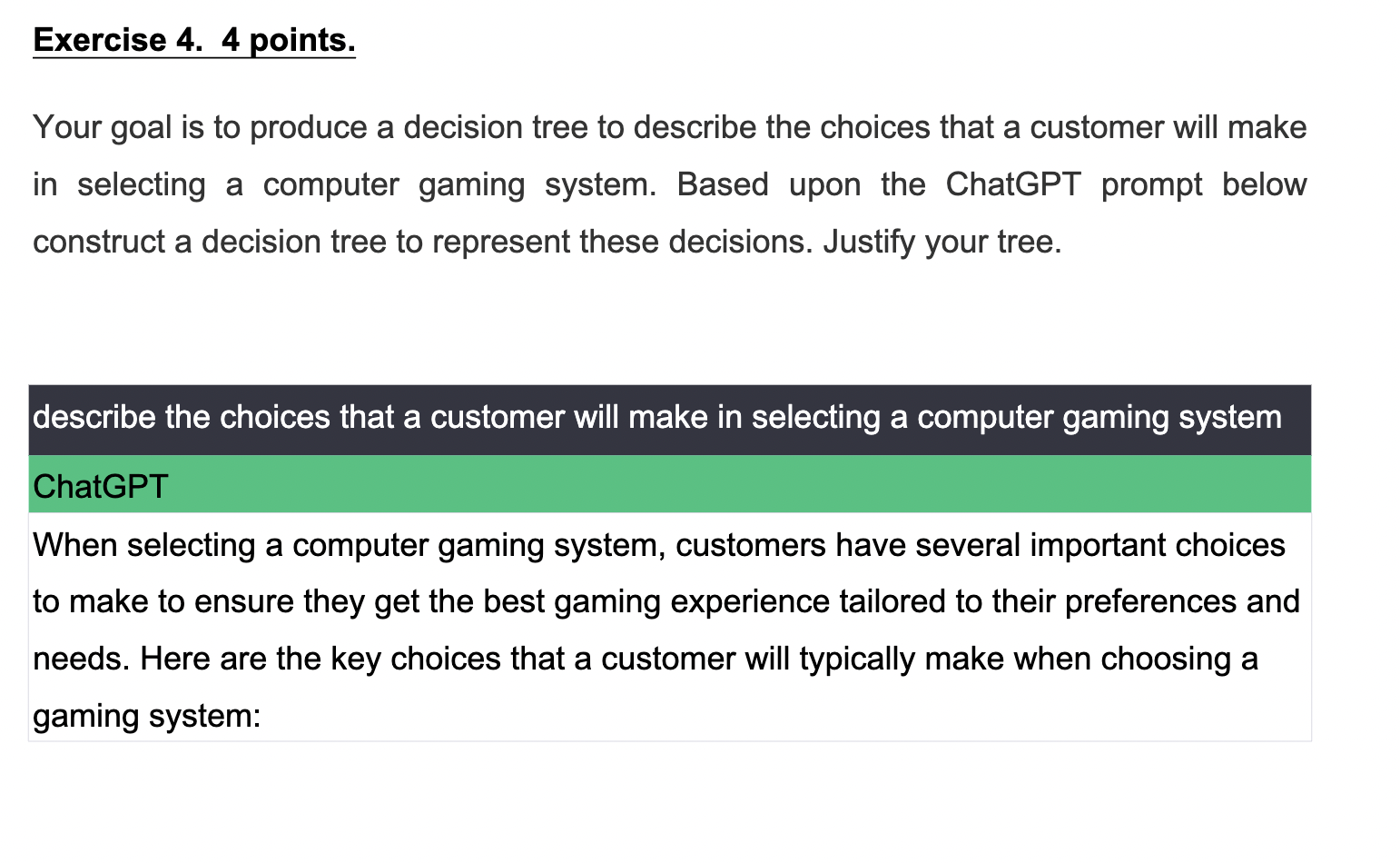
Question: ChatGPT When selecting a computer gaming system, customers have several important choices to make to ensure they get the best gaming experience tailored to their
ChatGPT
When selecting a computer gaming system, customers have several important choices to make to ensure they get the best gaming experience tailored to their preferences and needs. Here are the key choices that a customer will typically make when choosing a gaming system: Gaming Platform:
PC: Customers can choose to build a custom gaming PC or purchase a prebuilt one. Building a PC allows for more customization and often better performance but requires technical knowledge.
Console: Popular gaming consoles like PlayStation, Xbox, and Nintendo Switch offer a simpler and more plugandplay gaming experience.
Budget:
Customers need to decide how much they are willing to spend on their gaming system. Budget constraints will influence choices in other categories.
Graphics Processing Unit GPU:
The GPU is arguably the most critical component for gaming performance. Customers should choose a GPU that can handle the games they want to play at their desired settings and resolution. Highend GPUs provide better graphics and smoother gameplay.
Central Processing Unit CPU:
While the GPU is crucial for gaming, a powerful CPU can improve overall system performance and is essential for running games and other applications simultaneously.
Memory RAM:
Sufficient RAM is necessary for smooth gaming. GB of RAM is often considered the minimum for modern gaming systems, but more can be beneficial for multitasking. Storage:
Gamers should choose between SSDs Solid State Drives and HDDs Hard Disk Drives SSDs provide faster load times and responsiveness, while HDDs offer more storage space for a lower cost. Some gamers use a combination of both.
MonitorDisplay:
The choice of monitor depends on preferences and budget. Factors to consider include screen size, resolution ppK refresh rate mathrm~Hzmathrm~Hzmathrm~Hzmathrm~Hz and panel type IPS TN OLED
Peripherals:
Gamers need input devices like a keyboard, mouse, and possibly a game controller. Highquality peripherals can improve the gaming experience. Audio:
Deciding on audio equipment is essential. Many gamers opt for gaming headsets with builtin microphones, but some may prefer separate headphones and microphones for better audio quality.
Internet Connectivity:
A stable and fast internet connection is crucial for online gaming. Ethernet connections are generally preferred for low latency, but WiFi can also work well with a strong signal.
Gaming Library and Ecosystem:
Customers should consider the availability of their favorite games on the chosen platform PC console and any exclusive titles they want to play. They may also consider gaming services and subscriptions.
Upgradeability:
Some gaming systems, particularly custombuilt PCs are more easily upgradeable than others. Consider futureproofing your system by choosing components that can be upgraded as needed.
Aesthetics and Form Factor:
The appearance of the gaming system and its components may matter to some customers. Some gaming PCs come with RGB lighting and customizable aesthetics.
Warranty and Customer Support:
Consider the warranty and customer support options offered with the gaming system. Good customer service can be crucial if any issues arise.
User Reviews and Recommendations: Customer reviews and recommendations from other gamers can provide valuable insights into the performance and reliability of specific gaming systems and components.
Ultimately, the choices made when selecting a computer gaming system should align with the customer's gaming preferences, performance expectations, and budget constraints. It's a balance between having the best gaming experience possible and staying within one's financial means.
Step by Step Solution
There are 3 Steps involved in it
1 Expert Approved Answer
Step: 1 Unlock

Question Has Been Solved by an Expert!
Get step-by-step solutions from verified subject matter experts
Step: 2 Unlock
Step: 3 Unlock
 Study Help