







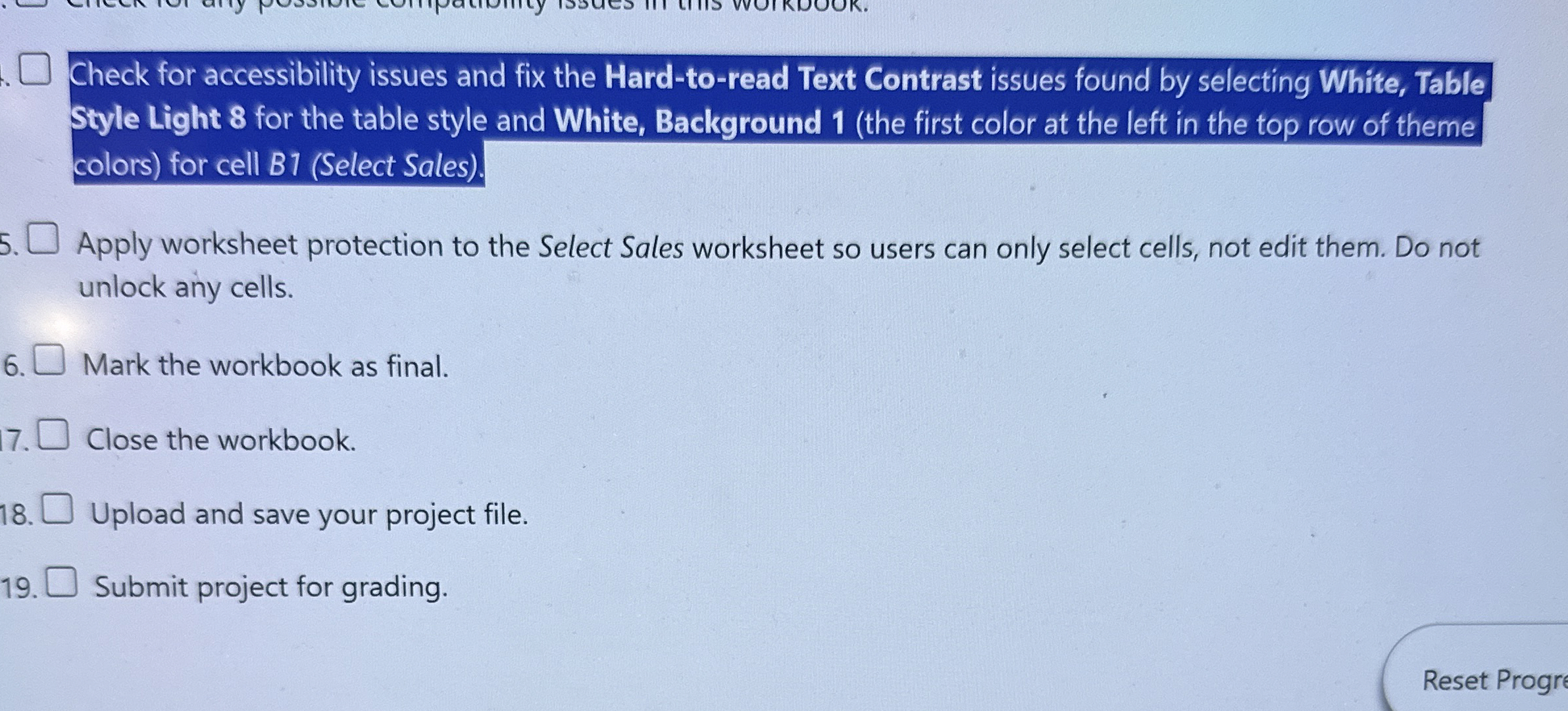
Question: . Check for accessibility issues and fix the Hard - to - read Text Contrast issues found by selecting White, Table Style Light 8 for
Check for accessibility issues and fix the Hardtoread Text Contrast issues found by selecting White, Table Style Light for the table style and White, Background the first color at the left in the top row of theme colors for cell BSelect Sales
Apply worksheet protection to the Select Sales worksheet so users can only select cells, not edit them. Do not unlock any cells.
Mark the workbook as final.
Close the workbook.
Upload and save your project file.
Submit project for grading.
Step by Step Solution
There are 3 Steps involved in it
1 Expert Approved Answer
Step: 1 Unlock

Question Has Been Solved by an Expert!
Get step-by-step solutions from verified subject matter experts
Step: 2 Unlock
Step: 3 Unlock
 Study Help