







Question: Check the main section in the html files. The main content of each pege includes two child edernerifs: An image wrapped in the containering' dir
Check the main section in the html files. The main content of each pege includes two child edernerifs:
An image wrapped in the containering' dir
A group of elements wrapped in the container content div.
You will begin by adding some styles to the containen content elass
Select the 'container content' class
set the padding to rem
set the border radius to px to have a rounded conner.
set a box shadow with a Opx xoffset, a Spy y of set, a x blur riadius, apx spread radius. and of color rgbal
Next you will create the lavout of the main section. Select the malingelentent
make it a flex container. You will seo that the the two containers are plleced side by side in two columns.
evenly distribute space along the main axis.
set the gap to rem so that thene are some space bewween itents.
set the flex wrap to wrap. You will see that the second conteiner it wapped to a mewine. This is because the itens do not wave a flex basis set in this cate. each items size folls back to the width of the content. You will fre this in the nextistep.
Select the containerimg class and the container content ches
set the flex basis to
Open Chrome DevTools and check the pale with diffenent serien dingnions You will notice that both items will stay with a width of pr no matter how by the vewport is: This is because by default, flex grow is set to pand flex itens do not grow to fill up the space. If you reduce the screen size, you will first the thecond tem wiras to the second line. If the screen size is smaller to fit the itern, then the tem shrink atomatically. This is because by default, flekeshrink is set to
set the flex. grow to so that both items cen erow when there are space in the browser window.
set the maximum width to so the items do not grow too big.
since we would like these two elements to shrink at the same rate, we cion't need to set the flexshrink to a different value:
Open Chrome DevTpols to test all pages with different screen dimensions.
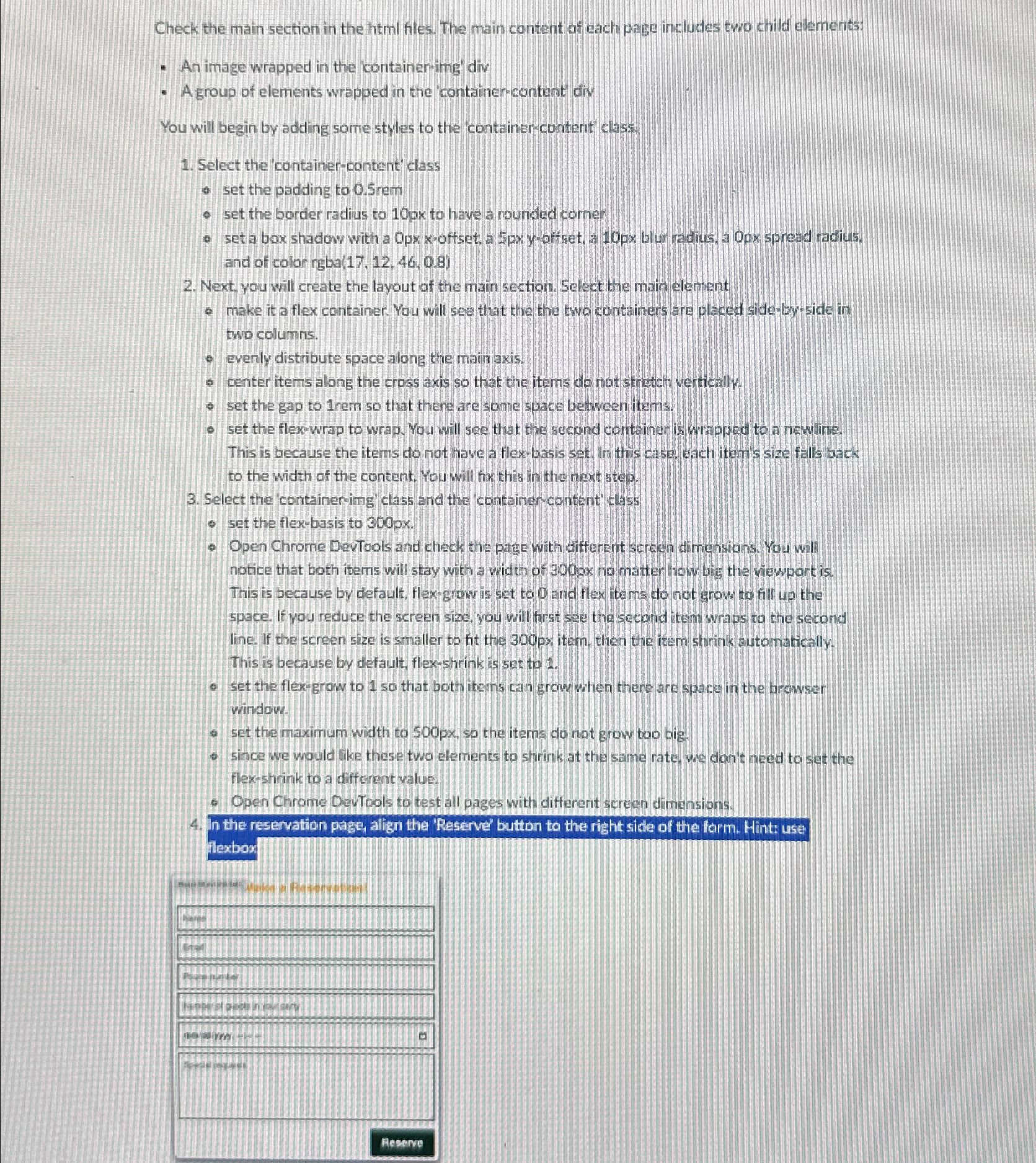
In the reservation page, align the 'Reserve' button to the right side of the form. Hint: use flexbox
Step by Step Solution
There are 3 Steps involved in it
1 Expert Approved Answer
Step: 1 Unlock

Question Has Been Solved by an Expert!
Get step-by-step solutions from verified subject matter experts
Step: 2 Unlock
Step: 3 Unlock
 Study Help