







Question: Checkerboard.HTML Checkerboard ///////////////////////////////////////////////////////////////////////////////////////////////////////////////////////////////////////////////////////////////////////////////////////////////////////////////////////////////////////////////////////// Checkerboard.CSS body { margin:0px; } table { font-size:16pt; font-weight:bold; margin-left:auto; margin-right:auto; } td { width:50px; height:50px; } #container { margin:50px auto 0px
Checkerboard.HTML
/////////////////////////////////////////////////////////////////////////////////////////////////////////////////////////////////////////////////////////////////////////////////////////////////////////////////////////////////////////////////////////
Checkerboard.CSS
body { margin:0px; }
table { font-size:16pt; font-weight:bold; margin-left:auto; margin-right:auto; }
td { width:50px; height:50px; }
#container { margin:50px auto 0px auto; padding:0px 10px 20px 10px; text-align:center; width:500px; }
/////////////////////////////////////////////////////////////////////////////////////////////////////////////////////////////////////////////////////////////////////////////////////////////////////////////////////////////////////////////////////////////
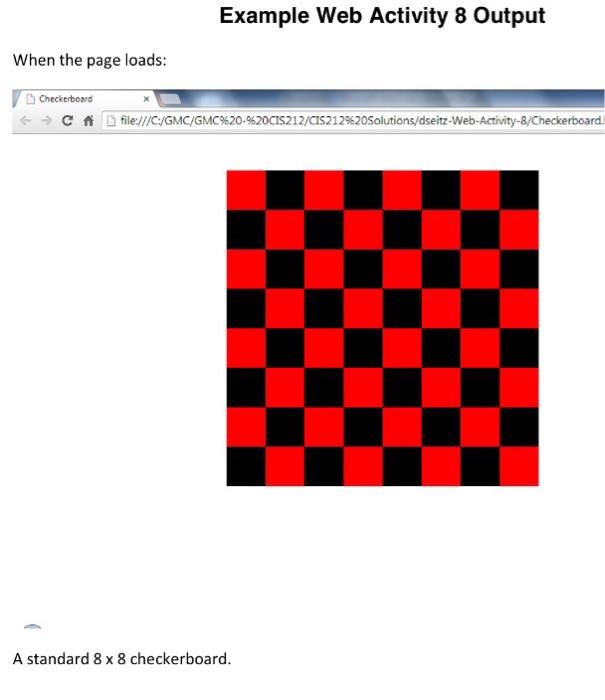
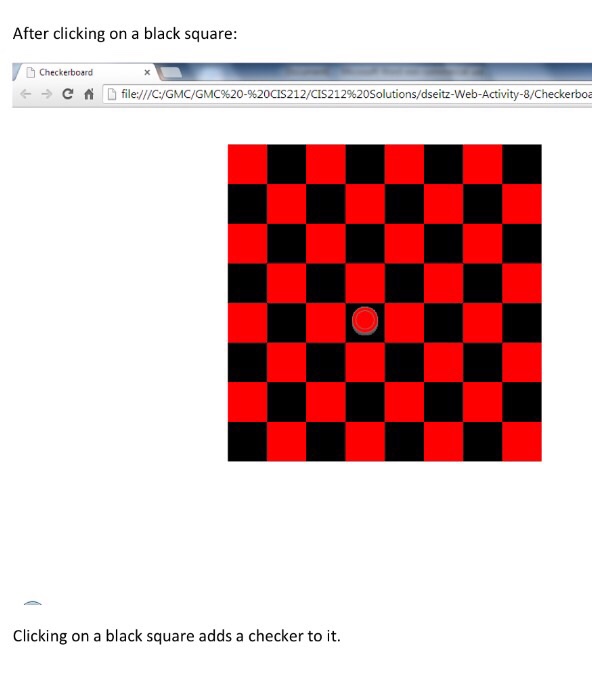
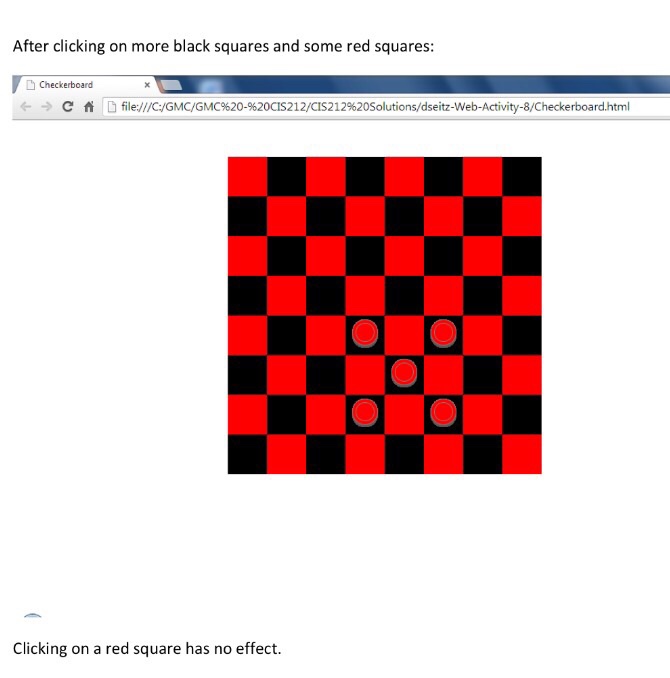
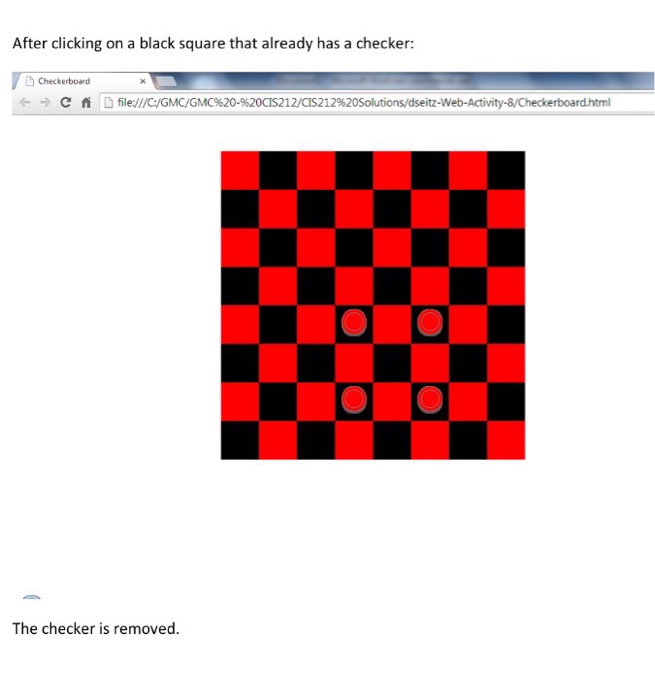 Type the answe in HTML format and have display once you finish done this post the display how it look
 Example Web Activity 8 output When the page loads: D Checkerboard C fi D eb-Activity 8/Checkerboard. A standard 8x8 checkerboard
Step by Step Solution
There are 3 Steps involved in it

Get step-by-step solutions from verified subject matter experts
 Study Help