







Question: Checkpoint 1: Framing Spam Write a short (three line) Python program that prints ********** ** spam ** ********** In doing so, make sure you use
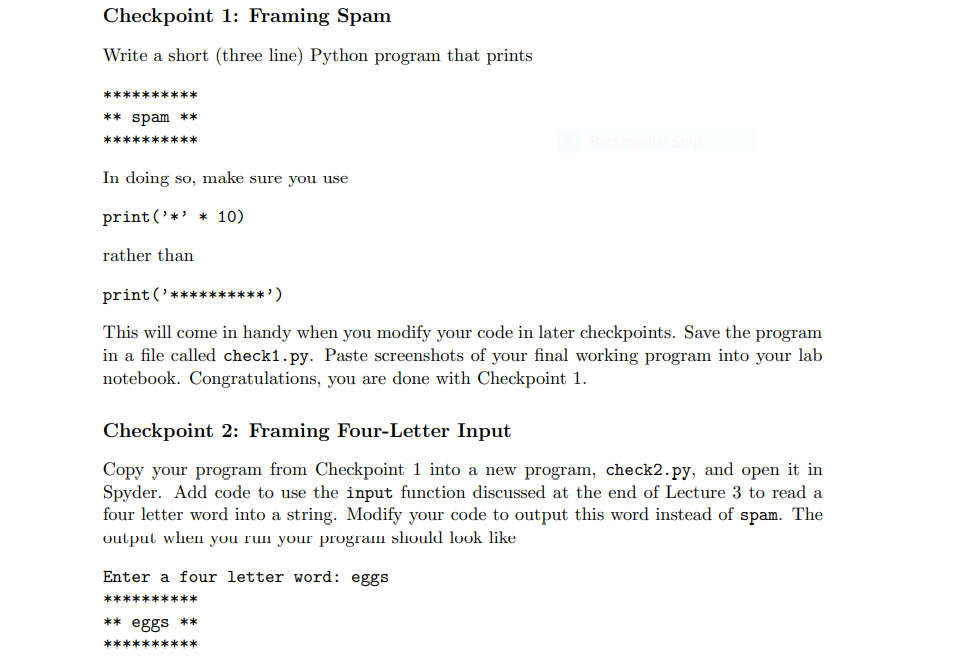
Checkpoint 1: Framing Spam Write a short (three line) Python program that prints ********** ** spam ** ********** In doing so, make sure you use print('*' * 10) rather than print('**********') This will come in handy when you modify your code in later checkpoints. Save the program in a file called check1.py. Paste screenshots of your final working program into your lab notebook. Congratulations, you are done with Checkpoint 1. Checkpoint 2: Framing Four-Letter Input Copy your program from Checkpoint 1 into a new program, check2.py, and open it in Spyder. Add code to use the input function discussed at the end of Lecture 3 to read a four letter word into a string. Modify your code to output this word instead of spam. The output when you run your program should look like Enter a four letter word: eggs ********** ** eggs ** **********
Step by Step Solution
There are 3 Steps involved in it

Get step-by-step solutions from verified subject matter experts
 Study Help