







Question: Choose the right steps to uninstall (or remove) a program in windows 10 OS. Control Panel>> Programs and Features >>Uninstall a program Control Panel >>
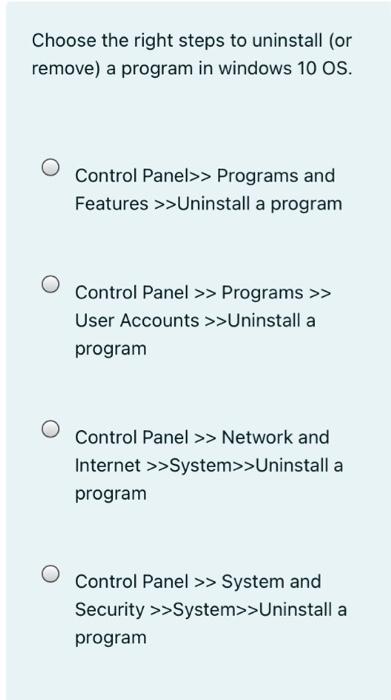
Choose the right steps to uninstall (or remove) a program in windows 10 OS. Control Panel>> Programs and Features >>Uninstall a program Control Panel >> Programs >> User Accounts >>Uninstall a program Control Panel >> Network and Internet >>System>>Uninstall a program Control Panel >> System and Security >>System>>Uninstall a program
Step by Step Solution
There are 3 Steps involved in it
1 Expert Approved Answer
Step: 1 Unlock

Question Has Been Solved by an Expert!
Get step-by-step solutions from verified subject matter experts
Step: 2 Unlock
Step: 3 Unlock
 Study Help