







Question: CHW 6 . 2 . Discrete Cosine Transforms and Image Compression The discrete cosine transform is a powerful technique for expressing data as a sum
CHW Discrete Cosine Transforms and Image Compression
The discrete cosine transform is a powerful technique for expressing data as a sum of cosine waves, and has many applications in audio and image compression. We will use the "chunking" technique discussed in the lab activity here to compress a whole image.
Given a image, stored in the variable image, you will break the image into smaller chunks. Then for each chunk, you will convert to the DCT basis, drop the frequencies with relatively small contribution, then convert back to the standard basis and clip the resulting pixel values so that they lie between and This image is given in gray scale, where each pixel varies from to To gauge which frequencies have a small contribution, use a tolerance of of the largest absolute value in each particular chunk after converting it into the DCT basis.
The setup code provides the helper function createdctbasis which creates an matrix whose columns make up the dimensional DCT basis.
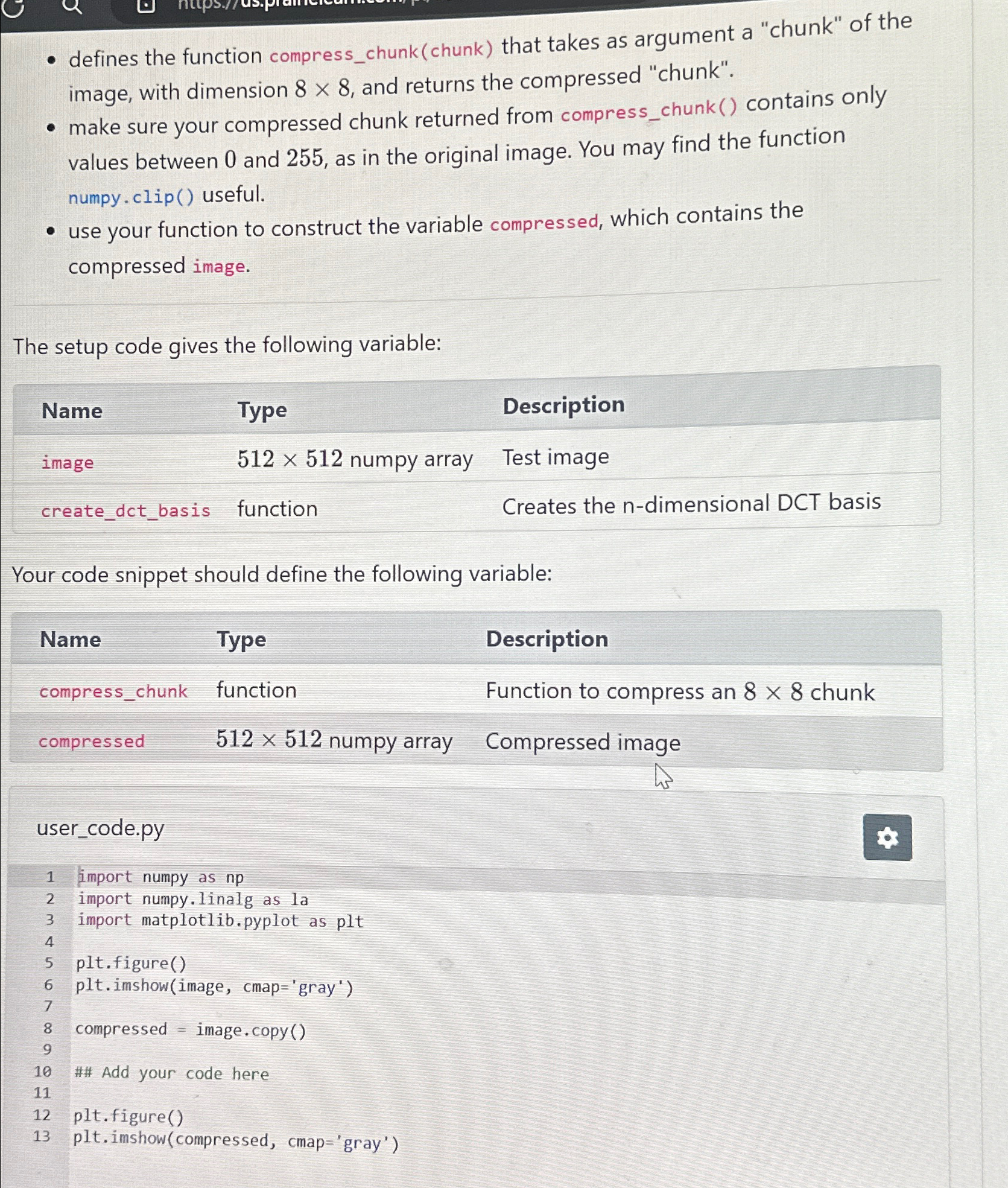
To construct your solution, write a code snippet that:
defines the function compresschunkchunk that takes as argument a "chunk" of the image, with dimension and returns the compressed "chunk".
make sure your compressed chunk returned from compresschunk contains only
defines the function compresschunkchunk that takes as argument a "chunk" of the image, with dimension and returns the compressed "chunk".
make sure your compressed chunk returned from compresschunk contains only values between and as in the original image. You may find the function numpy.clip useful.
use your function to construct the variable compressed, which contains the compressed image.
The setup code gives the following variable:
tableNameType,Descriptionimage numpy array,Test imagecreatedctbasis,function,Creates the ndimensional DCT basis
Your code snippet should define the following variable:
tableNameType,Descriptioncompresschunk,function,Function to compress an chunkcompressed numpy array,Compressed image
usercode.py
import numpy as
import numpy.linalg as la
import matplotlib.pyplot as plt
pltfigure
pltimshowimage cmap'gray'
compressed image. copy
## Add your code here
pltfigure
pltimshow compressed cmap'gray'
Step by Step Solution
There are 3 Steps involved in it
1 Expert Approved Answer
Step: 1 Unlock

Question Has Been Solved by an Expert!
Get step-by-step solutions from verified subject matter experts
Step: 2 Unlock
Step: 3 Unlock
 Study Help