







Question: CircleAnimations import java.awt.Color; import java.util.ArrayList; import java.util.List; import java.util.Random; ArrayList = ArrayList array(); public class CircleAnimations { private ArrayList circles; //the circles to animate private
CircleAnimations
import java.awt.Color;
import java.util.ArrayList;
import java.util.List;
import java.util.Random;
ArrayList = ArrayList array();
public class CircleAnimations
{
private ArrayList circles; //the circles to animate
private int size; //canvas width and height (will be square)
private Random rng; //use to make random numbers
/** create a drawing pane of a particular size */
public void drawCircles() {
for(int i = 0; i < array.size(); i++) {
StdDraw.setPenColor(circles[i], circles[i + 1], circles[i + 2]);
StdDraw.setPenColor();
}
}
public void addCircles() {
}
public CircleAnimations(int s) {
circles = new ArrayList<>();
size = s;
rng = new Random();
//don't mess with this
StdDraw.setCanvasSize(size, size); //set up drawing canvas
StdDraw.setXscale(0, size); //<0, 0> is bottom left. is top right
StdDraw.setYscale(0, size);
}
}
CircleRunner
import java.awt.*;
public class CircleRunner {
public static void main(String[] args) {
CircleAnimations app = new CircleAnimations(600); //supply window size, will be 600x600
//test your methods below (with the app object)
// testCircleOverlap(); //uncomment to test your overlap method, when required
}
public static void testCircleOverlap() { //uncomment contents to use
/*
* The distance between a and b is ~2.83, which is greater than the combined radius of 2 (a and b do NOT overlap)
*
* The distance between a and c is ~2.83, which is less than the combined radius of 6 (a and c overlap)
*/
// Circle a = new Circle(1, 1, 1, null); //color is irrelevant for this
// Circle b = new Circle(3, 3, 1, null);
// Circle c = new Circle(3, 3, 5, null);
//
// System.out.println(a.overlaps(b)); //should print false
// System.out.println(a.overlaps(c)); //should print true
Complete the circle java and circle animations java as per the given instructions in the question docx
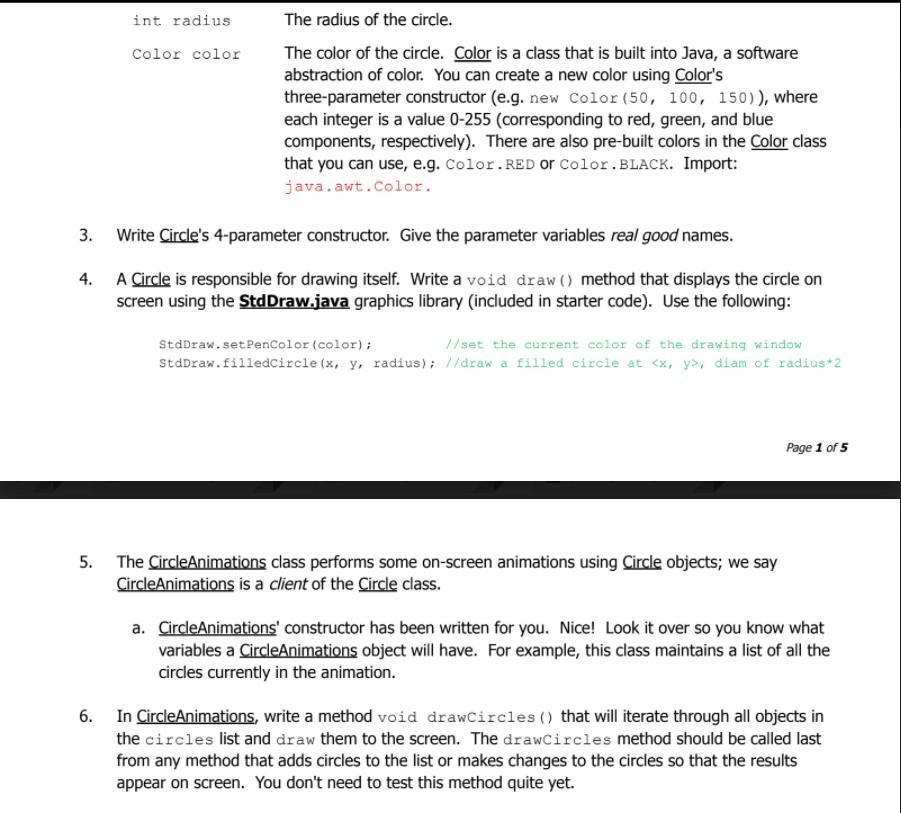
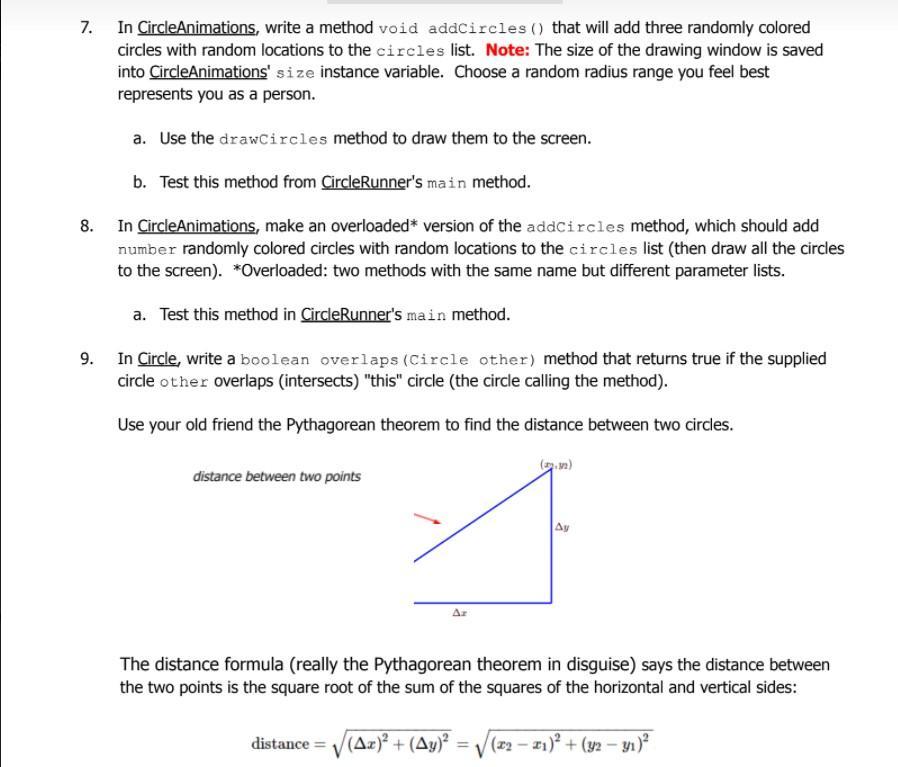
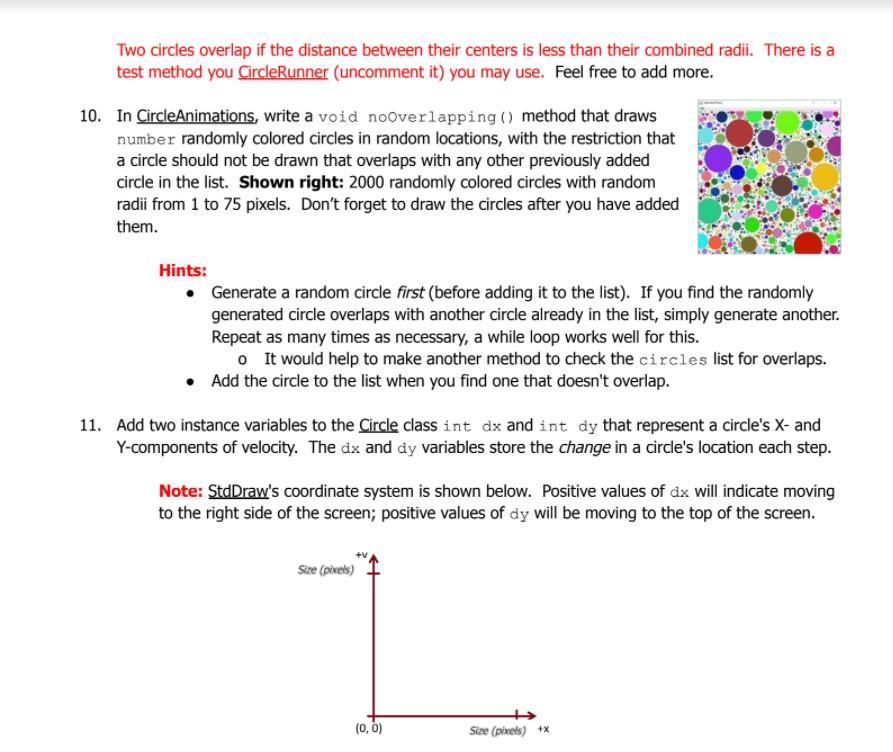
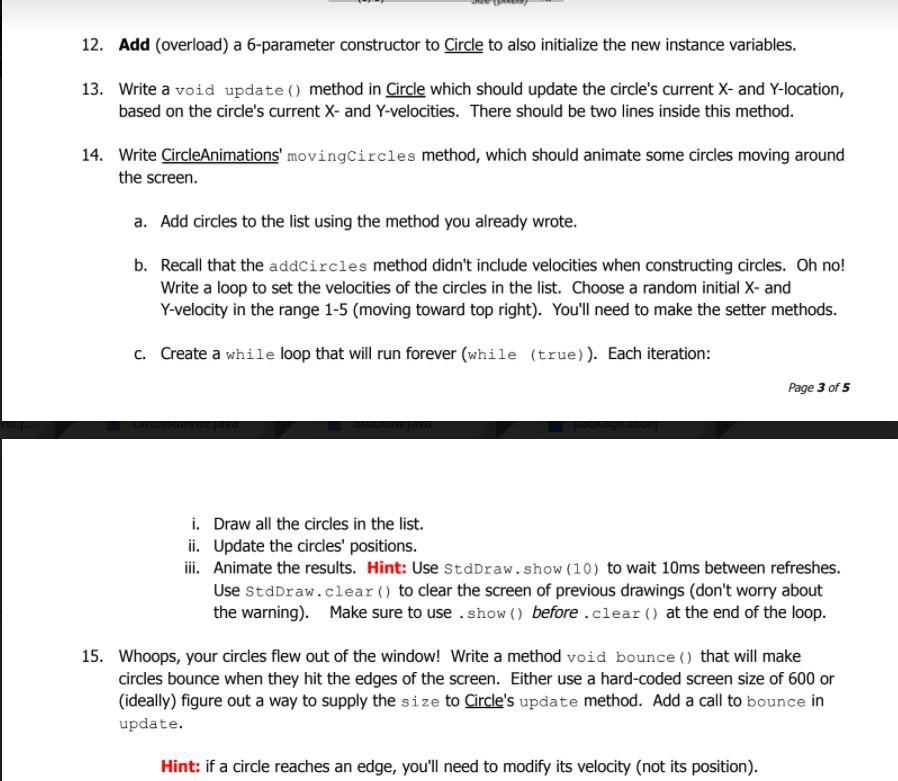
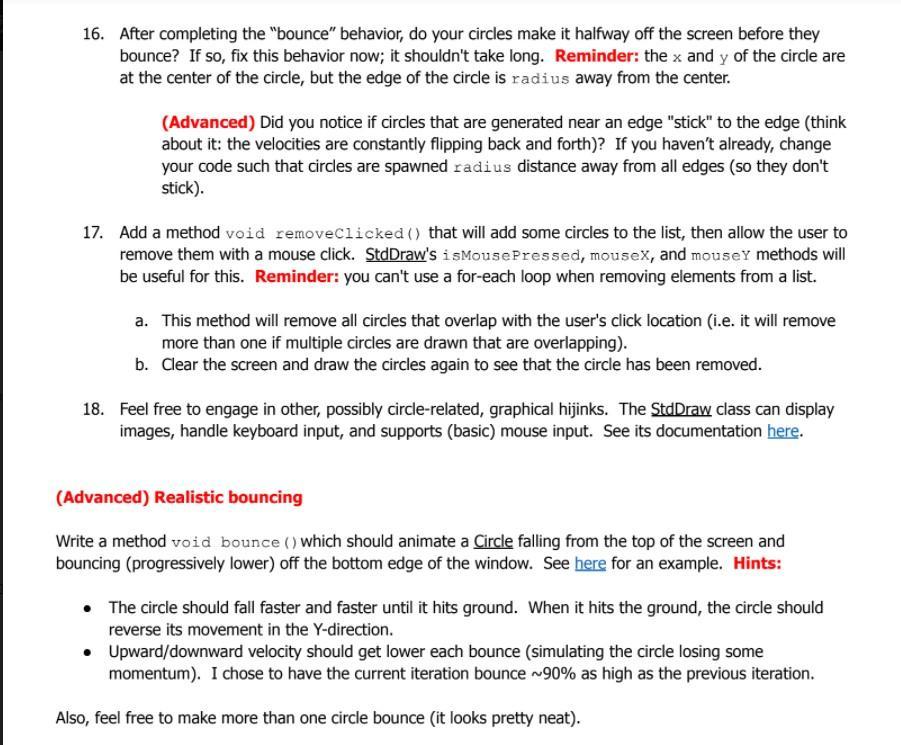
2. In this lab, you'll practice creating classes and objects, using ArrayList objects, and working with interacting objects (with some nice visuals). Even better, you'll be working with circles, widely considered to be the roundest of all two-dimensional shapes. 1. Import the starter code to begin. Instructions (if needed), for your IDE of choice: a. Jgrasp: i. Download the starter code folder from the website (Download -> Direct download). ii. Extract (unzip) the downloaded folder (right-click -> Extract all). iii. Copy the entire (unzipped) folder to your H: drive; rename it in the usual fashion. b. Eclipse: Circles CS circles ? i. In Eclipse, create a new Java project named in the usual fashion. ii. Download the starter code folder from the website (Download -> Direct download). iii. Extract (unzip) the downloaded folder (right-click -> Extract all). iv. Drag and drop the unzipped materials as follows: 1. Drag the source (*.java) files into the "src" folder. 2. See here for help (don't worry about text files): youtu.be/LOSICIeP6ko int x and int y Create a class Circle.java which is a simple abstraction of an on-screen circle (image). A Circle should (initially) have the following: int radius The center point of the circle's on-screen location. These values represent the circle's (initial) location on screen. The radius of the circle.
Step by Step Solution
3.42 Rating (155 Votes )
There are 3 Steps involved in it
It appears you need assistance with completing a Java project involving a Circle class and a CircleAnimations class Lets tackle your problem step by s... View full answer

Get step-by-step solutions from verified subject matter experts
 Study Help