







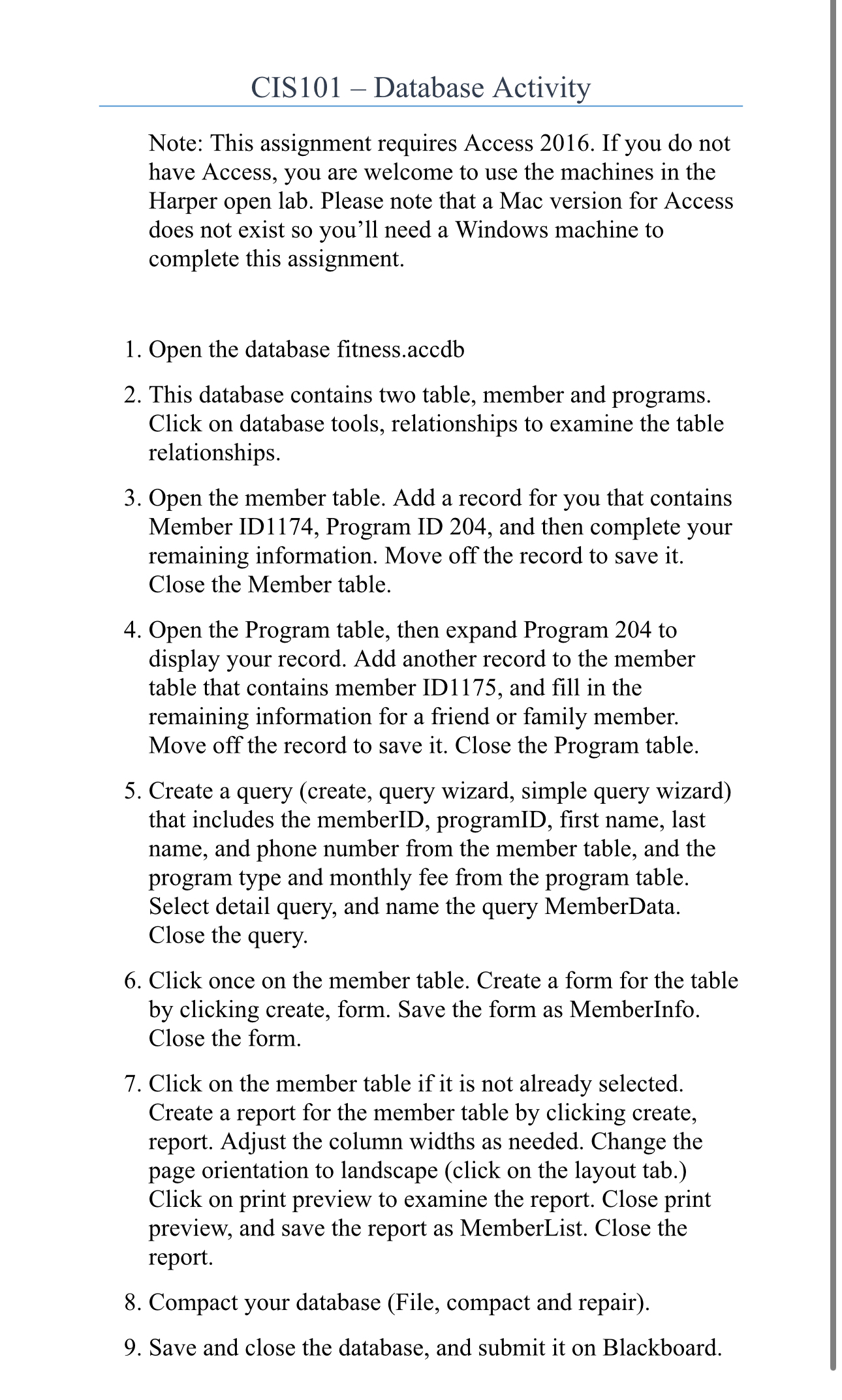
Question: CIS 1 0 1 - Database Activity Note: This assignment requires Access 2 0 1 6 . If you do not have Access, you are
CIS Database Activity
Note: This assignment requires Access If you do not have Access, you are welcome to use the machines in the Harper open lab. Please note that a Mac version for Access does not exist so you'll need a Windows machine to complete this assignment.
Open the database fitness.accdb
This database contains two table, member and programs. Click on database tools, relationships to examine the table relationships.
Open the member table. Add a record for you that contains Member ID Program ID and then complete your remaining information. Move off the record to save it Close the Member table.
Open the Program table, then expand Program to display your record. Add another record to the member table that contains member ID and fill in the remaining information for a friend or family member. Move off the record to save it Close the Program table.
Create a query create query wizard, simple query wizard that includes the memberID, programID, first name, last name, and phone number from the member table, and the program type and monthly fee from the program table. Select detail query, and name the query MemberData. Close the query.
Click once on the member table. Create a form for the table by clicking create, form. Save the form as MemberInfo. Close the form.
Click on the member table if it is not already selected. Create a report for the member table by clicking create, report. Adjust the column widths as needed. Change the page orientation to landscape click on the layout tab. Click on print preview to examine the report. Close print preview, and save the report as MemberList. Close the report.
Compact your database File compact and repair
Save and close the database, and submit it on Blackboard.
Step by Step Solution
There are 3 Steps involved in it
1 Expert Approved Answer
Step: 1 Unlock

Question Has Been Solved by an Expert!
Get step-by-step solutions from verified subject matter experts
Step: 2 Unlock
Step: 3 Unlock
 Study Help