







Question: CIS 1250 PYTHON PROGRAM5 -GRAPHICAL USER INTERFACE Turn in Requirements: 5 pts. Name your project LastnameP9, such as JoeP10. Program Requirements: 1. 5 pts.
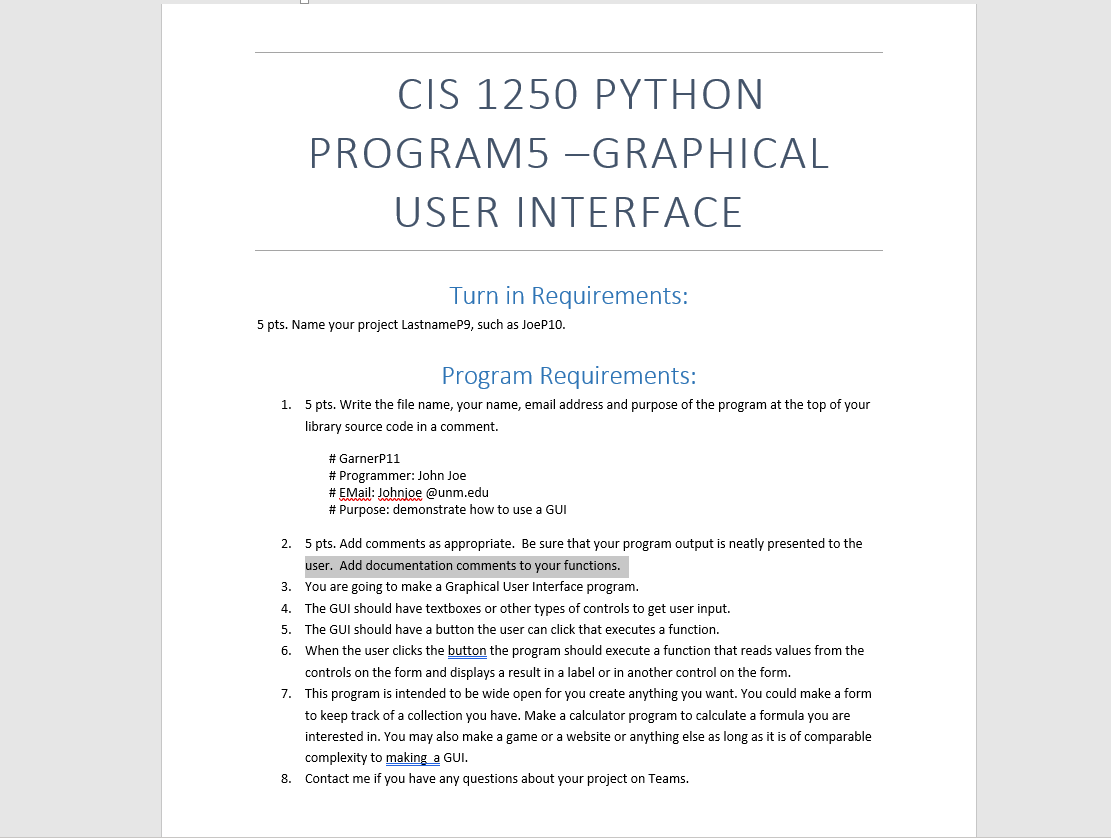
CIS 1250 PYTHON PROGRAM5 -GRAPHICAL USER INTERFACE Turn in Requirements: 5 pts. Name your project LastnameP9, such as JoeP10. Program Requirements: 1. 5 pts. Write the file name, your name, email address and purpose of the program at the top of your library source code in a comment. # GarnerP11 # Programmer: John Joe # EMail: Johnjoe @unm.edu # Purpose: demonstrate how to use a GUI 2. 5 pts. Add comments as appropriate. Be sure that your program output is neatly presented to the user. Add documentation comments to your functions. You are going to make a Graphical User Interface program. 3. 4. The GUI should have textboxes or other types of controls to get user input. 5. The GUI should have a button the user can click that executes a function. 6. When the user clicks the button the program should execute a function that reads values from the controls on the form and displays a result in a label or in another control on the form. 7. This program is intended to be wide open for you create anything you want. You could make a form to keep track of a collection you have. Make a calculator program to calculate a formula you are interested in. You may also make a game or a website or anything else as long as it is of comparable complexity to making a GUI. 8. Contact me if you have any questions about your project on Teams.
Step by Step Solution
There are 3 Steps involved in it
python GarnerP11 Programmer John Joe Email Johnjoeunmedu Purpose Demonstrate how to use a ... View full answer

Get step-by-step solutions from verified subject matter experts
 Study Help