







Question: CIS 242 Object - Oriented Programming !! LAB 9 Student Name Section O Instructor PROJECT ( Maps associative container.) Objective To write to work a
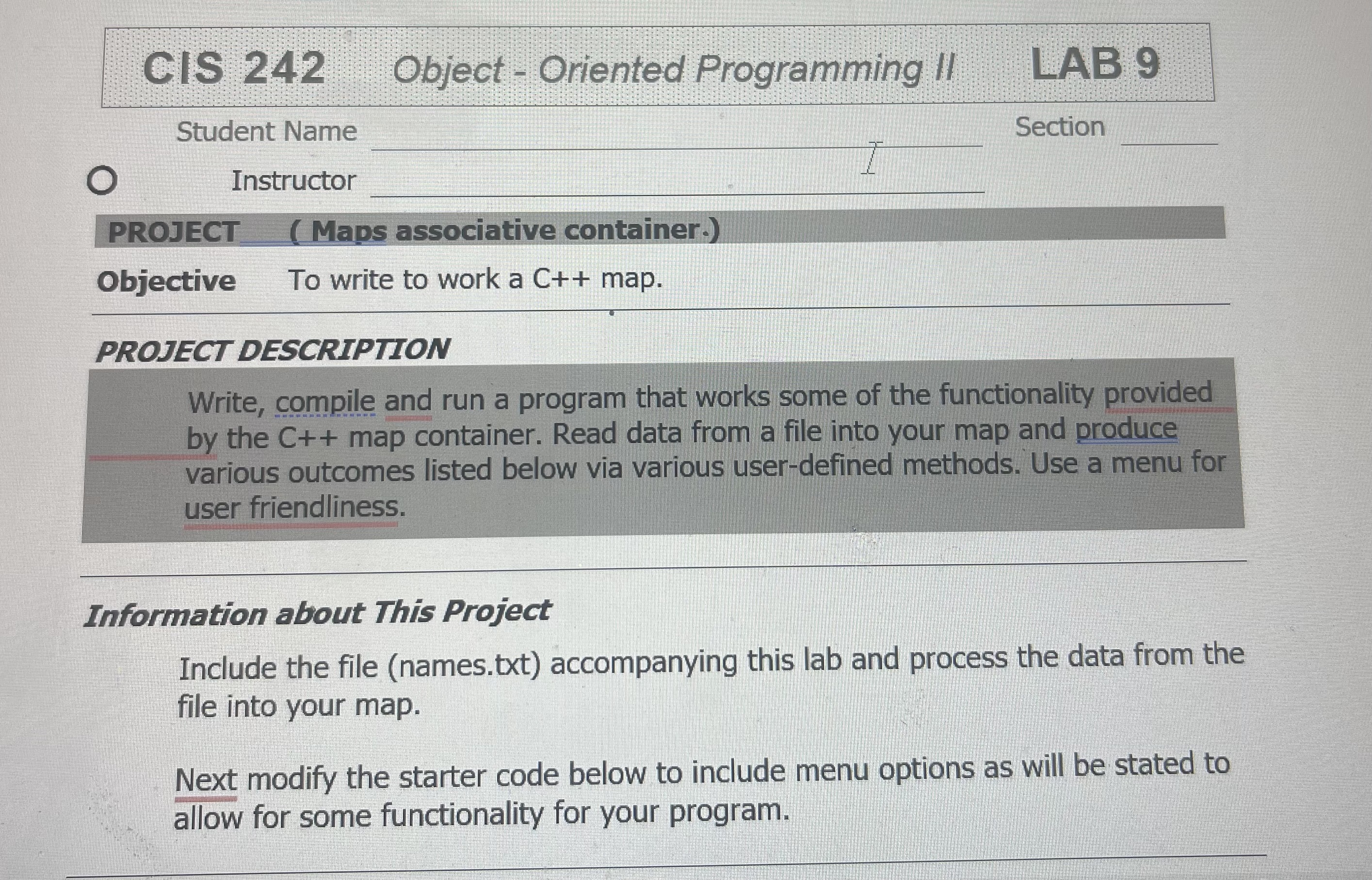
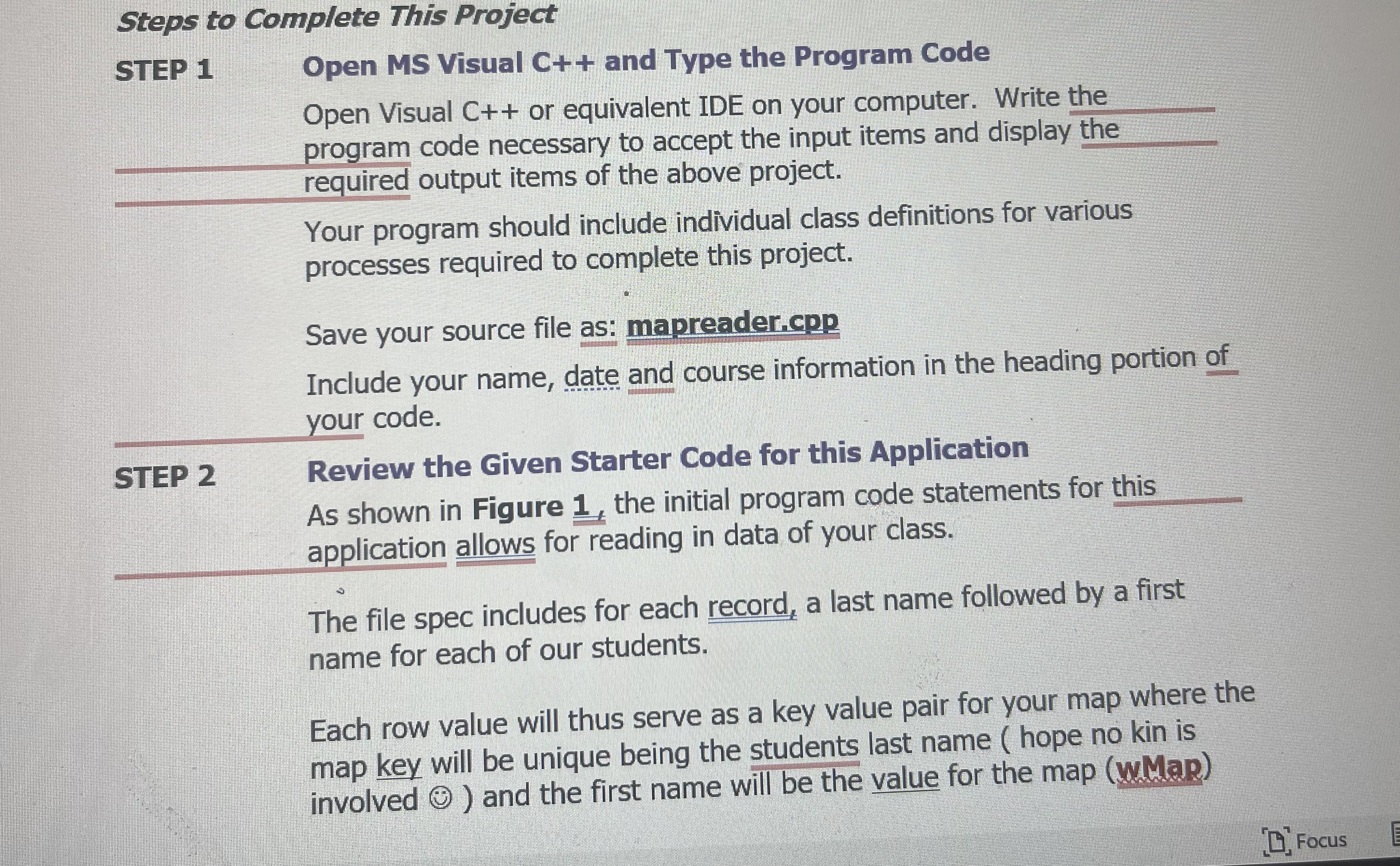
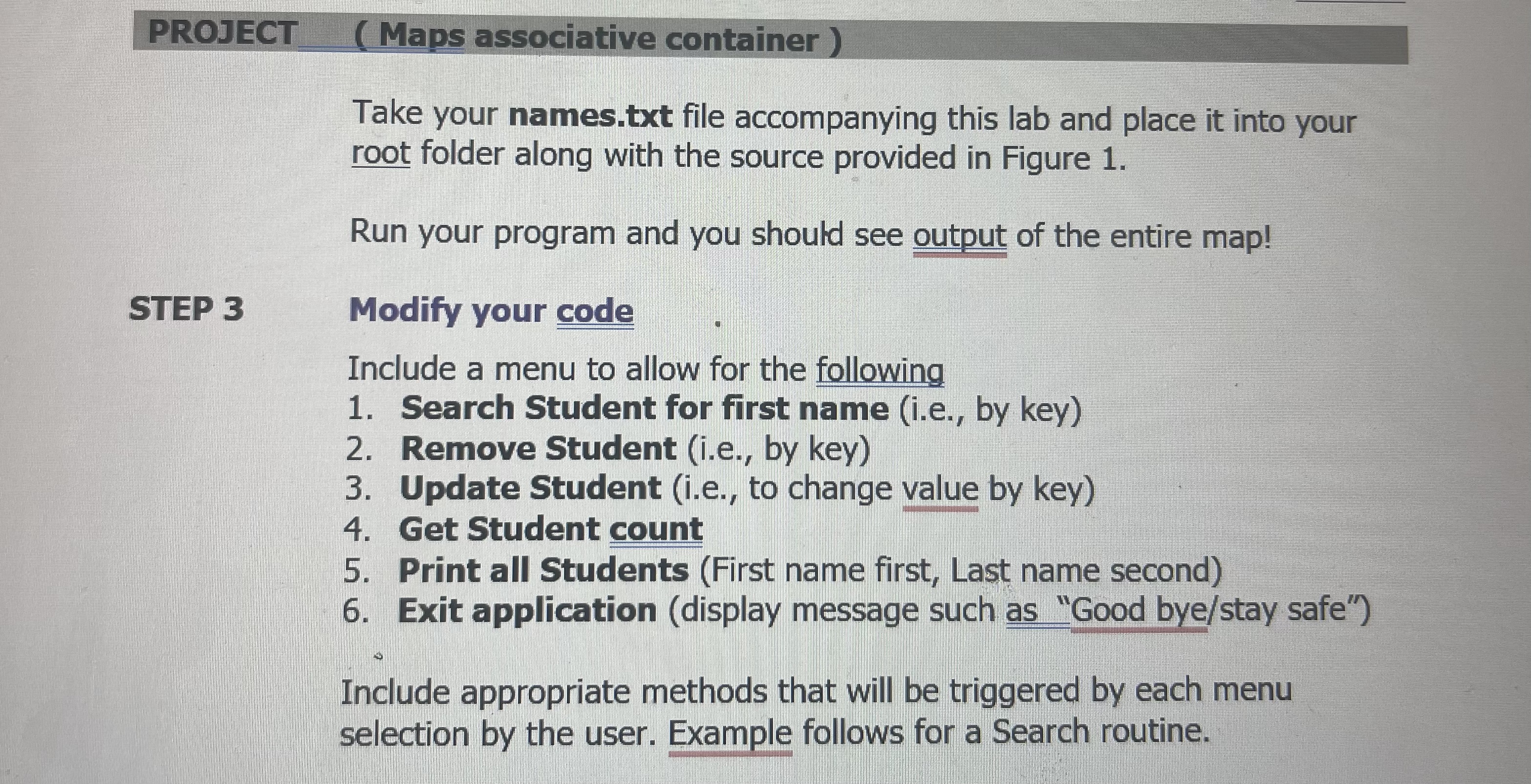
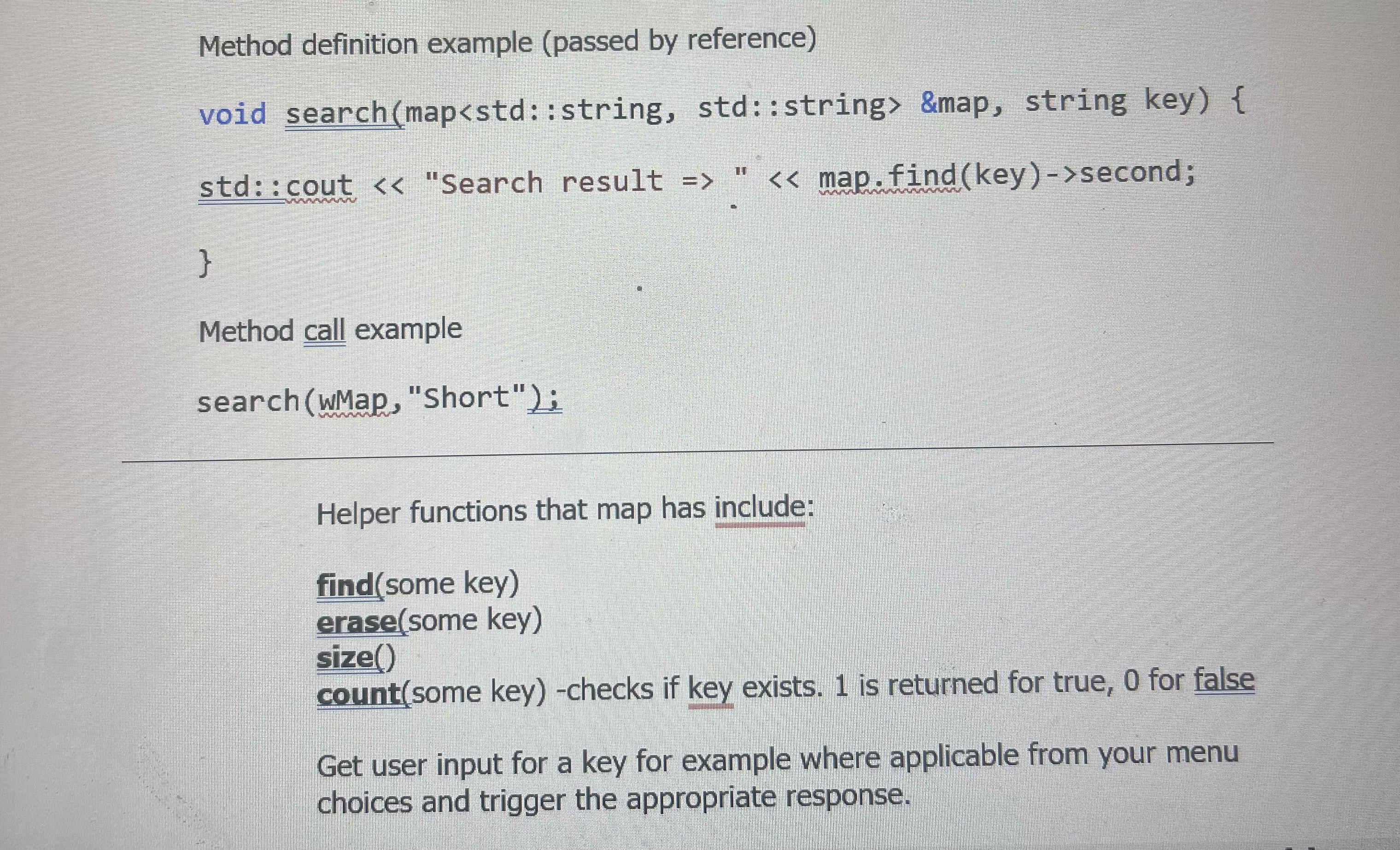
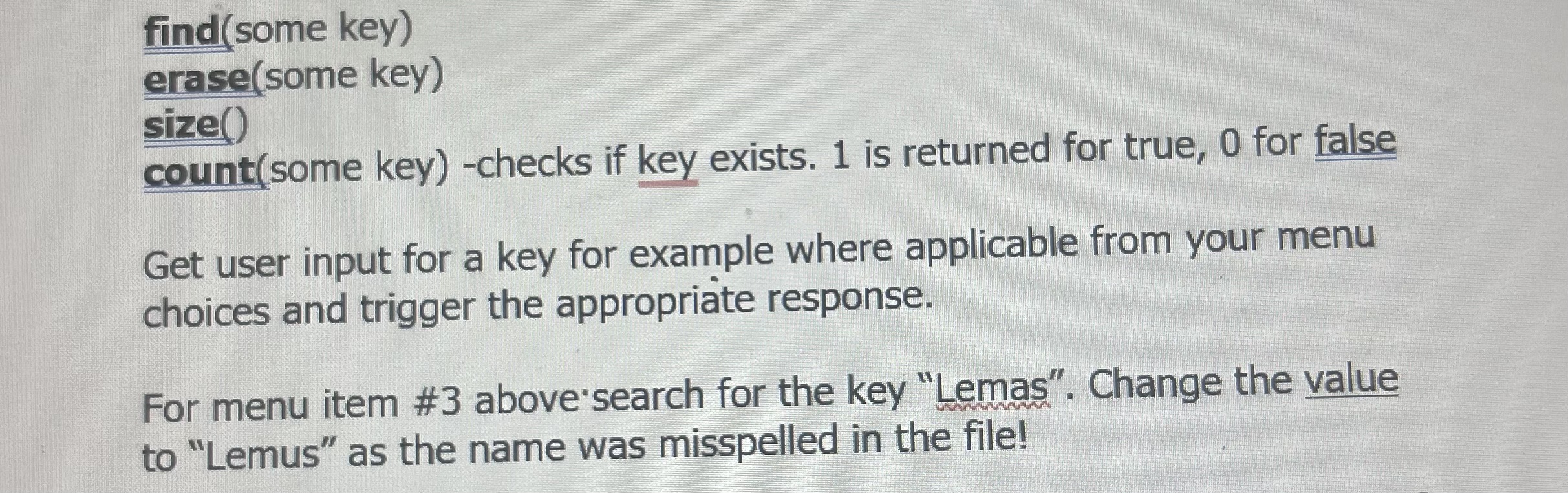
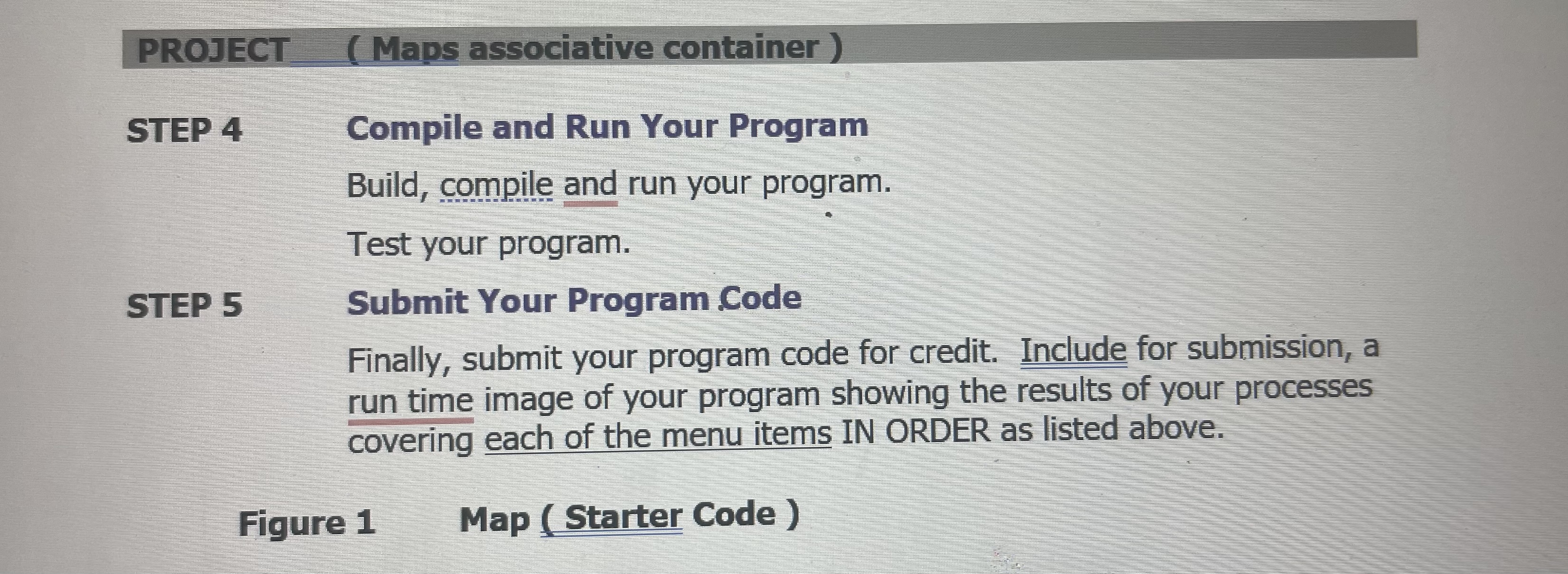
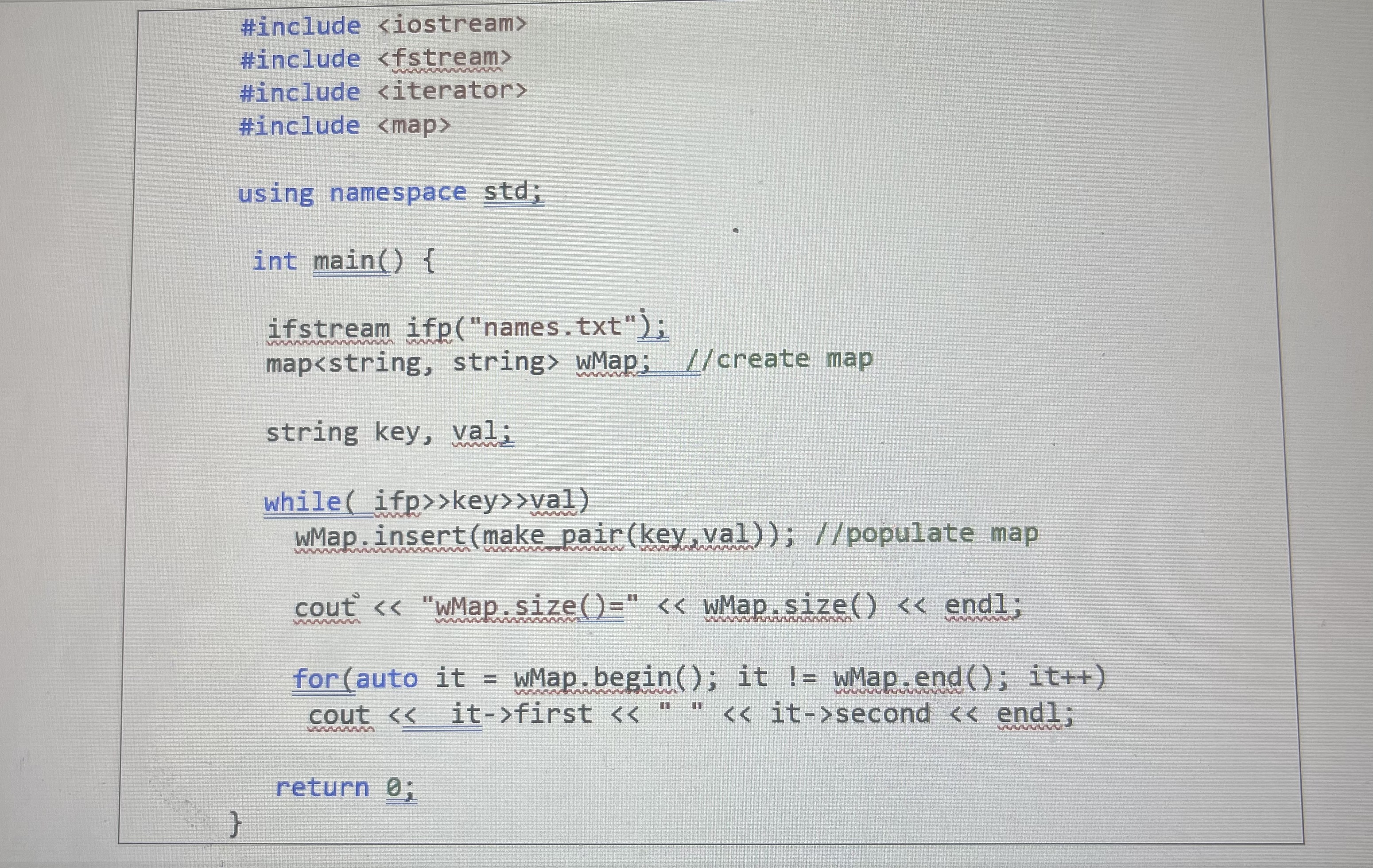
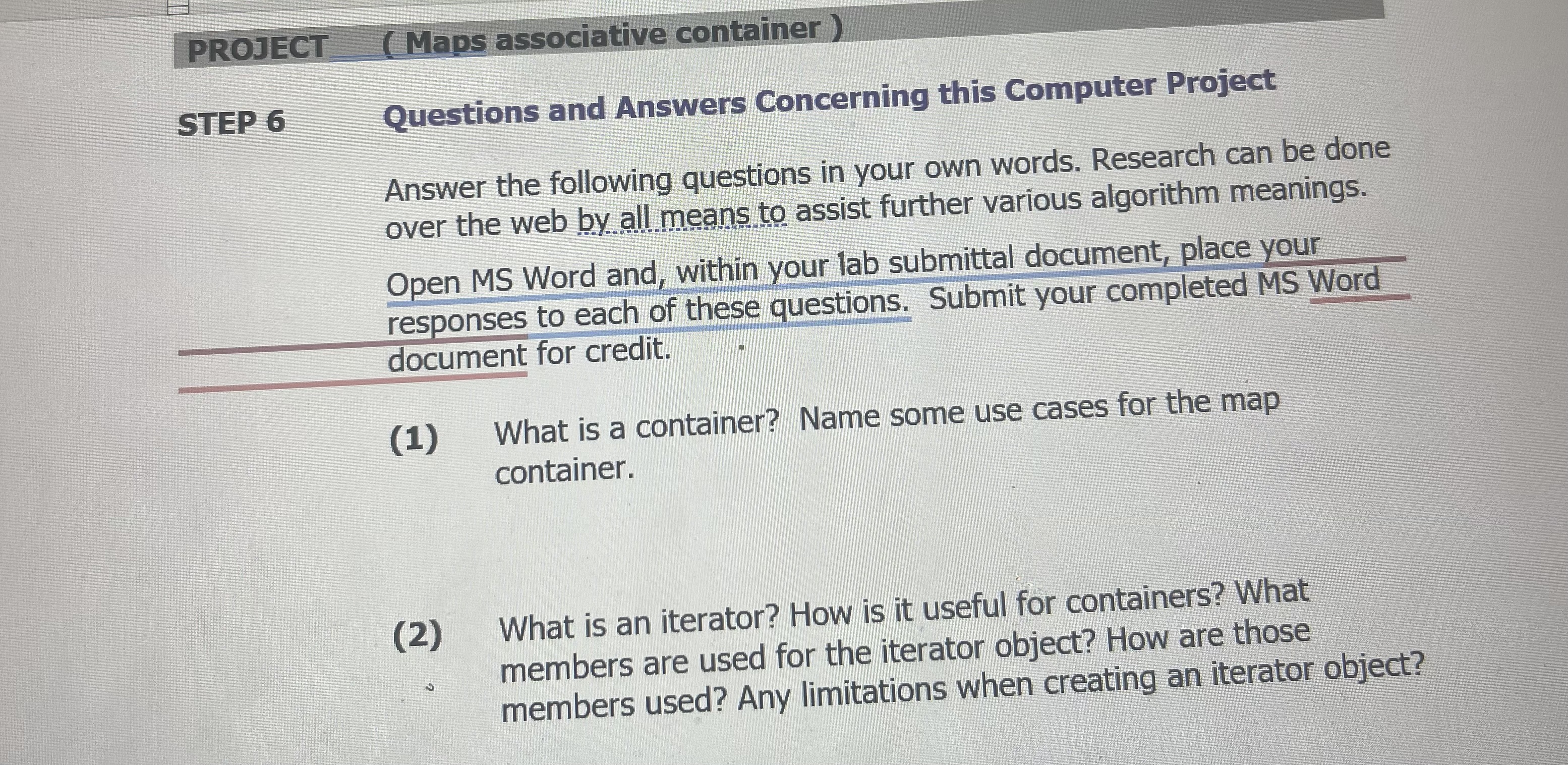
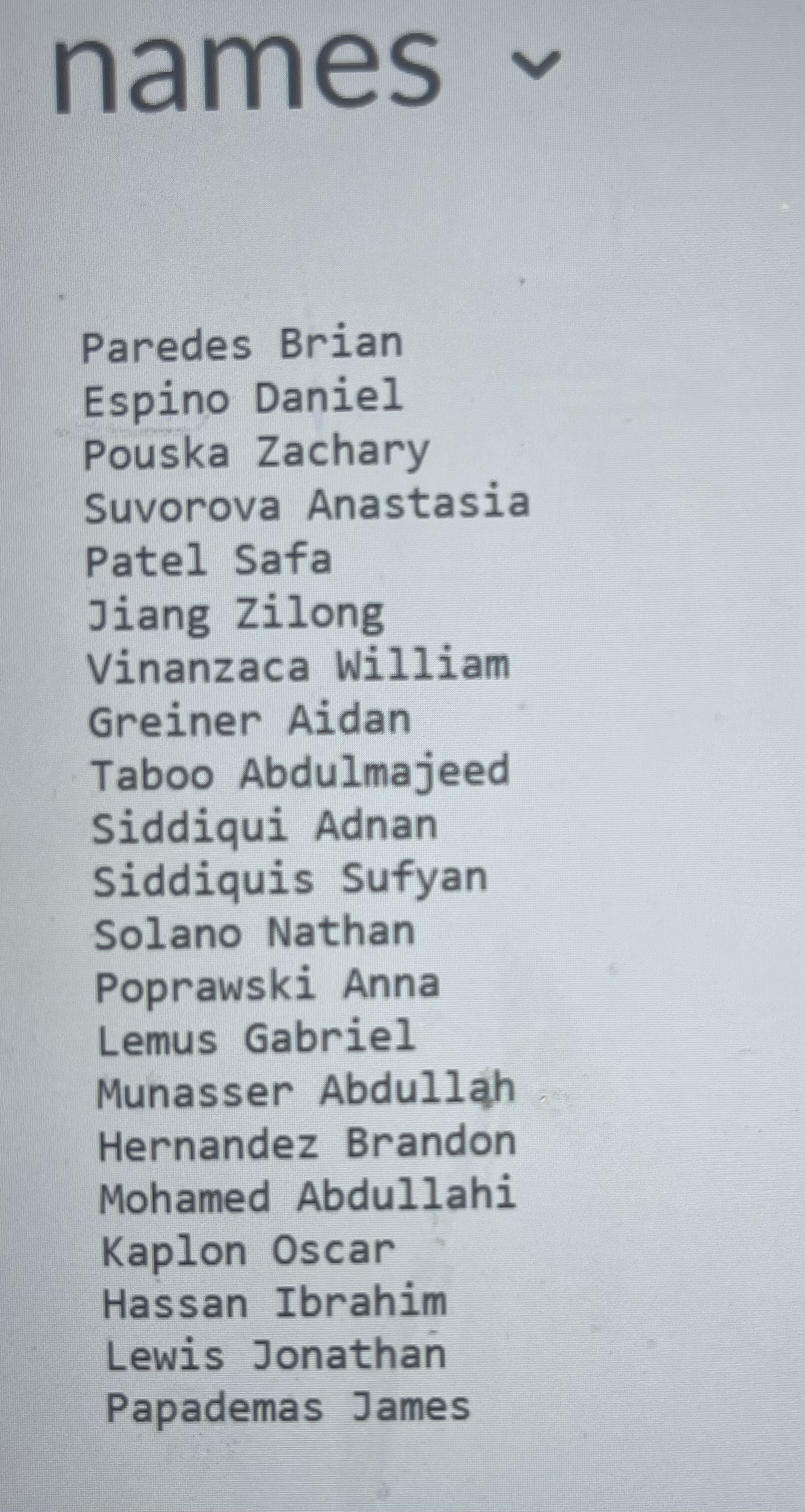
CIS 242 Object - Oriented Programming !! LAB 9 Student Name Section O Instructor PROJECT ( Maps associative container.) Objective To write to work a C++ map. PROJECT DESCRIPTION Write, compile and run a program that works some of the functionality provided by the C++ map container. Read data from a file into your map and produce various outcomes listed below via various user-defined methods. Use a menu for user friendliness. Information about This Project Include the file (names.txt) accompanying this lab and process the data from the file into your map. Next modify the starter code below to include menu options as will be stated to allow for some functionality for your program.Steps to Complete This Project STEP 1 Open MS Visual C++ and Type the Program Code Open Visual C++ or equivalent IDE on your computer. Write the program code necessary to accept the input items and display the required output items of the above project. Your program should include individual class definitions for various processes required to complete this project. Save your source file as: mapreader.cpp Include your name, date and course information in the heading portion of your code. STEP 2 Review the Given Starter Code for this Application As shown in Figure 1 , the initial program code statements for this application allows for reading in data of your class. The file spec includes for each record, a last name followed by a first name for each of our students. Each row value will thus serve as a key value pair for your map where the map key will be unique being the students last name ( hope no kin is involved O ) and the first name will be the value for the map (wMap) FocusPROJECT ( Maps associative container ) Take your names.txt file accompanying this lab and place it into your root folder along with the source provided in Figure 1. Run your program and you should see output of the entire map! STEP 3 Modify your code Include a menu to allow for the following 1. Search Student for first name (i.e., by key) 2. Remove Student (i.e., by key) 3. Update Student (i.e., to change value by key) 4. Get Student count 5. Print all Students (First name first, Last name second) 6. Exit application (display message such as "Good bye/stay safe") Include appropriate methods that will be triggered by each menu selection by the user. Example follows for a Search routine.Method definition example (passed by reference) void search (map
Step by Step Solution
There are 3 Steps involved in it

Get step-by-step solutions from verified subject matter experts
 Study Help