







Question: ################################################ #### class Dictionary to complete step by step ################################################ import urllib.request import random class Dilctionary: def _init__(self,link): # constructor (provided) dict=urllib.request.urlopen(link). read(). decode( utf-8)
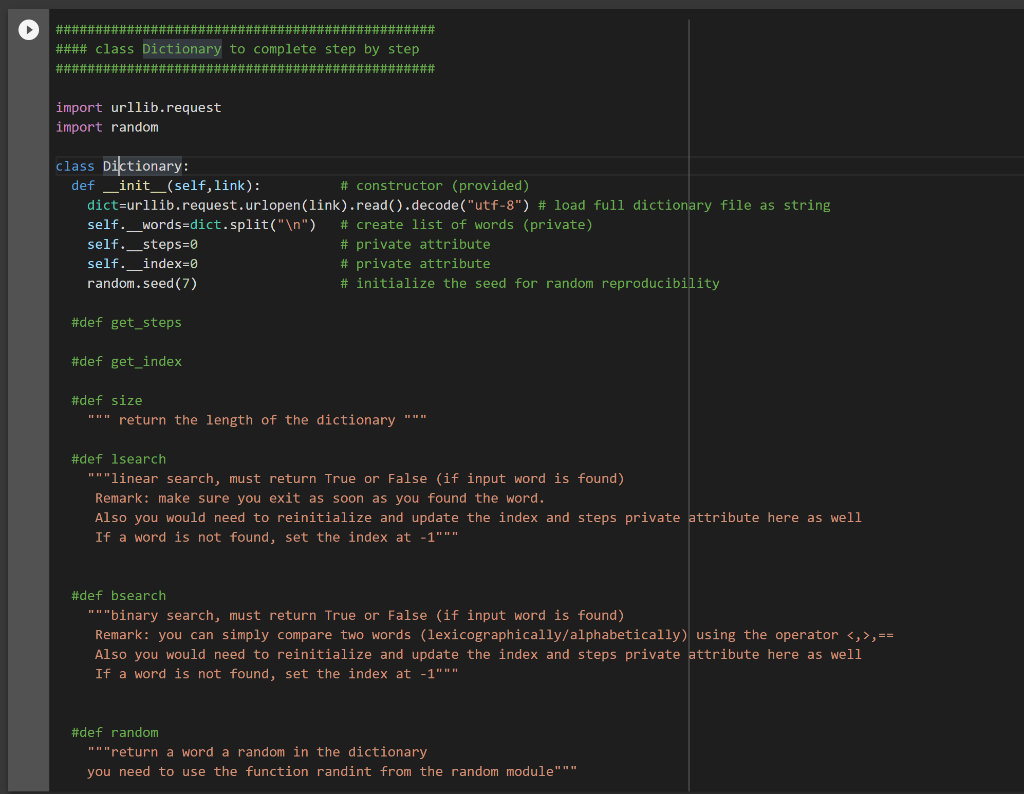
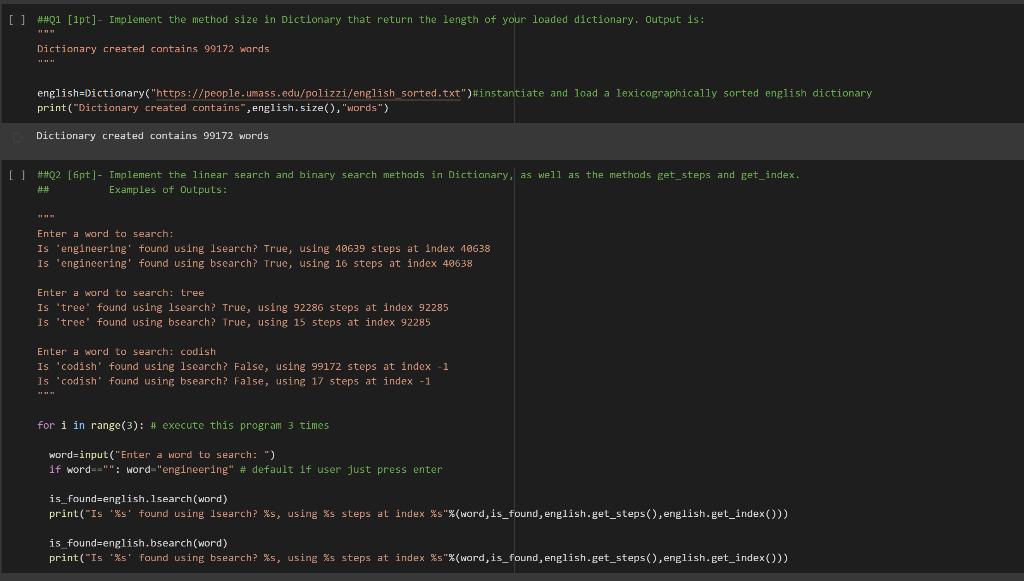
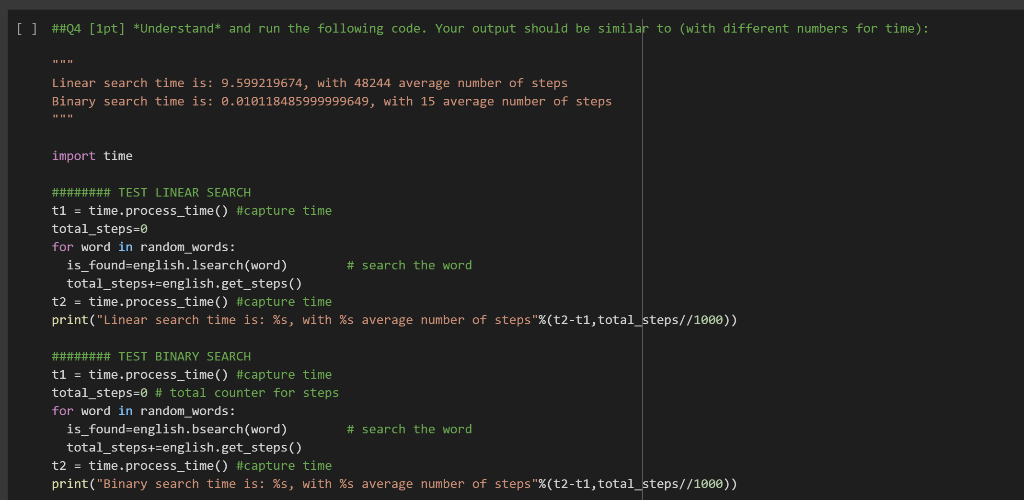
\#\#\#\#\#\#\#\#\#\#\#\#\#\#\#\#\#\#\#\#\#\#\#\#\#\#\#\#\#\#\#\#\#\#\#\#\#\#\#\#\#\#\#\#\#\#\#\# \#\#\#\# class Dictionary to complete step by step \#\#\#\#\#\#\#\#\#\#\#\#\#\#\#\#\#\#\#\#\#\#\#\#\#\#\#\#\#\#\#\#\#\#\#\#\#\#\#\#\#\#\#\#\#\#\#\# import urllib.request import random class Dilctionary: def _init__(self,link): \# constructor (provided) dict=urllib.request.urlopen(link). read(). decode( "utf-8") \# load full dictionary file as string self.__words=dict.split(" ) \# create list of words (private) self._steps=0 \# private attribute self.__index=0 \# private attribute random, seed(7) \# initialize the seed for random reproducibility \#def get_steps \#def get_index \#def size "" " return the length of the dictionary "" " \#def lsearch "" "linear search, must return True or False (if input word is found) Remark: make sure you exit as soon as you found the word. Also you would need to reinitialize and update the index and steps private attribute here as well If a word is not found, set the index at 1 \#def bsearch "n"binary search, must return True or False (if input word is found) Remark: you can simply compare two words (lexicographically/alphabetically) using the operator ,== Also you would need to reinitialize and update the index and steps private attribute here as well If a word is not found, set the index at 1 \#def random "" "return a word a random in the dictionary you need to use the function randint from the random module
Step by Step Solution
There are 3 Steps involved in it

Get step-by-step solutions from verified subject matter experts
 Study Help