







Question: Class Grades (20 points) a) Go to Class Grades worksheet. In each cell in column C, use HLOOKUP to assign a letter grade for each
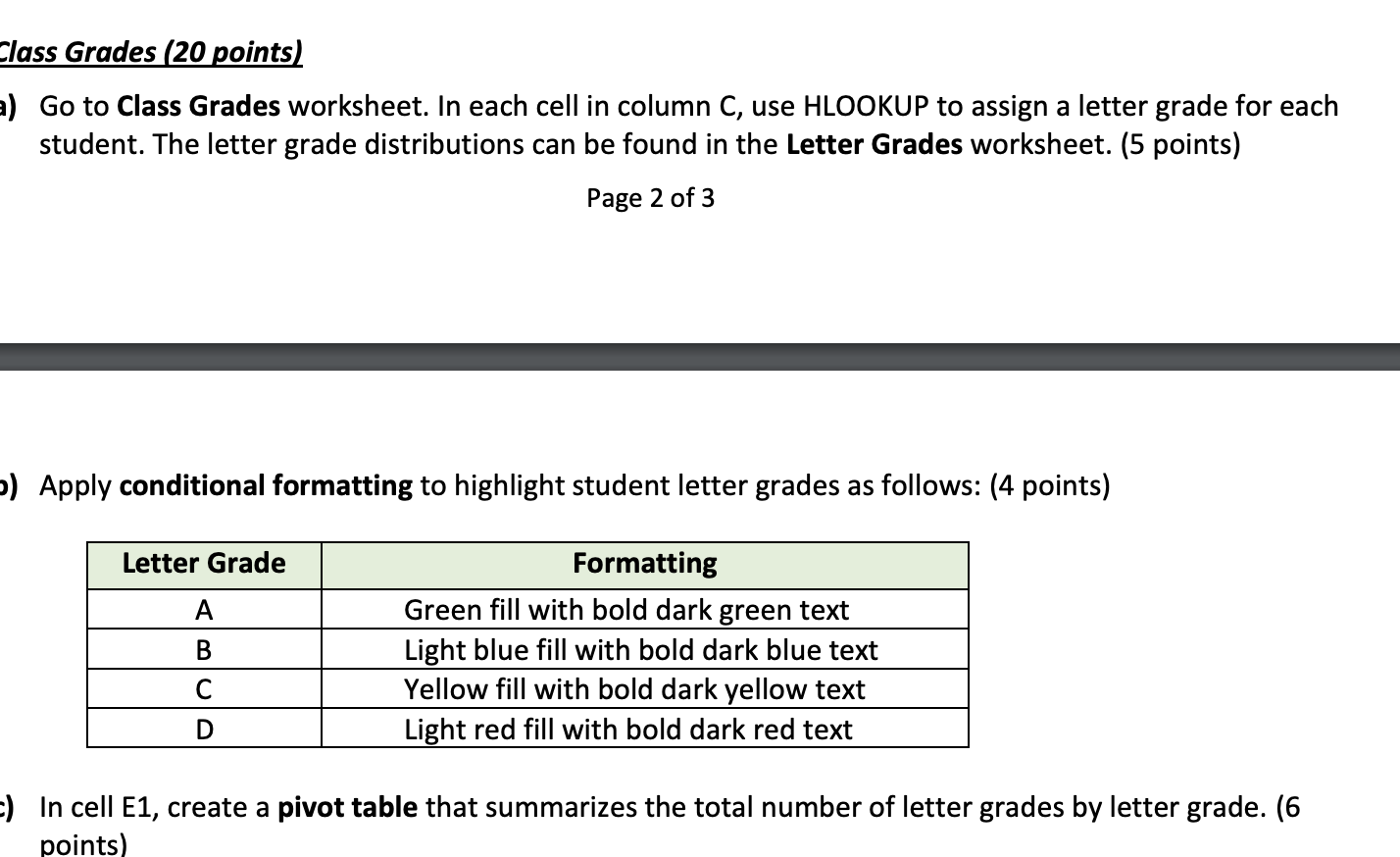
Class Grades (20 points) a) Go to Class Grades worksheet. In each cell in column C, use HLOOKUP to assign a letter grade for each student. The letter grade distributions can be found in the Letter Grades worksheet. (5 points) Page 2 of 3 b) Apply conditional formatting to highlight student letter grades as follows: (4 points) Letter Grade A B Formatting Green fill with bold dark green text Light blue fill with bold dark blue text Yellow fill with bold dark yellow text Light red fill with bold dark red text C D -) In cell E1, create a pivot table that summarizes the total number of letter grades by letter grade. (6 points) Class Grades (20 points) a) Go to Class Grades worksheet. In each cell in column C, use HLOOKUP to assign a letter grade for each student. The letter grade distributions can be found in the Letter Grades worksheet. (5 points) Page 2 of 3 b) Apply conditional formatting to highlight student letter grades as follows: (4 points) Letter Grade A B Formatting Green fill with bold dark green text Light blue fill with bold dark blue text Yellow fill with bold dark yellow text Light red fill with bold dark red text C D -) In cell E1, create a pivot table that summarizes the total number of letter grades by letter grade. (6 points)
Step by Step Solution
There are 3 Steps involved in it

Get step-by-step solutions from verified subject matter experts
 Study Help